Studio. Rådgivning med bilden öppen.
Rådgivarens arbetsyta. Öppna kundens bild, förfina material live, jämför versioner sida vid sida och lämna över den valda. På surfplattan i utställningen, på plats hos kunden eller i ett samtal.
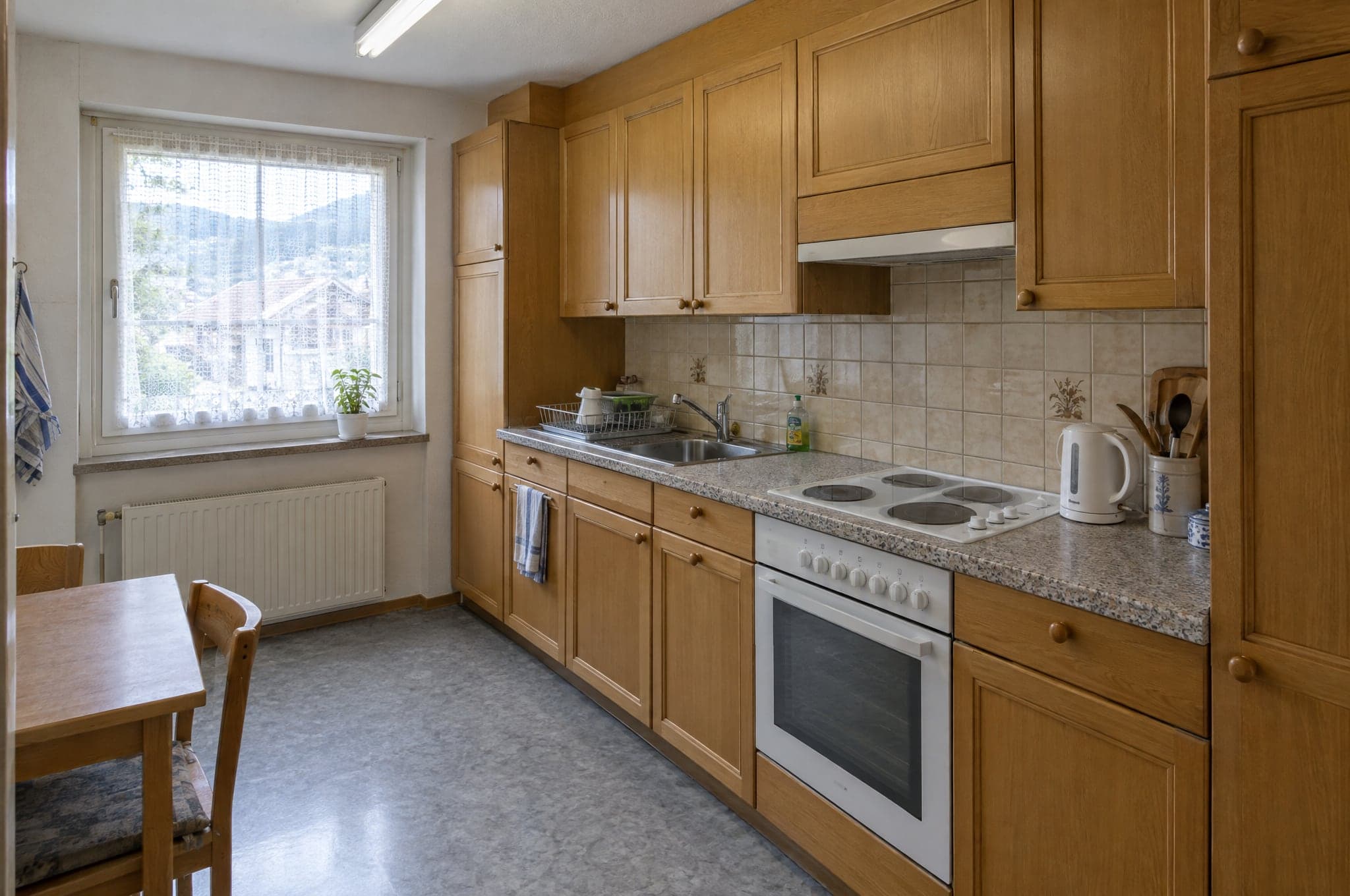
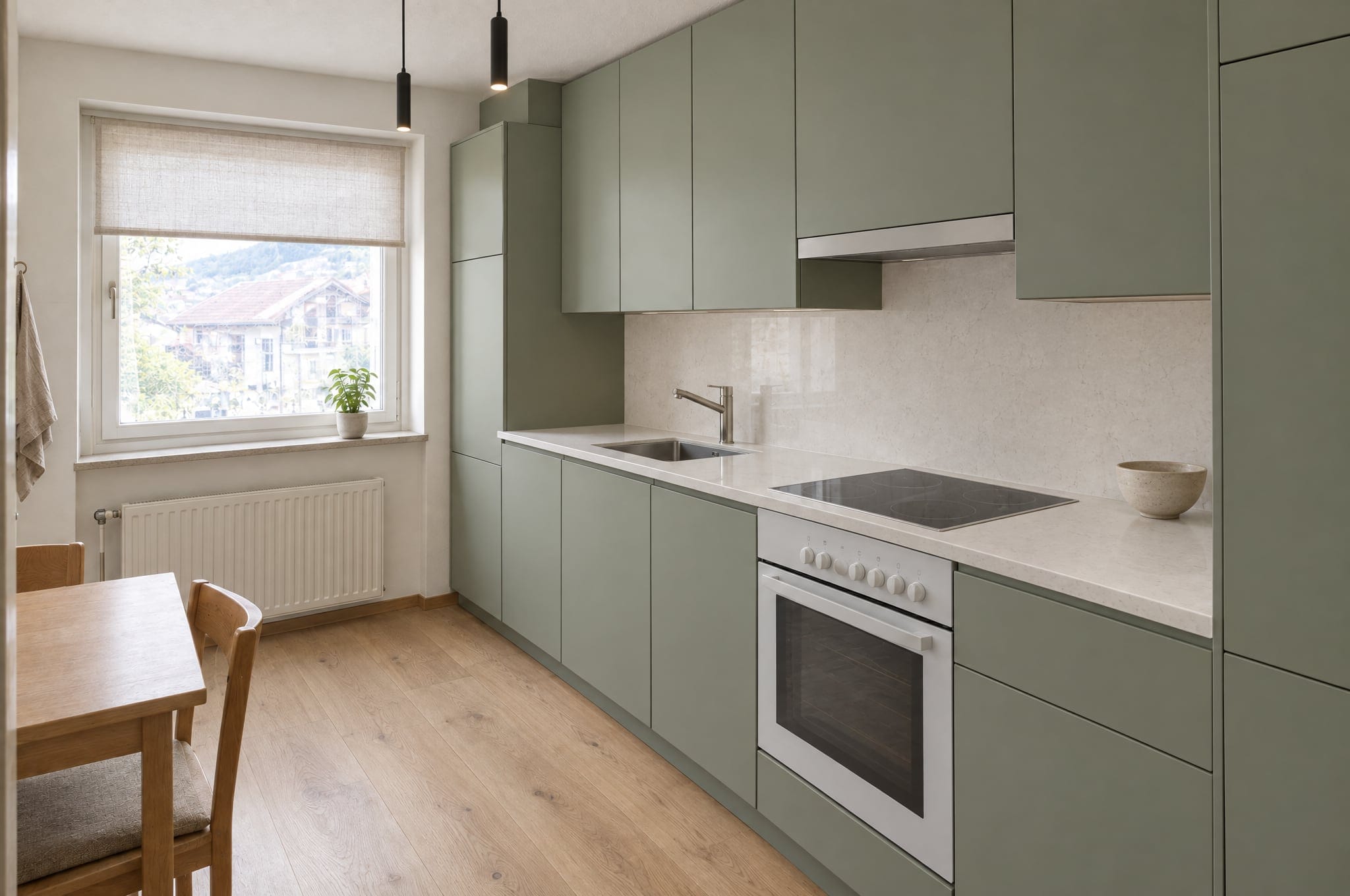
Sex saker som Studio gör för din försäljning.
Förfining av material live
Luckor, bänkskivor, golv, väggfärger, persienner och armaturer, ändrade ett i taget medan kunden tittar på.
Expertrekommendationer
Studio föreslår vad en fackperson skulle ändra härnäst, från belysning till proportioner, så att mötet hela tiden går framåt.
Versioner och jämförelse
Varje ändring är en version. Lägg två sida vid sida, gå tillbaka ett steg, markera den som kunden valde.
Alla tre motorerna
Skissa riktningar på Fast, förfina på Pro, presentera på Ultra. Rendera om valfritt resultat med en starkare motor i ett enda steg.
Överlämning till offerten
Den valda versionen markeras och följer med förfrågan, så att offerten utgår från den bild som kunden valde. Överlämningen till offerter, som placerar den i din offert-PDF med materialen listade, ingår i Pro för rådgivare.
Fungerar där du säljer
Körs i webbläsaren, så surfplattan i utställningen, mobilen på plats och skärmen på kontoret delar ett och samma konto.
Bilden i 3D, i mötet.
Med tillägget 3D och VR öppnar rådgivare vilken version som helst i 3D, på surfplattan i utställningen eller i naturlig storlek i ett headset, med före och efter på samma djup. För headsetet kan de forma bilden på nytt i High-end 4K.
Se 3D och VR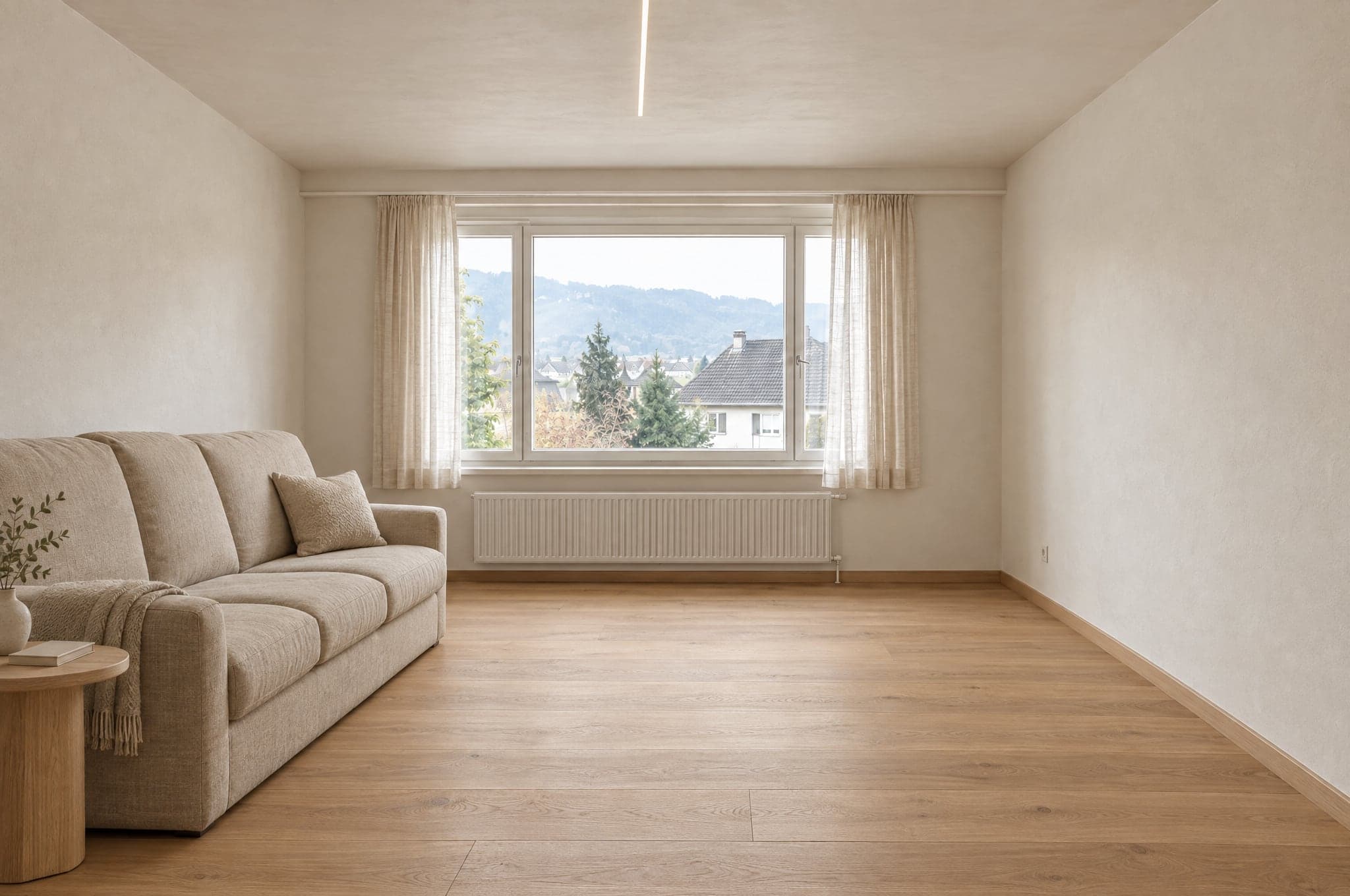 Exempel
 Exempel
Stå i rummet och gå genom hemmet.
Rådgivare fotograferar ett rum med mobilen under mötet, formar det och delar rundturen med kunden, rum för rum.
Se 360°-rum och rundturerPassar bäst för
Säljteam som ger rådgivning på plats, i telefon eller hos kunden och vill lämna varje möte med ett beslut.
Människor värderar det de är med och skapar: i en studie var buden på en låda som deltagarna hade satt ihop själva 63 procent högre. I Studio väljer kunden i sin egen bild, och resultatet börjar kännas som kundens eget.
Norton, Mochon och Ariely, 2012. Resultat från publicerad forskning, uppmätta i respektive studies miljö.
Studio fungerar bäst tillsammans med de andra två.
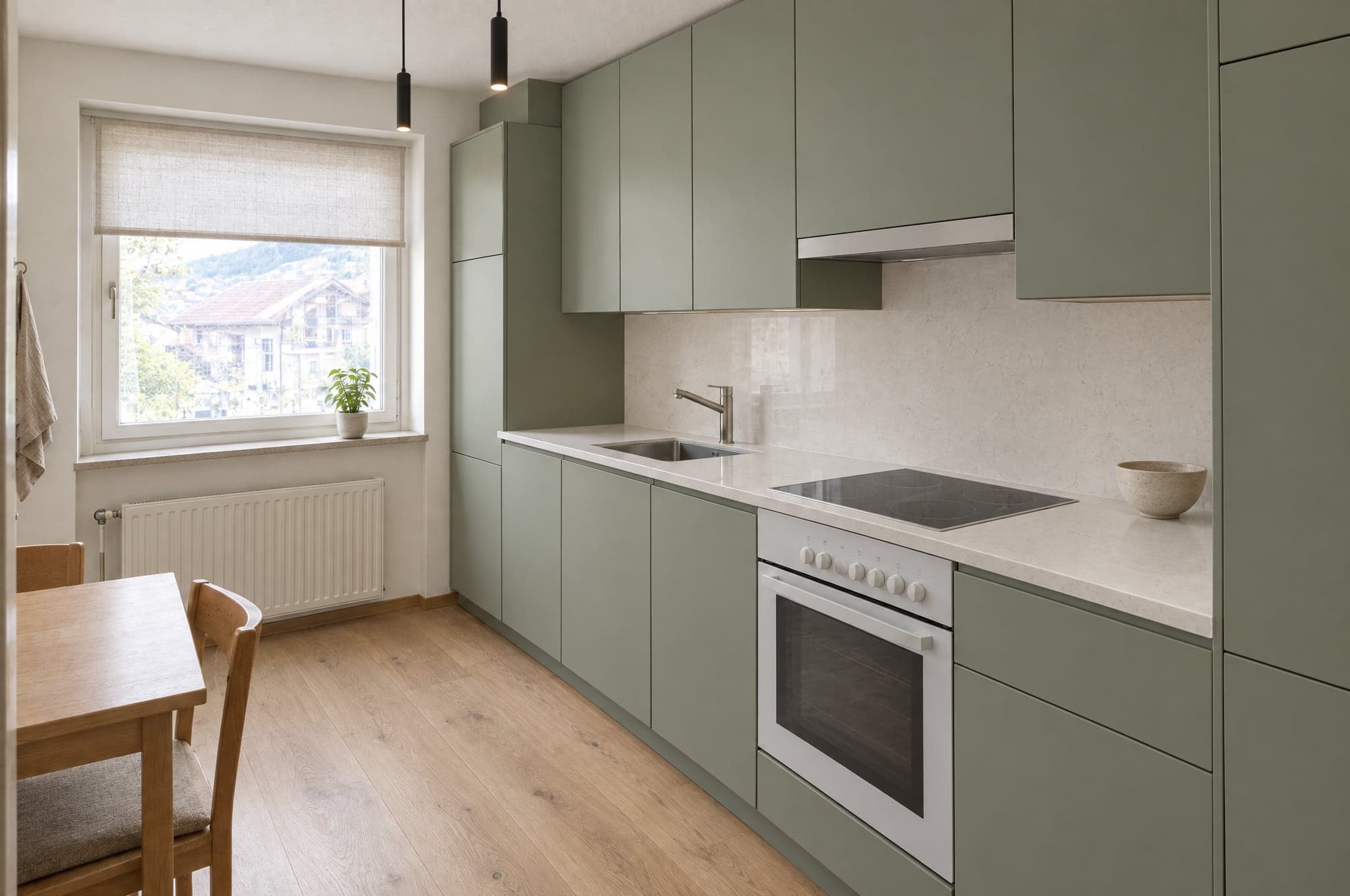 Ditt kökTog form på 41 sSpara min bild
På din webbplats
Showroom
Gör trafik till kvalificerade förfrågningar.
Utforska Showroom- Katalog142 utförandenFörfrågningar3 nyaCRMSynkat
- LMPrivatkundKök · för 2 min sedan
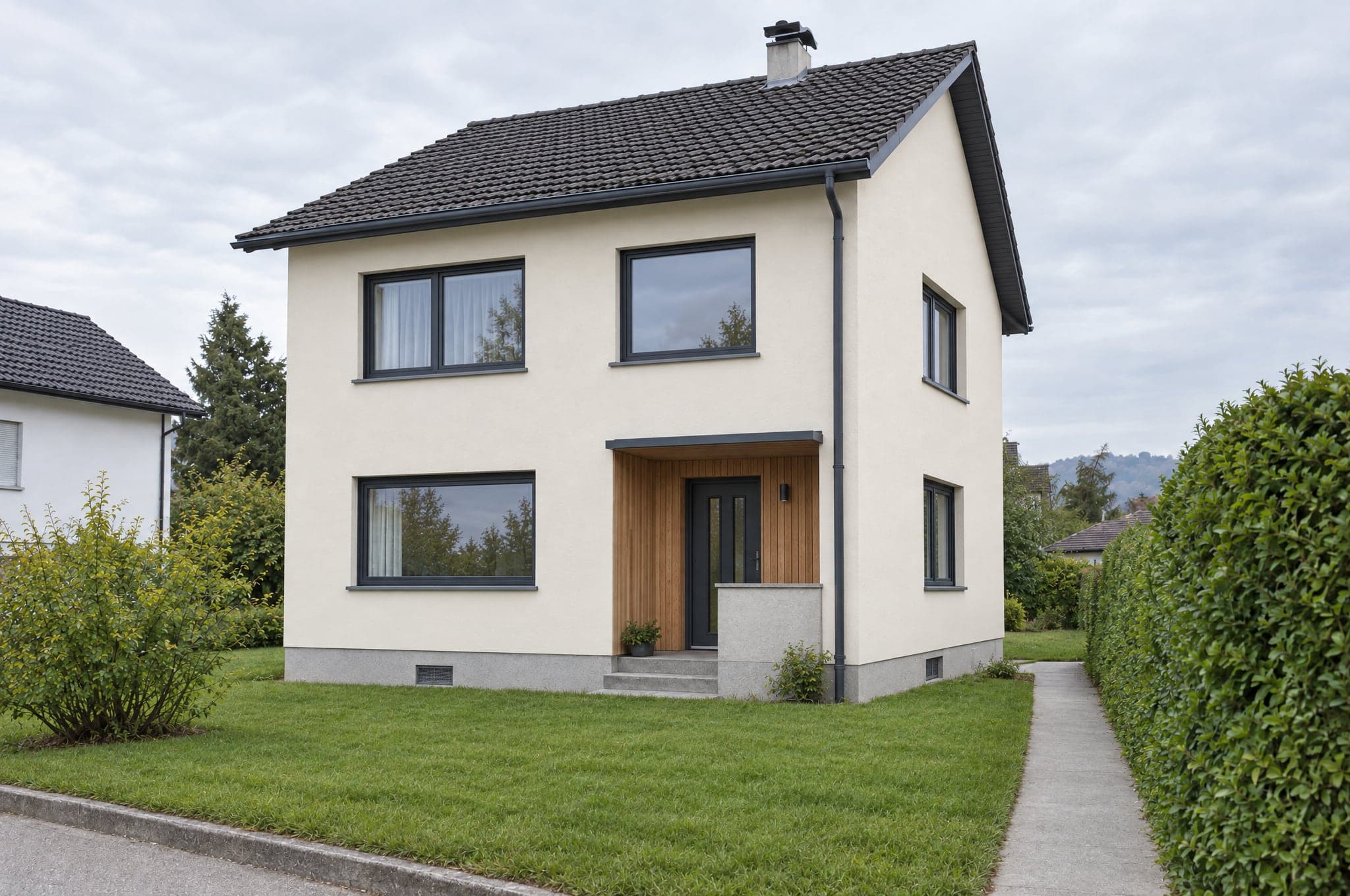
- HBFöretagFasad · för 9 min sedan
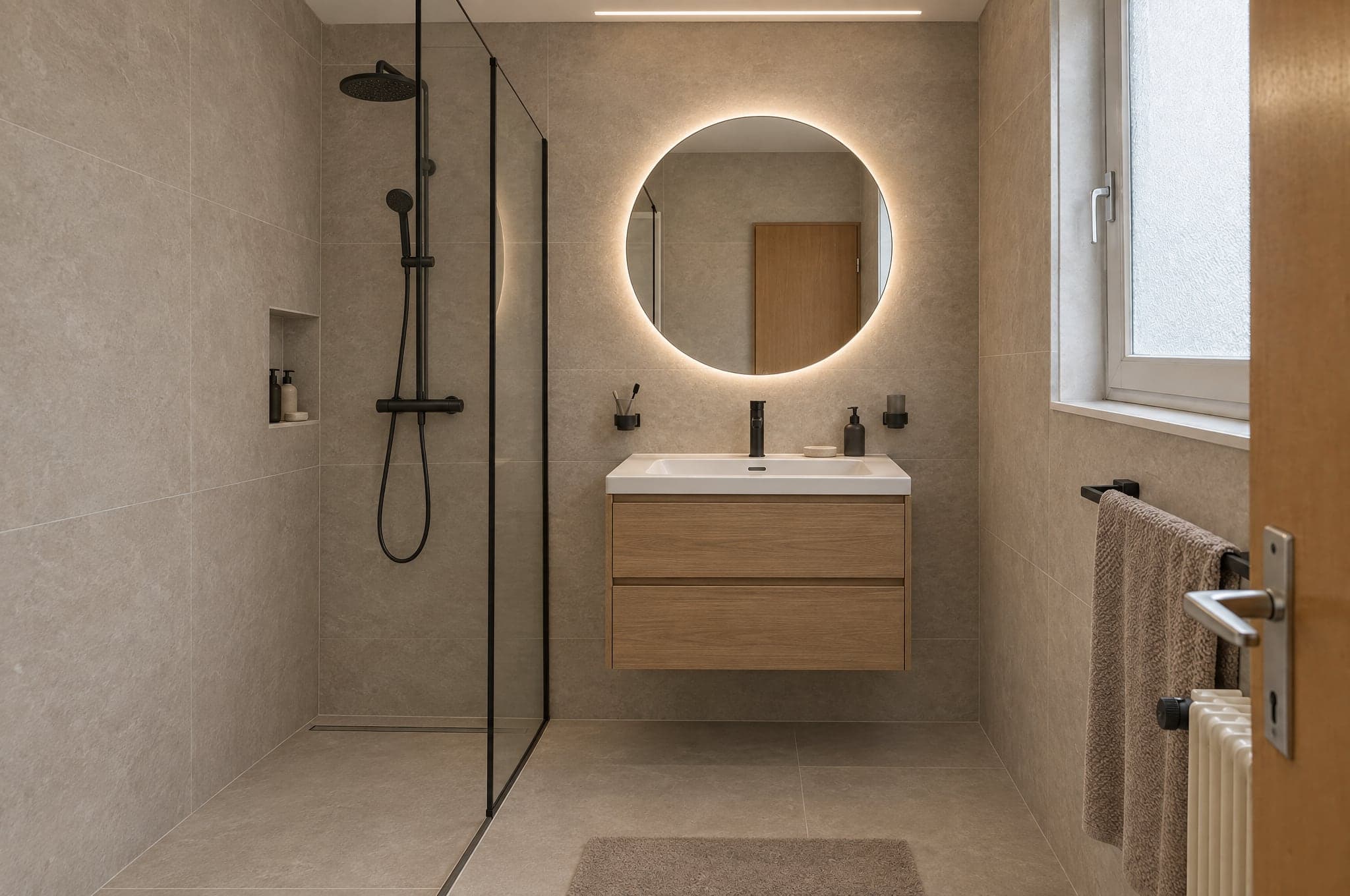
- SRPrivatkundBadrum · för 26 min sedan
Bakom allt
System
Din katalog, dina regler.
Utforska System - LMPrivatkundKök · för 2 min sedan
Se Studio på dina egna projekt.
Se beform på de rum, fasader och trädgårdar som dina kunder faktiskt skickar till dig. Inga bildspel, inget exempelkök.
- 01Du skickar din webbplats och en rad om vad du säljer.
- 02Edvin tar fram bilder från tre av dina egna projekt.
- 03Trettio minuter tillsammans om resultatet, förfrågningsflödet och upplägget.
 Edvin KarlssonPartner, beform
Berätta var vi ska börja
Edvin svarar inom en arbetsdag med en tid och vad du ska skicka.
Frågor om Studio.
Ja. beform låser geometrin: väggar, fönster, dörrar, tak och kameravinkel förblir exakt som på fotot. Bara ytskikt, skåp, armaturer, färger och belysning ändras. Kunden känner genast igen sitt rum.
Se beform på ditt eget kundfoto.
Ladda upp ett foto i demon och se det ta form. Eller boka trettio minuter, så kör vi det på tre av dina riktiga projekt.