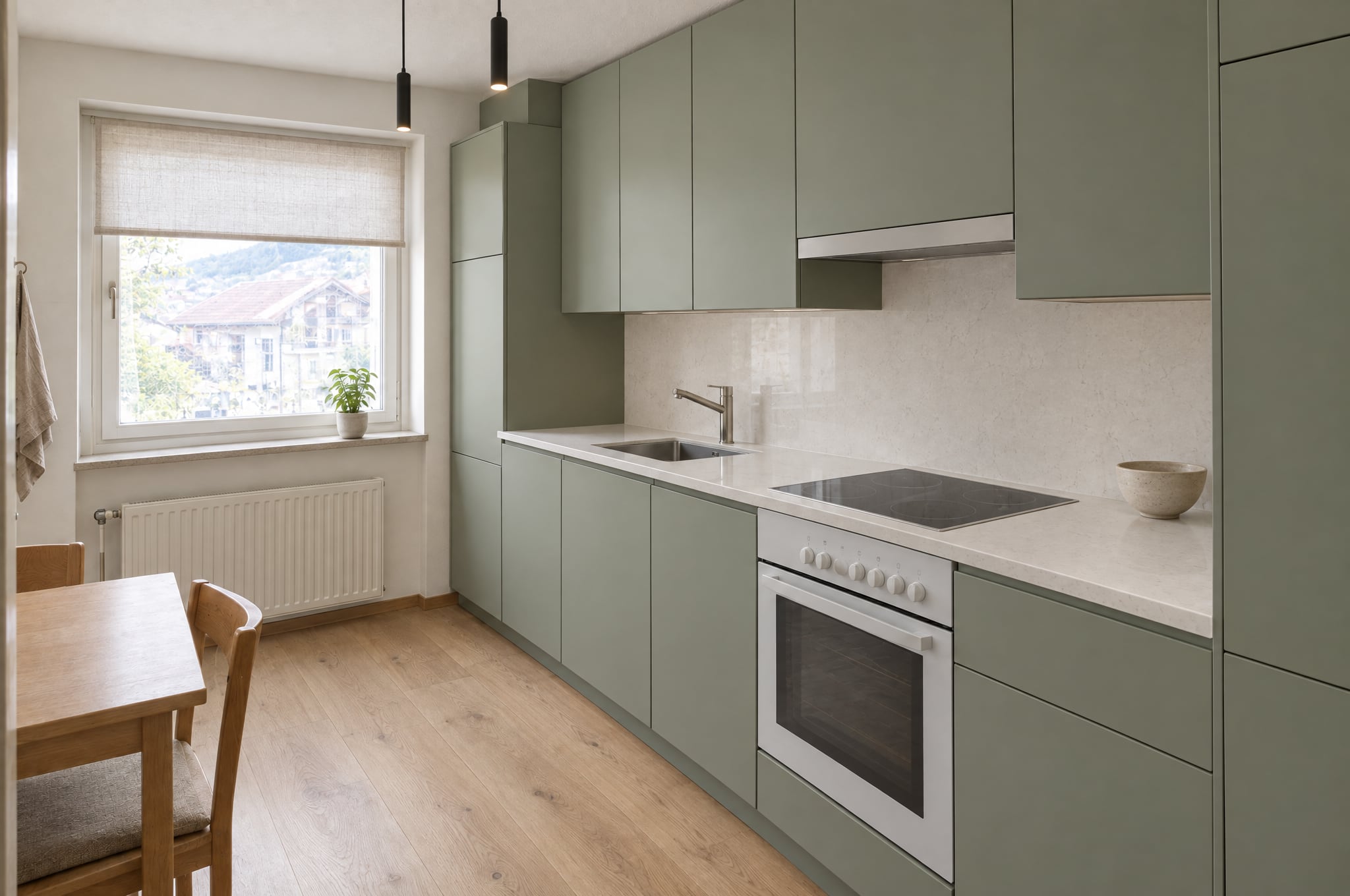
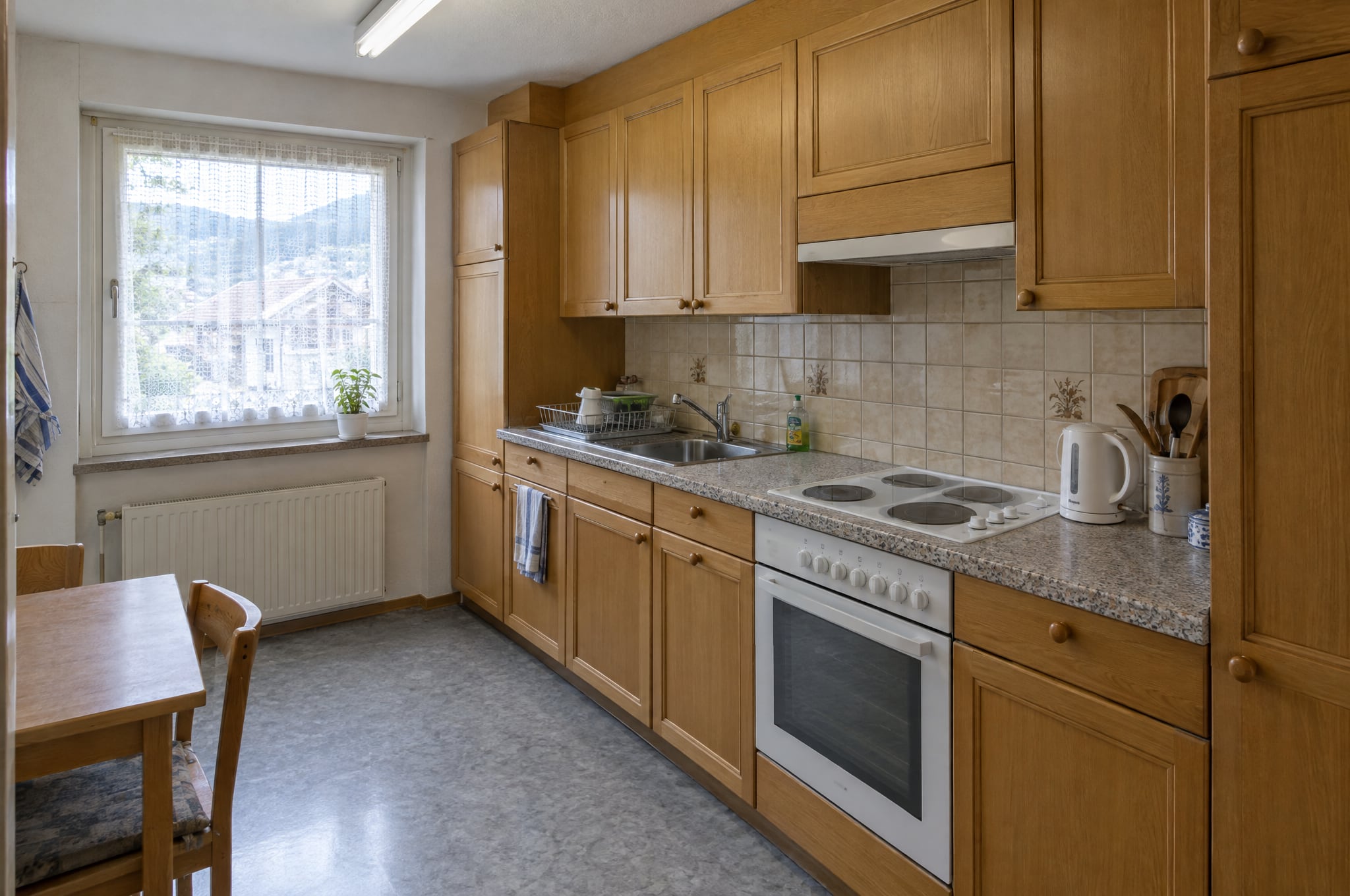
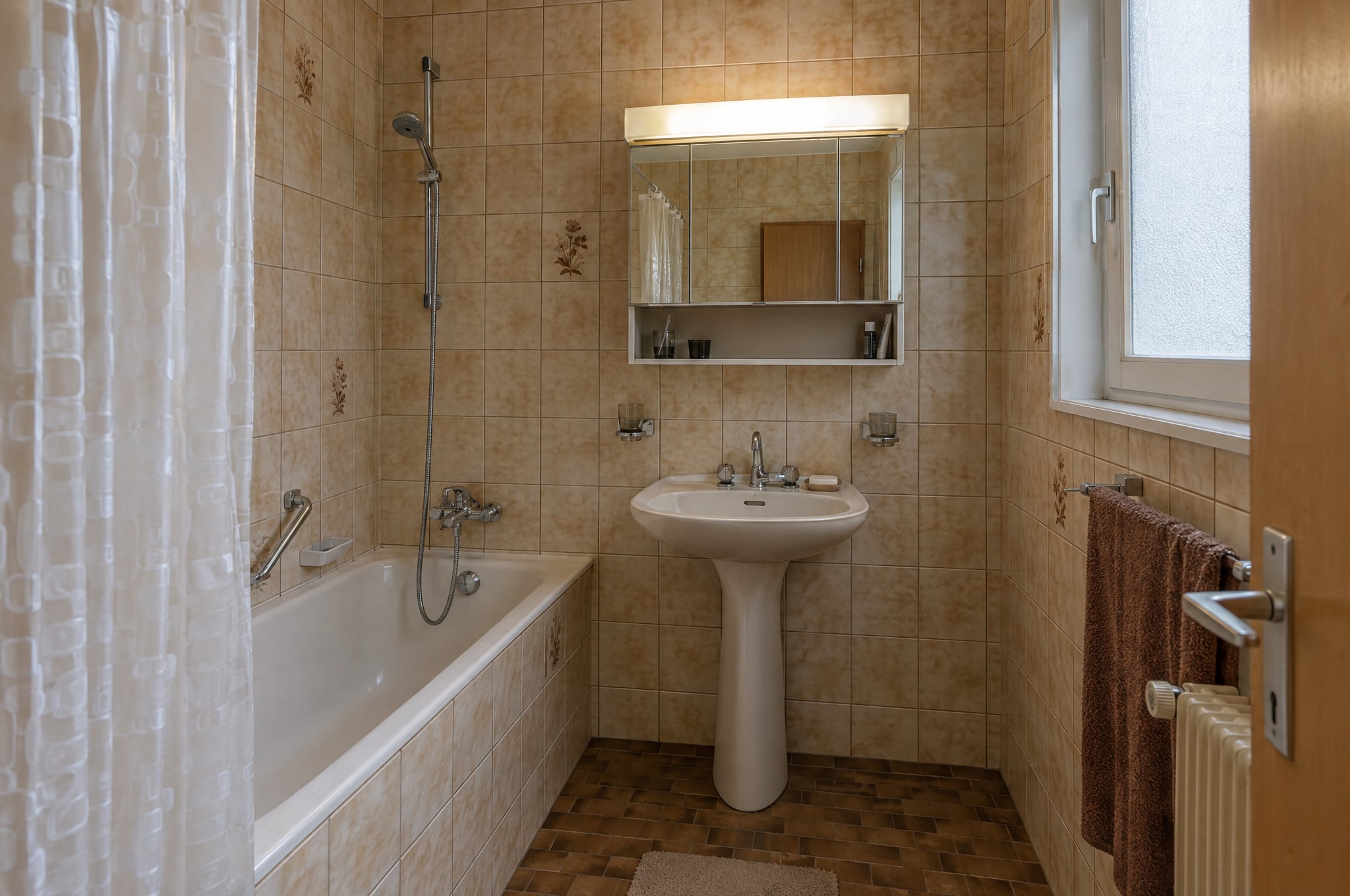
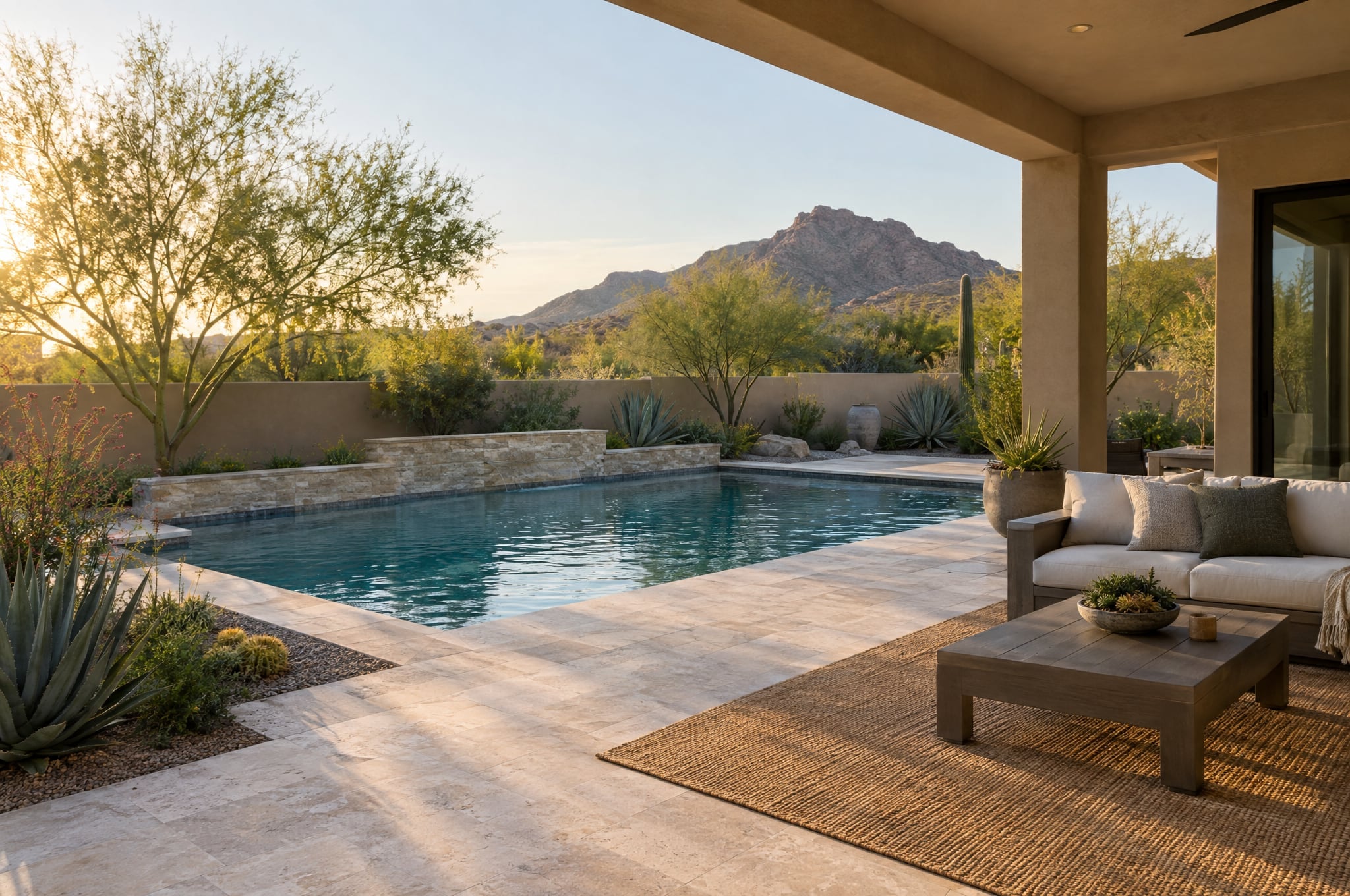
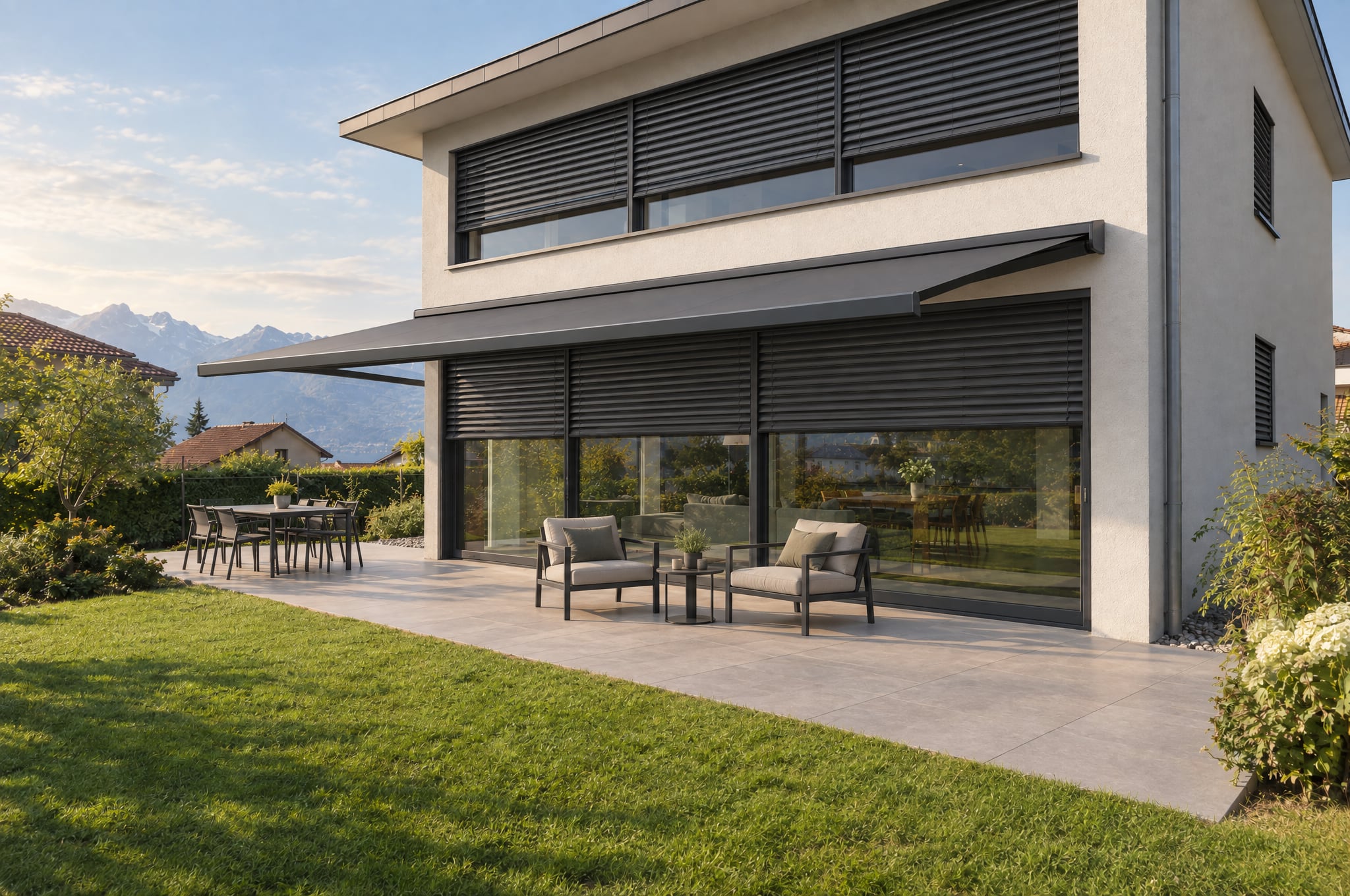
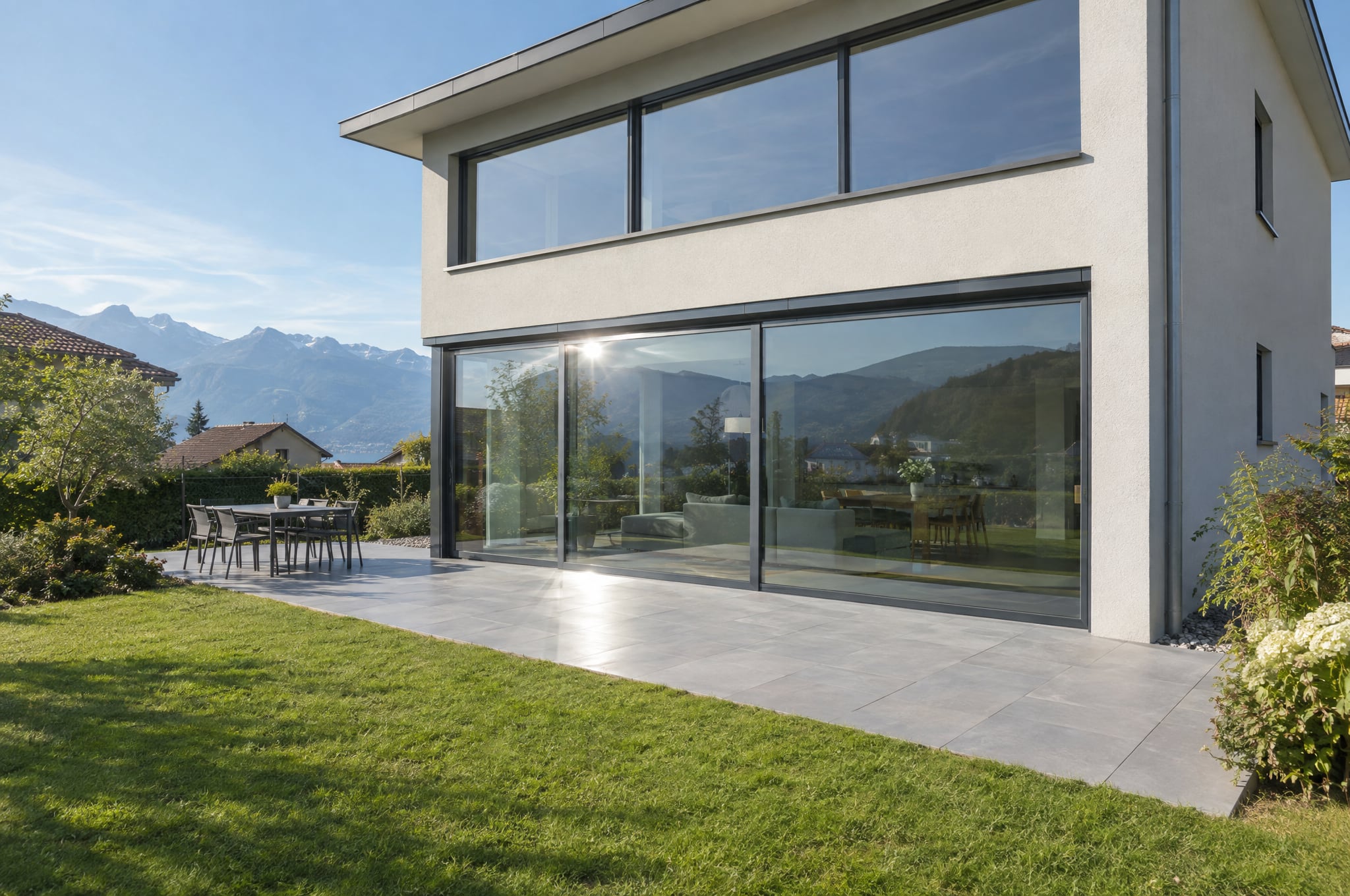
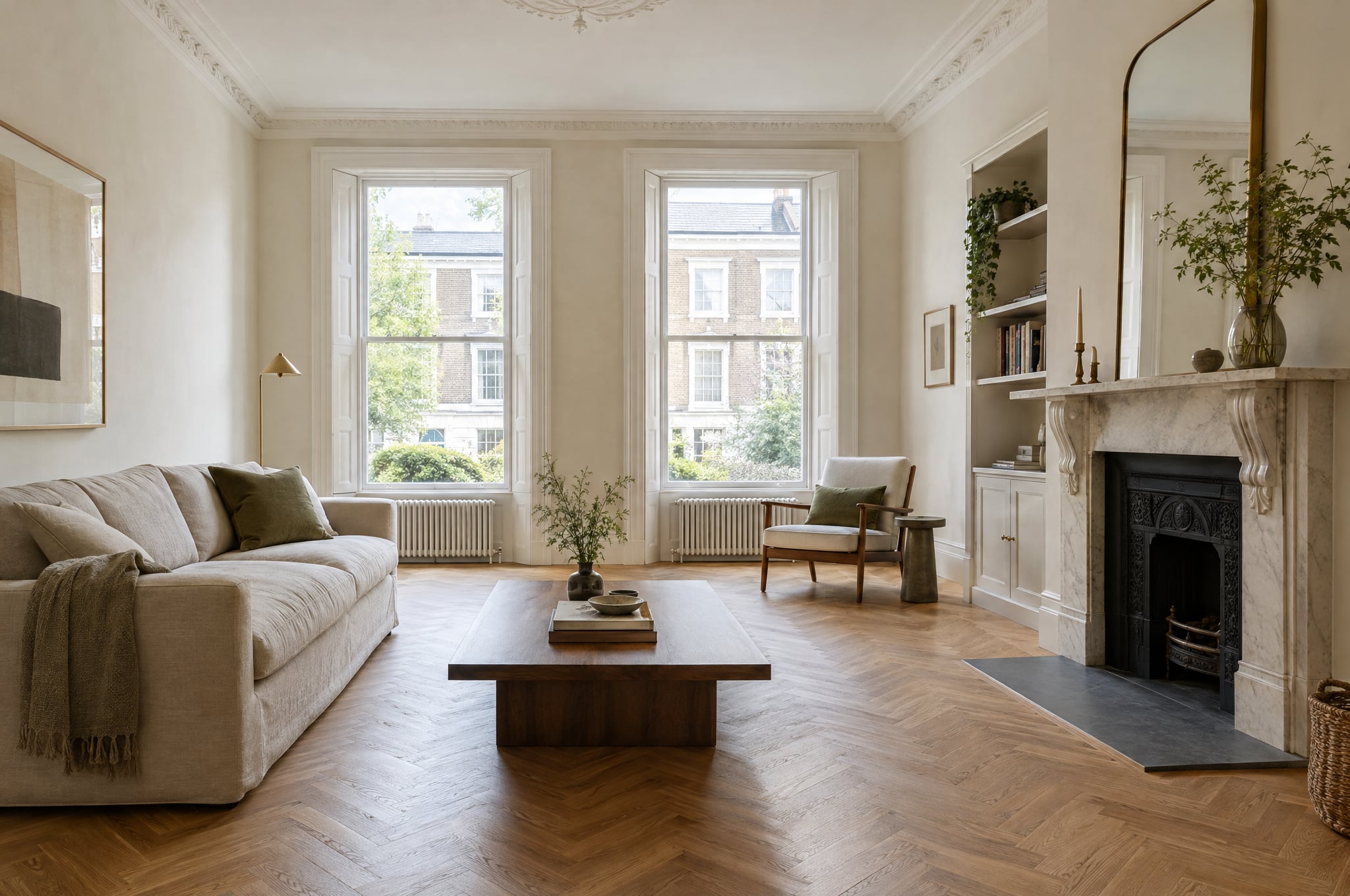
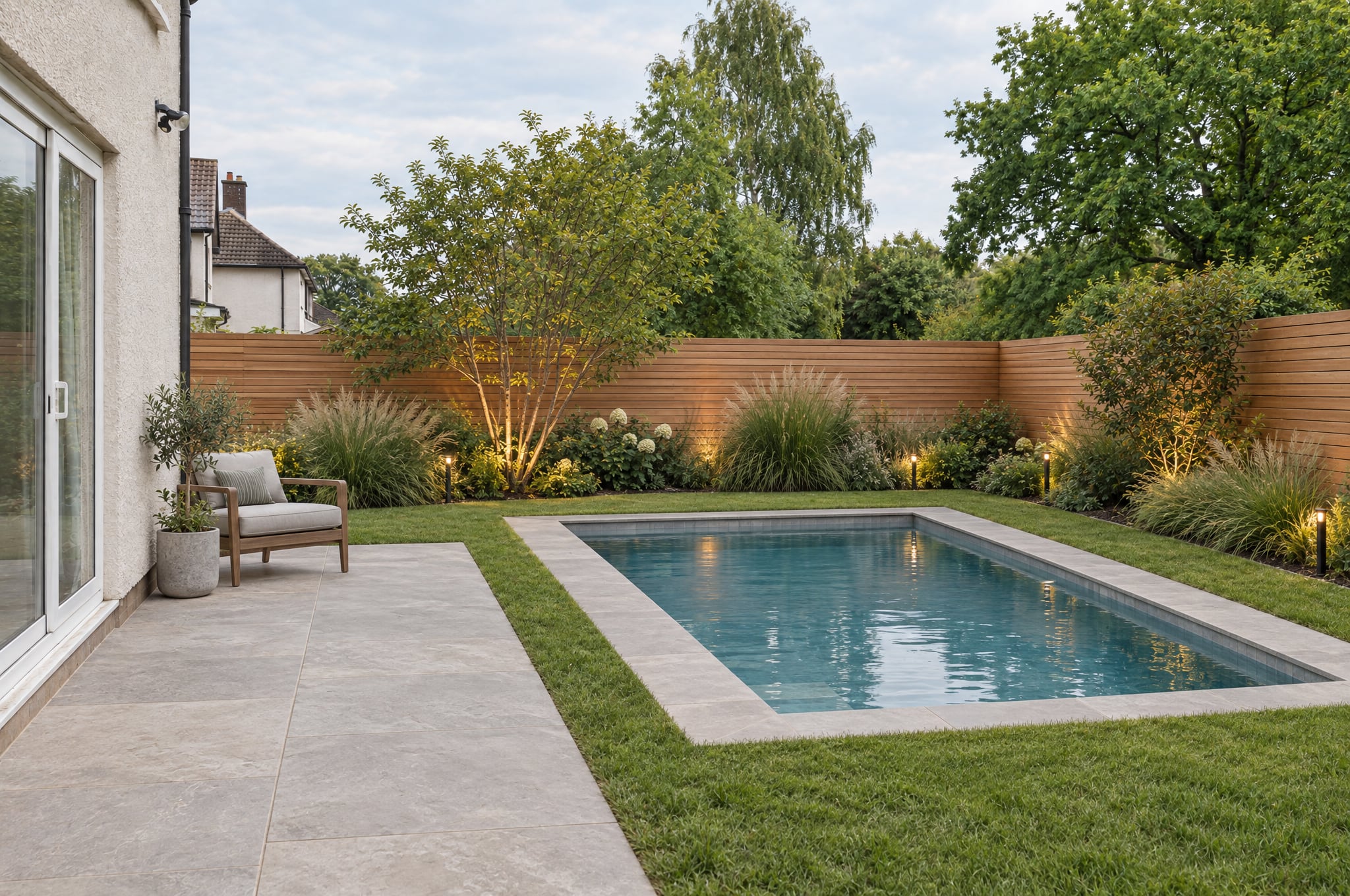
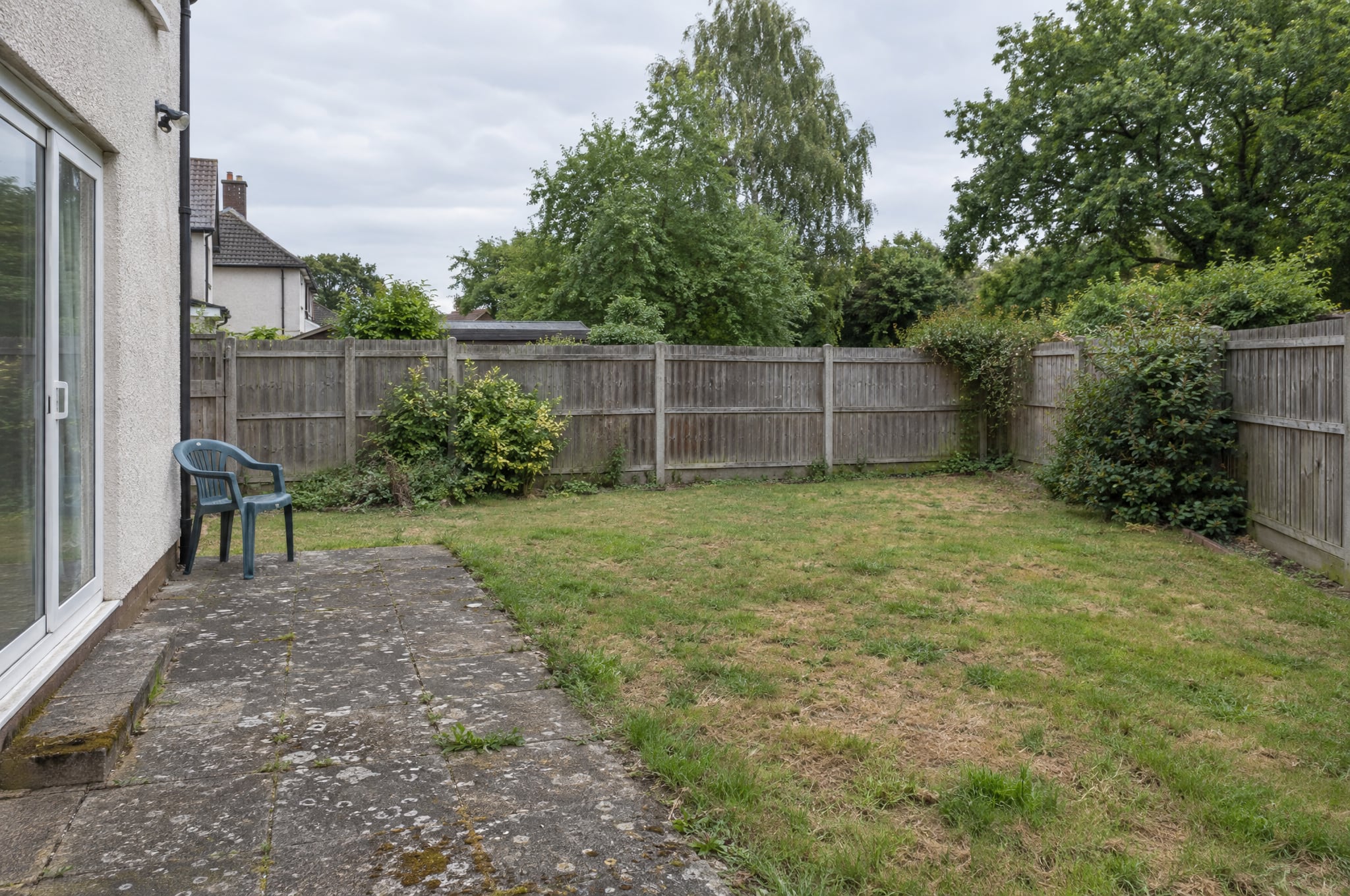
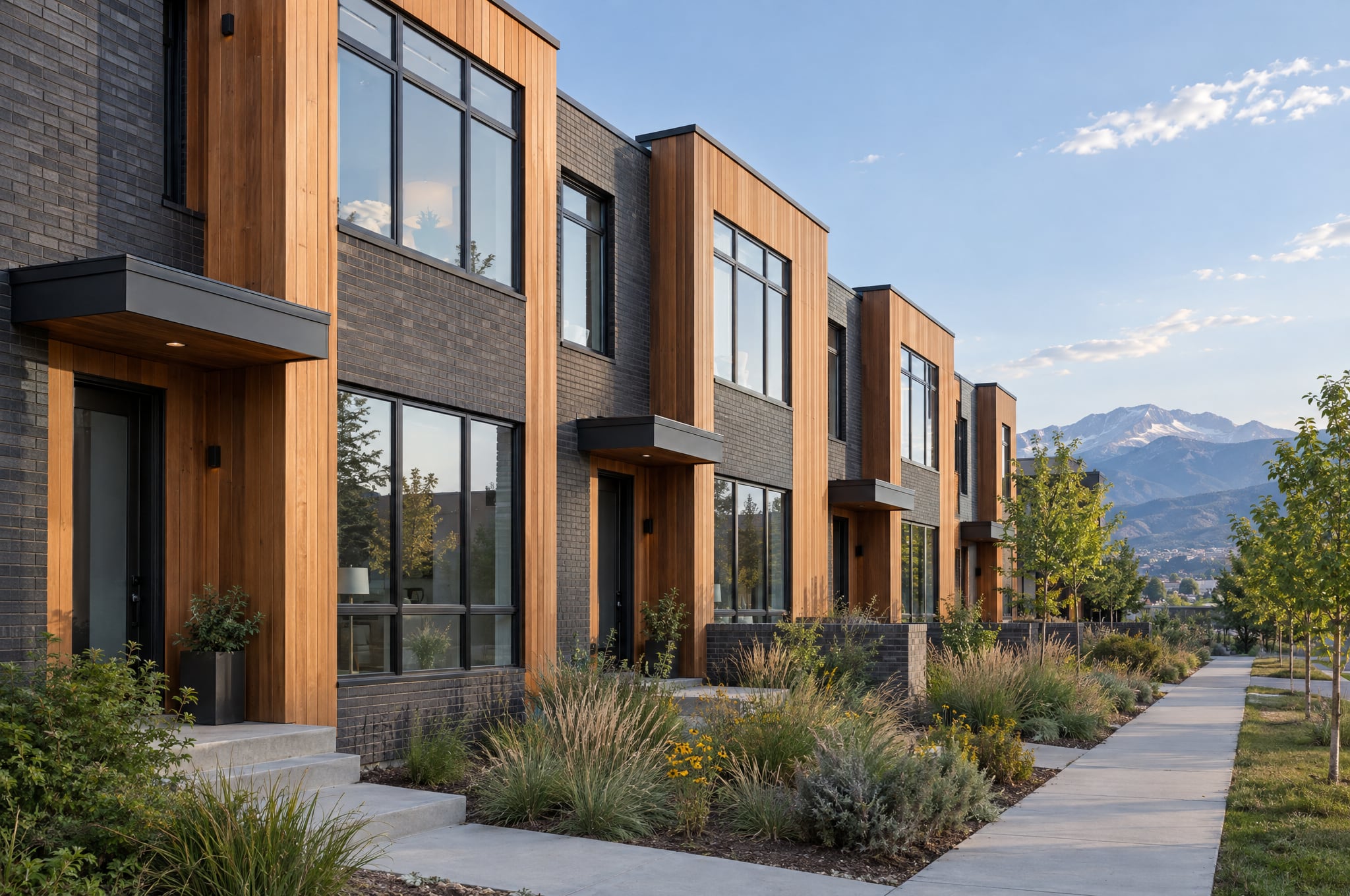
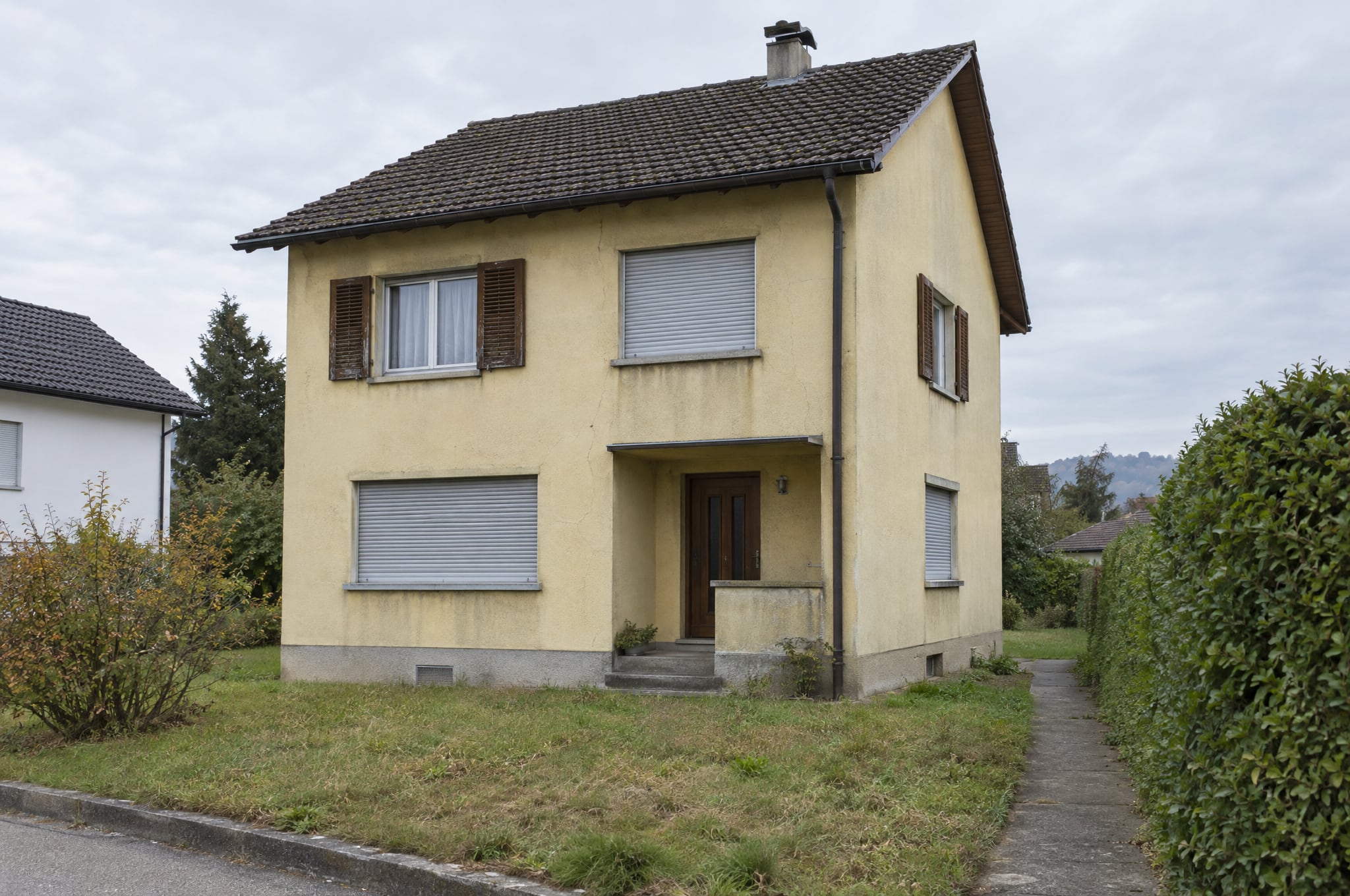
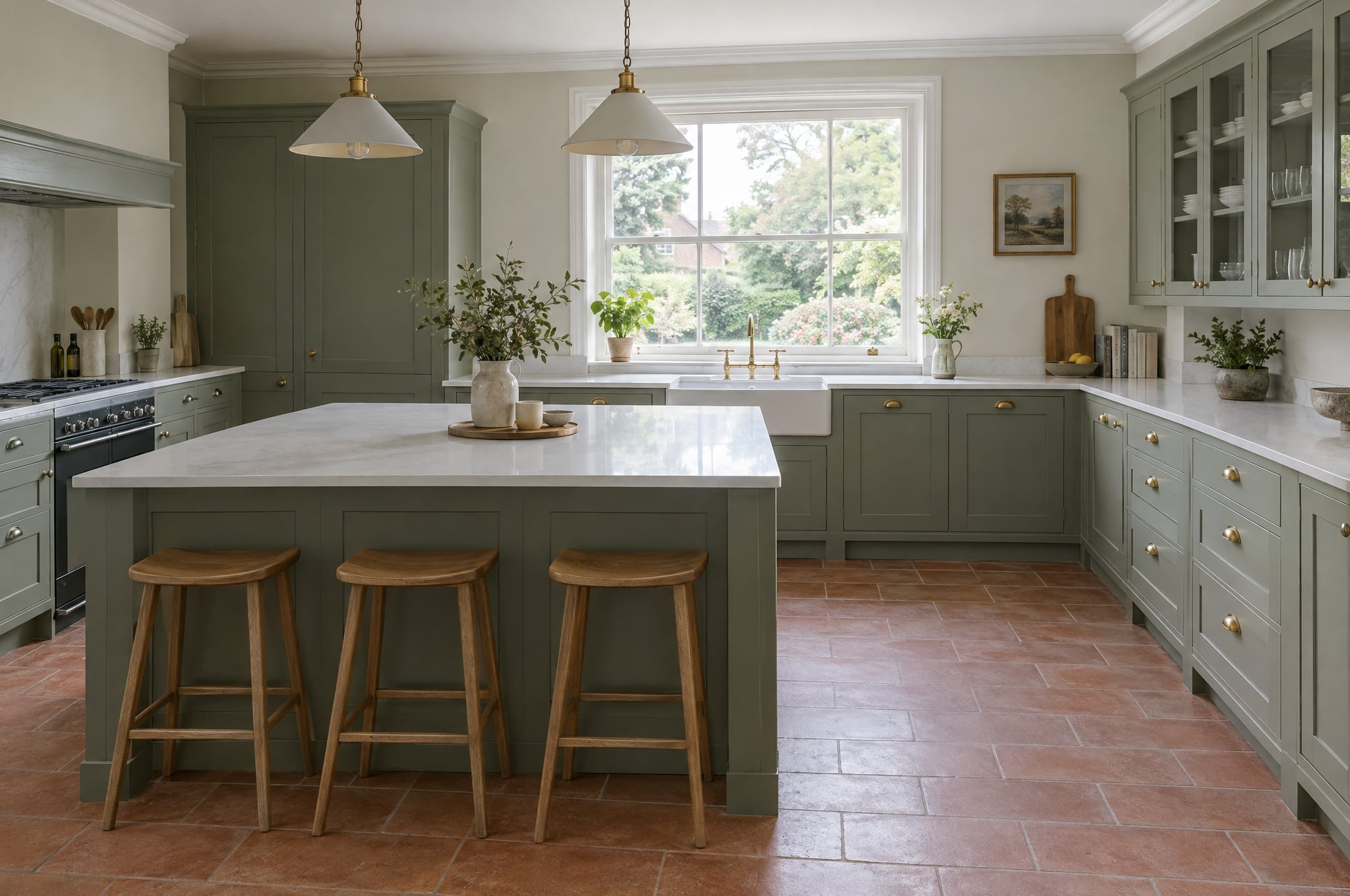
Rooms in 360 and 180, to stand in and walk through.
Your client stands in their own room, formed in the chosen direction. They turn around on a phone, look around in Cardboard or a headset, and walk from the living room into the kitchen. Captured with a phone, uploaded from a 360 camera or extended from one photo.
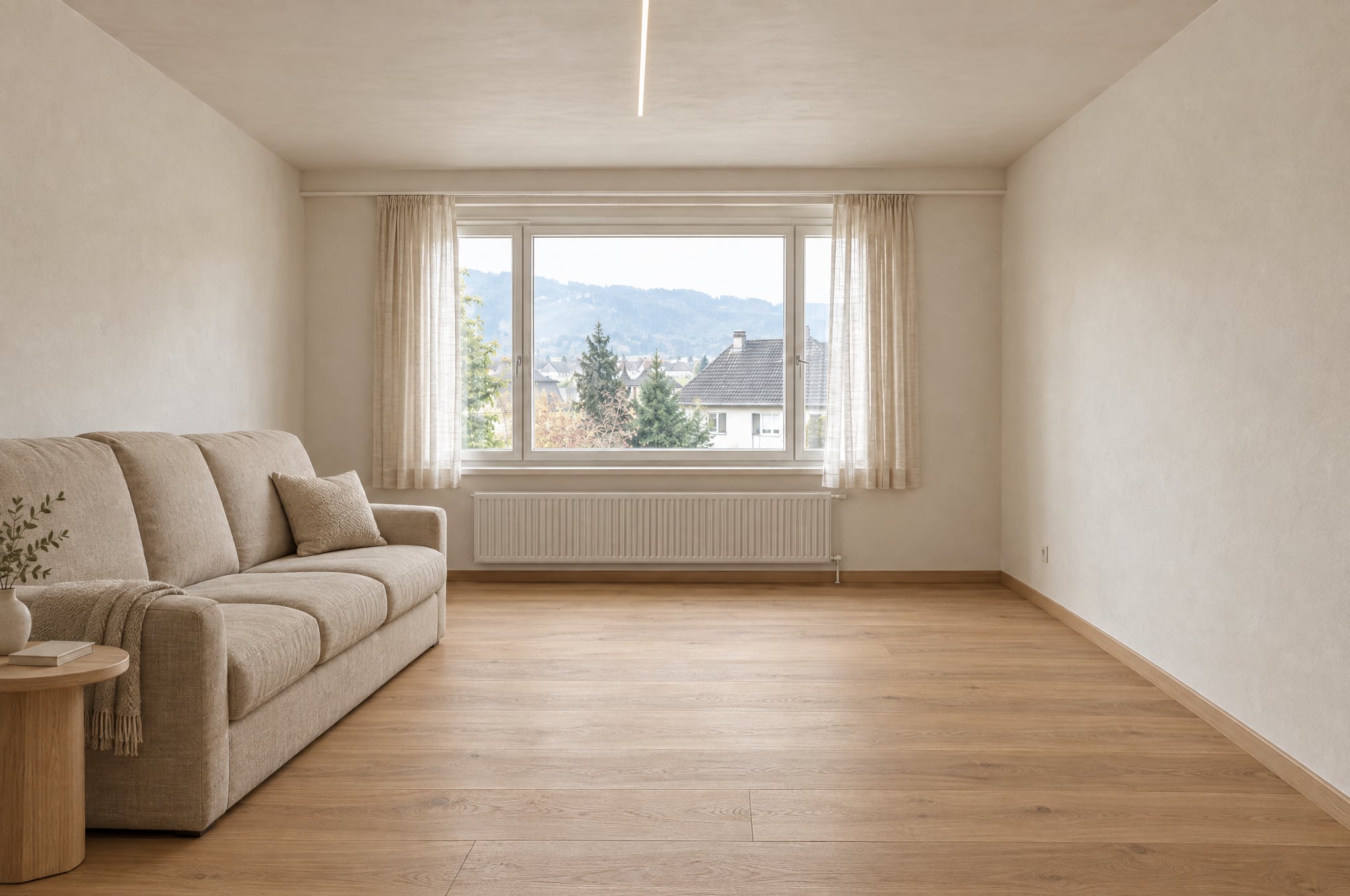
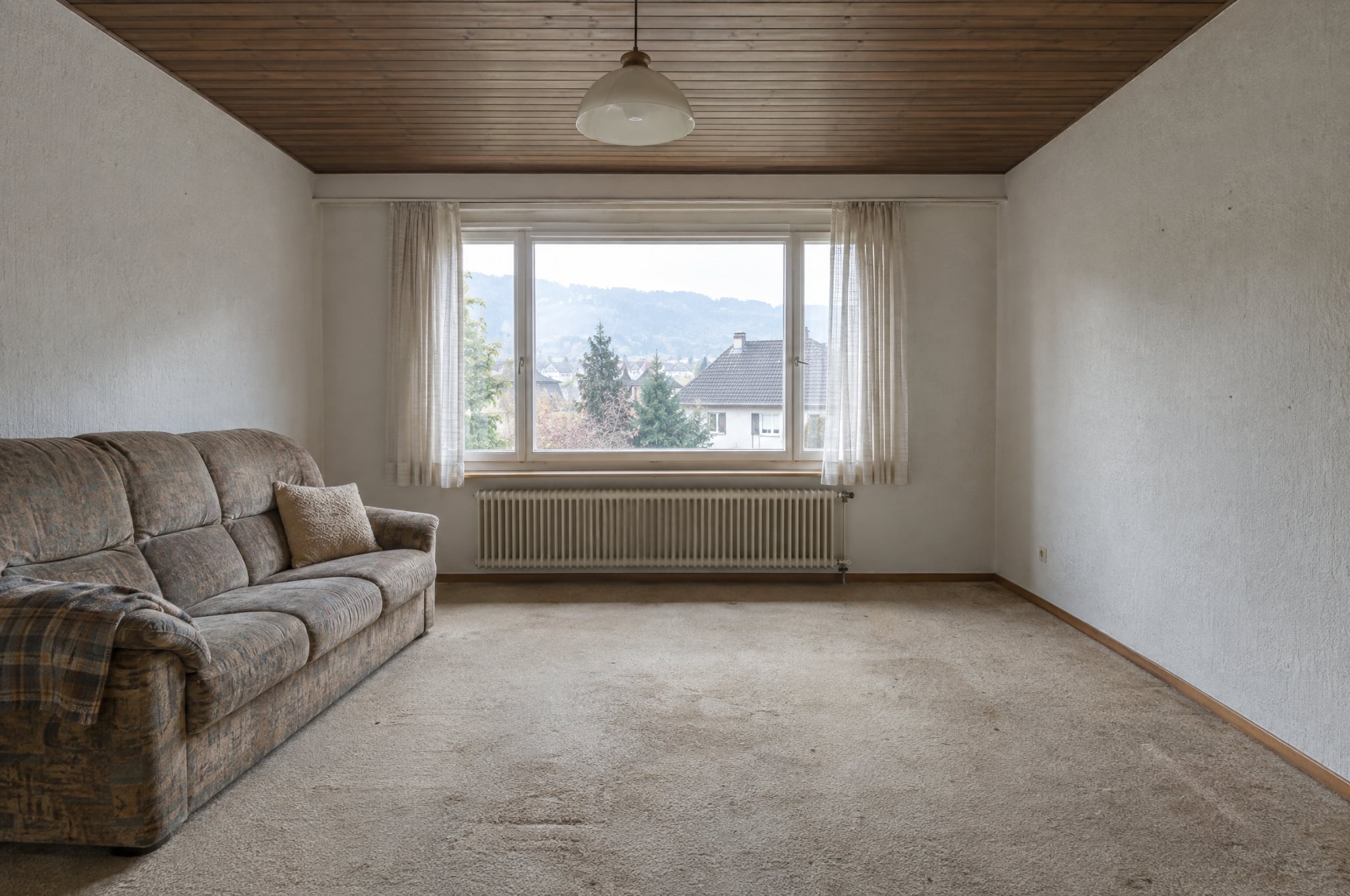
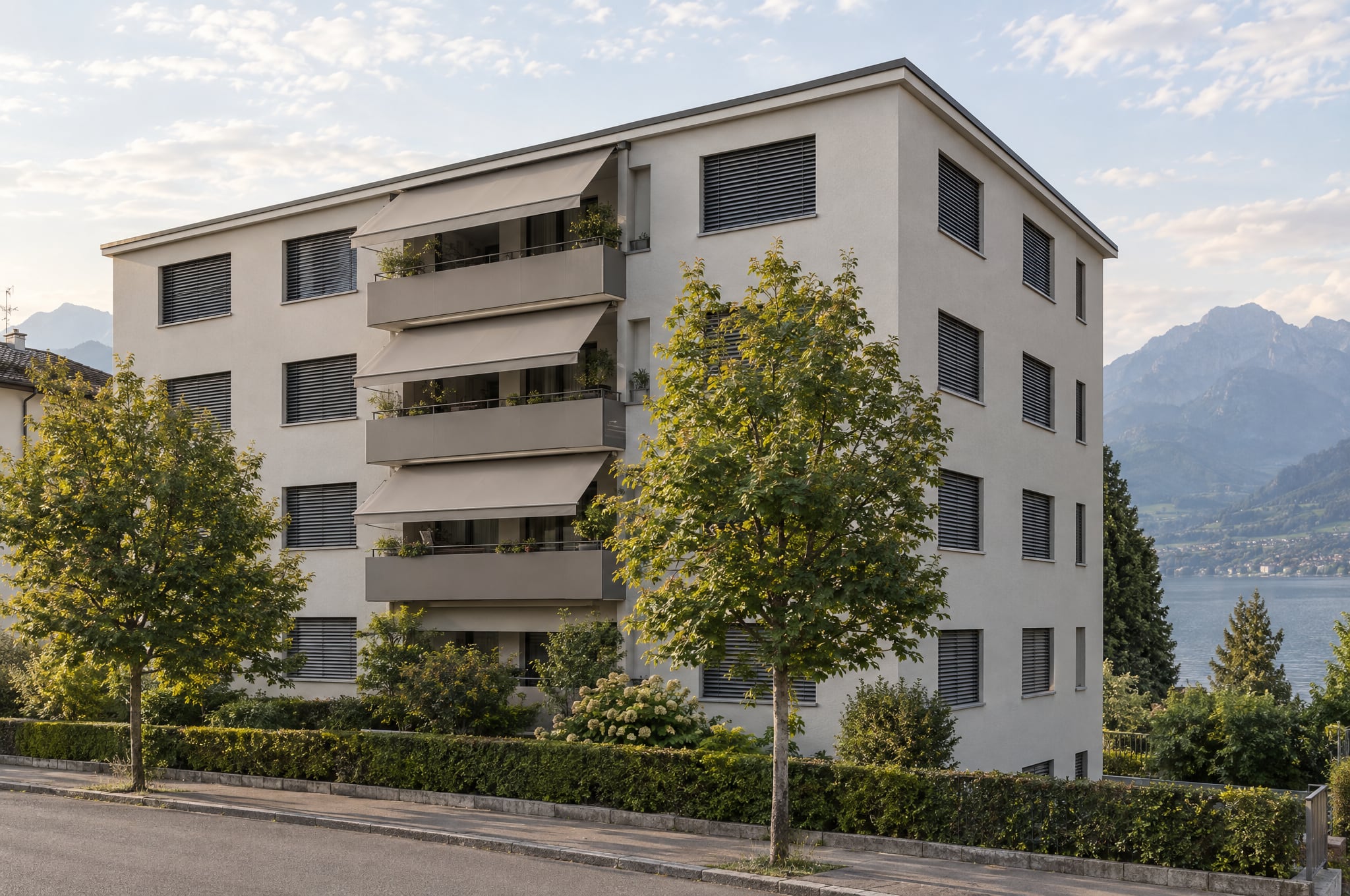
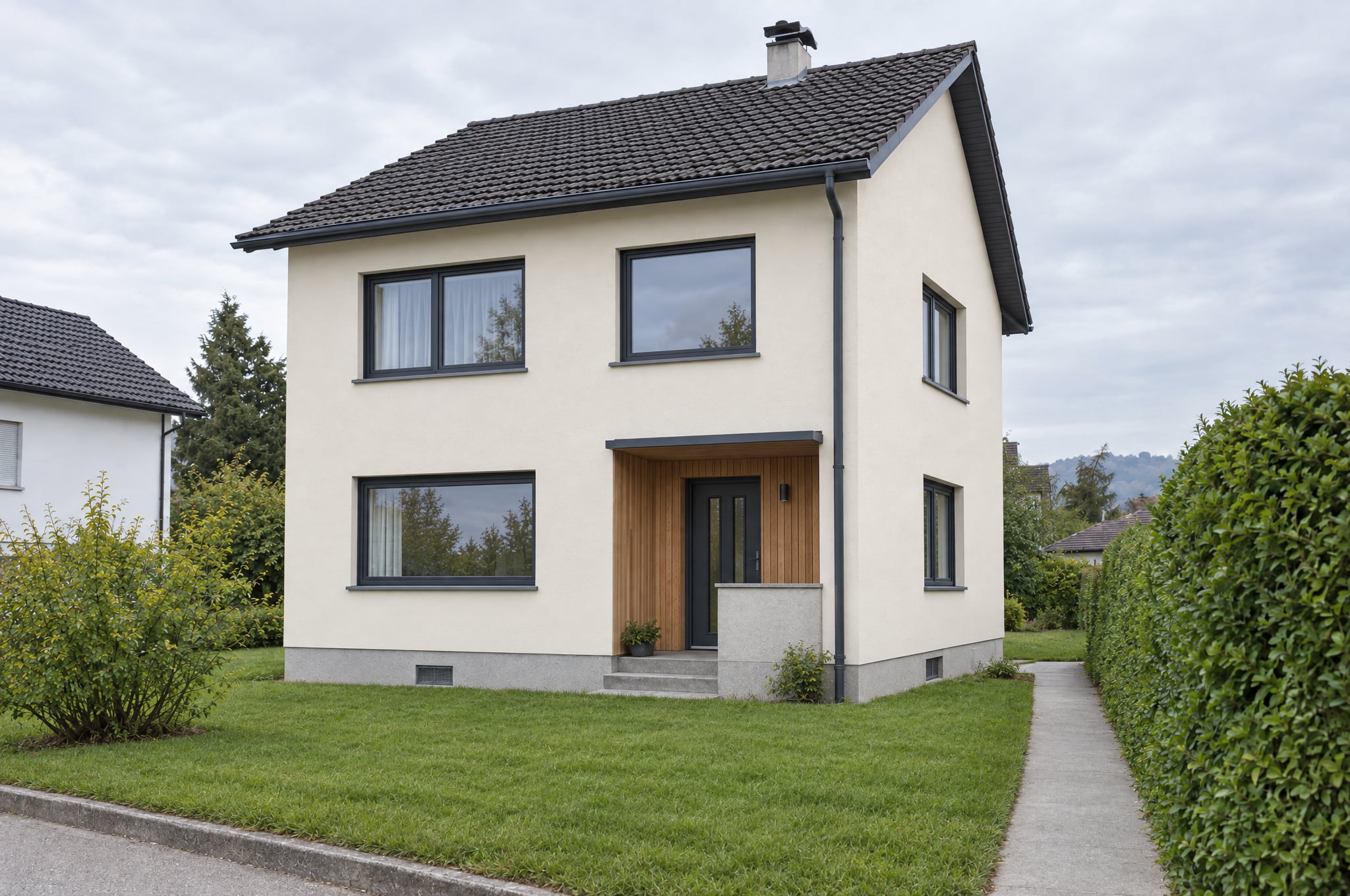
Two rooms of one apartment, before and formed.
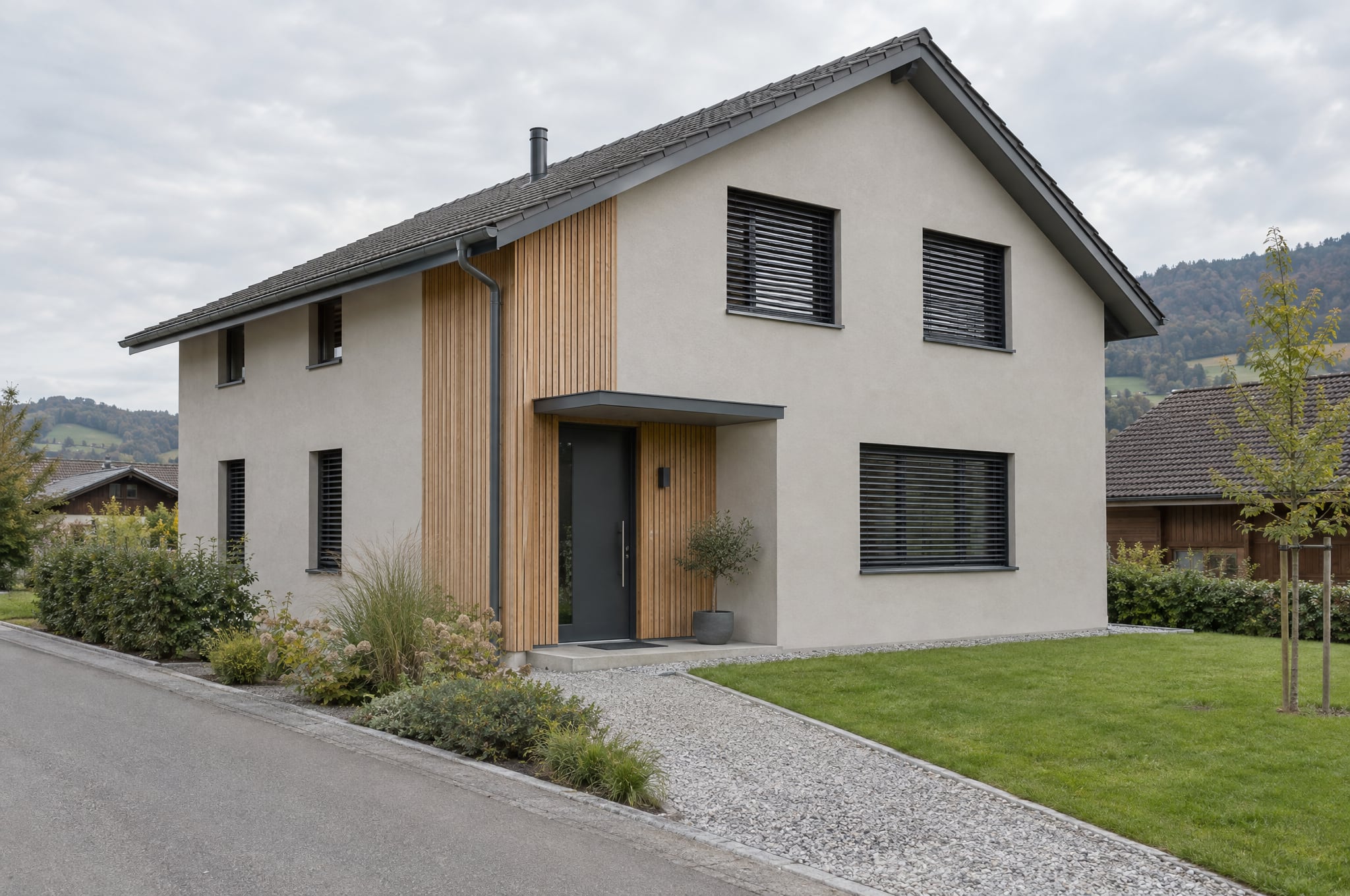
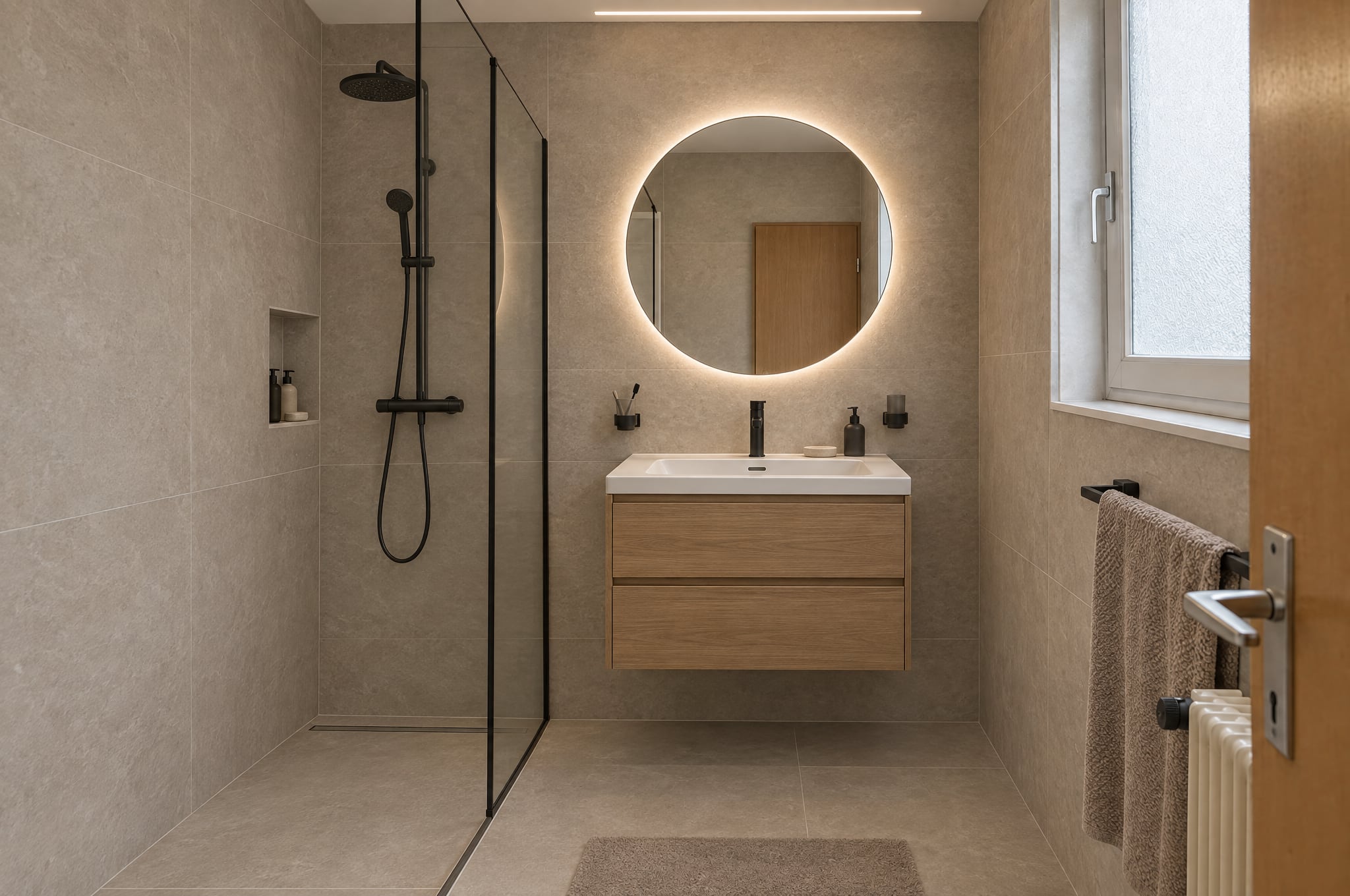
Step in, drag to look around and use the doors to walk from room to room. Switch between before and after in every room. The rooms are AI illustrations made for this page and labeled Example.
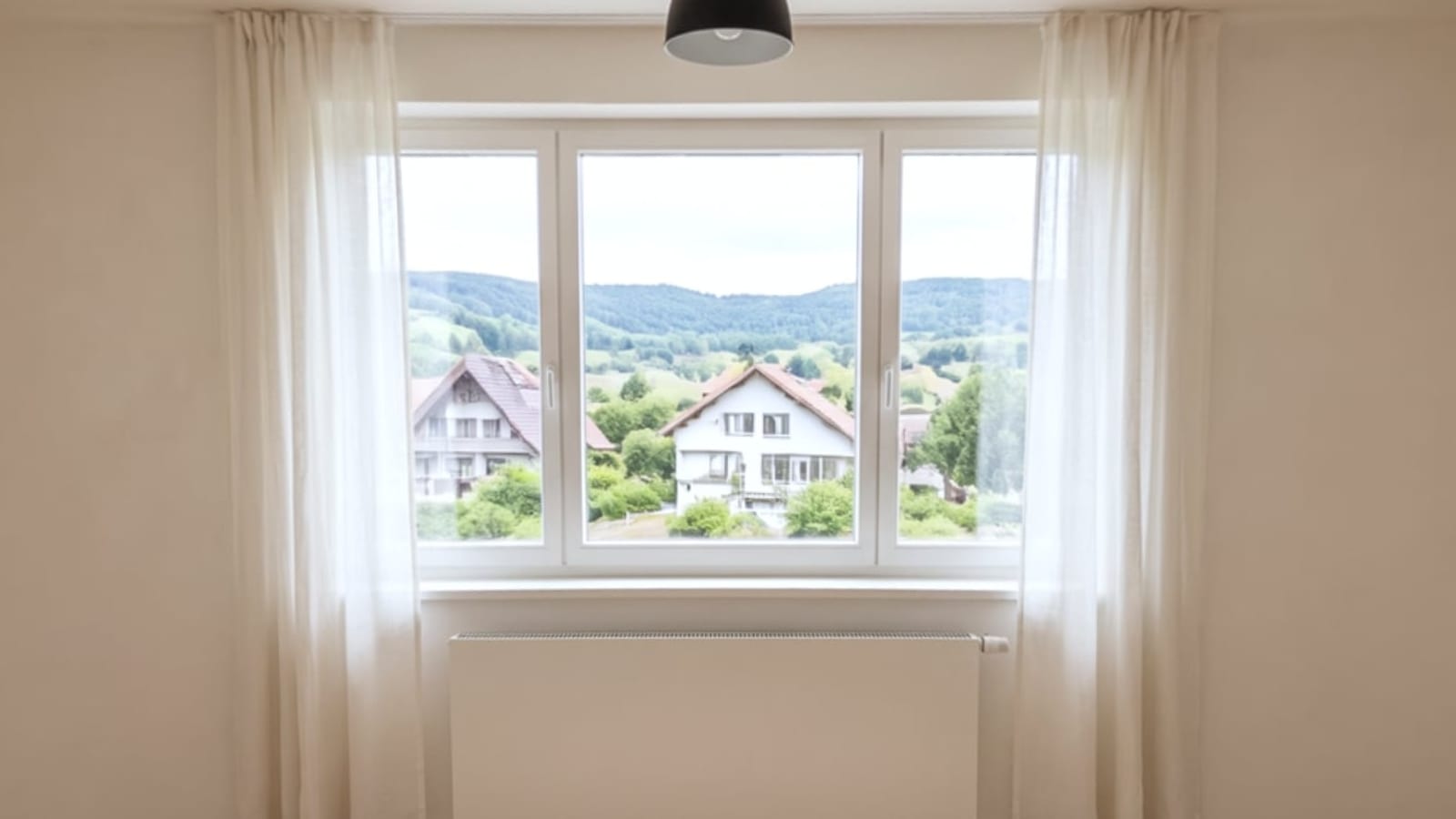
Full screen opens Cardboard and VR on the devices that have them.
The room itself, all around the client.
Stand in it
The formed room surrounds the client from the spot where the photos were taken: walls, windows, doors and ceiling where they are, the new surfaces all around.
Turn around
They look up at the ceiling, down at the floor and behind them at the wall the kitchen shares with the hall. On a phone they simply turn it; on a screen they drag.
Walk from room to room
Doors lead into the next room of the tour, so a client walks through the whole apartment. A consultant shares the tour with a link that needs no account.
From a phone, a 360 camera or one photo.
True to the room
Guided capture with a phone
The camera opens in the browser with dots to aim at. The phone takes each photo by itself when it rests on a dot and holds still, about 26 for a Room 360 and 12 for a Room 180. The photos are stitched on the phone, and only the finished panorama is uploaded.
True to the room, sharpest
A photo from a 360 camera
A 2:1 photo from an Insta360, a Ricoh Theta or a similar camera is uploaded as it is. It is checked for its shape and for faces, and needs no stitching.
AI-extended
Start from one photo
One ordinary photo is placed in the panorama and the rest of the room is formed around it. It always carries the label AI illustration, extended beyond your photo, and is never used for measurements, quantities or offers.
Four things to remember, and the phone does the rest.
A photo is taken by itself when the circle on the screen rests on a dot and the phone holds still. A blurred or dark photo, or one with a person in it, is simply asked for again.
Stand on one spot
In the middle of the room, where a client would stand. Everything in the panorama is seen from there.
Turn the phone, not yourself
Turn the phone around its own position: all around, up and down. The dots show where it still has to look.
Keep it at eye height
Hold the phone upright at eye height, the way a visitor sees the room.
Empty room, lights on
No people, doors open, lights on. A face in a photo stops the upload and asks for that photo again.
Room 360 and Room 180.
| Size | What it covers | Capture | Best for |
|---|---|---|---|
| Room 360 | The whole room, all around, floor and ceiling | About 26 guided photos, or one photo from a 360 camera | Walking around a whole room, and tours |
| Room 180 | The half that matters, such as the kitchen wall, the bathroom or the facade side, 180 by 180 degrees | About 12 guided photos | A quick, sharp view of one side, and VR180 in a headset |
From the phone in your pocket to a headset.
The same room on every device, and the label in view in every mode, inside a headset too.
Any phone
Turn to look around
On iPhone and Android the room opens around you. Turn the phone to look around, or drag. On a laptop, drag and zoom.
Cardboard
Stand in it for a few francs
Slip the phone into a Cardboard viewer and turn your head to look around the room. Look at a door and tap to walk through.
Entry headsets
Life size, from the browser
On an entry headset such as Meta Quest 3S, Enter VR puts you in the middle of the room. Point at a door to walk through, or at the panel to switch between before and after.
High-end headsets
The most detail
Meta Quest 3, Samsung Galaxy XR and Apple Vision Pro show the room in the most detail, with controllers, hands or gaze and pinch. A Room 180 can also show depth, estimated from the picture.
Two sizes, two qualities, priced per formed room.
| Room | What it includes | Price |
|---|---|---|
| Stitching a capture or uploading a 360 photo | The panorama of the room as it is, not formed | Free |
| Room 360Normal | Six faces formed on Pro at 2K, about a 4K panorama | CHF 4.90 |
| Room 360High-end | Six faces formed on Pro at 4K, about an 8K panorama | CHF 9.90 |
| Room 180Normal | The front half formed on Pro at 2K | CHF 2.90 |
| Room 180High-end | The front half formed on Pro at 4K | CHF 5.90 |
Indicative, excl. VAT, in AI credits and counted toward the monthly cap like every render. A room that fails the checks a second time is refused and costs nothing. Start from one photo is priced as the size it forms.
360 Rooms and tours for your whole company.
The add-on switches rooms and tours on across your beform. It includes the 3D and VR add-on, and beform or a partner can include it in a package.
- Guided capture, camera upload and Start from one photo
- Room 360 and Room 180, formed in your directions
- Tours from room to room, shared with a link
- Viewing on phones, Cardboard and headsets
- The 3D and VR add-on, included
fromCHF 990once per company, excl. VAT
See all add-onsConsultants and beform.
Your consultants
Owners, admins and consultants with the add-on capture or upload a room, form it in a direction and share the tour with the client.
beform
beform forms rooms for demos and for companies that would rather have it done, with the same checks and the same labels.
Their clients
Clients open the tour from a link on the device they have, without an account. Visitors of a Showroom do not form rooms in this version.
Questions about 360 Rooms.
Yes, when it comes from a capture or a 360 camera. Walls, windows, doors, ceiling and the camera position stay as captured, as in every beform visual. Only a room started from one photo is extended beyond it, and it says so on the picture: AI illustration, extended beyond your photo.
Walk a client through their own rooms.
Book a call and we walk you through a tour on the device you have with you.