System. Your catalog, your rules.
beform configured around what you actually sell. Your product ranges become the material options, your brand is on every screen and your CRM sits at the end of the flow.
Six things System does for your sales.
Your catalog as materials
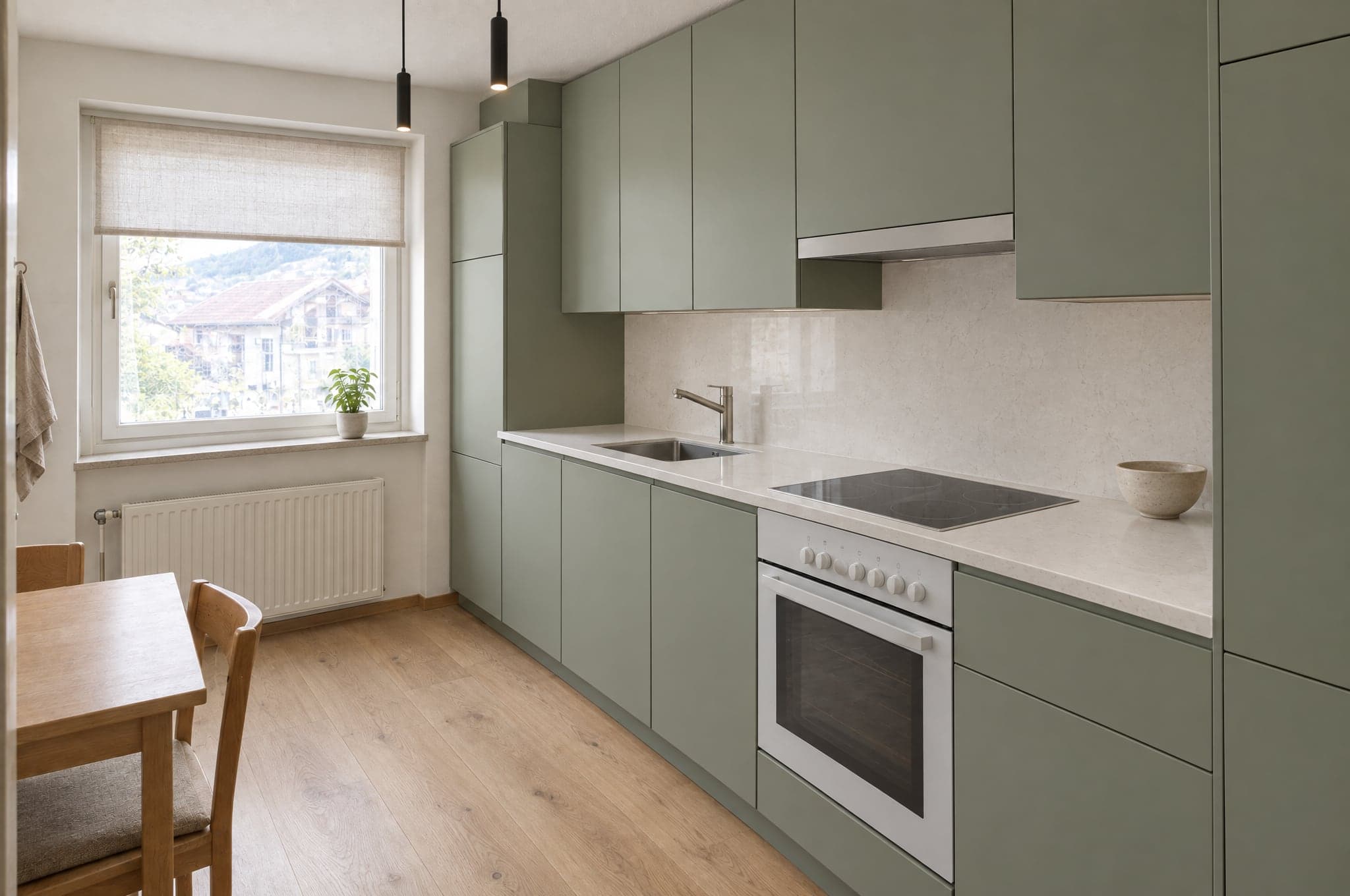
Fronts, worktops, tiles, floors, render systems and blind ranges, with your product names and codes.
Quality layer tuned to your ranges
Material boundaries per area, so a render keeps to the products you sell, and an automatic check of every render before anyone sees it.
Consultants, locations, domains
Seats for every consultant you add, one workspace per location, multiple domains and the languages your setup includes.
CRM and webhooks
HubSpot, Pipedrive and Salesforce connected in your portal, a signed webhook for Zapier, Make and every other system, and a log of recent deliveries.
Roles and two-factor sign-in
Owner, admin, sales, consultant and viewer, checked on the server, with two-factor sign-in available to every user.
A named contact
Onboarding, catalog loading and a quarterly review with someone who knows your account.
Best for
Companies with a catalog, several locations or a workflow that beform has to fit rather than the other way round.
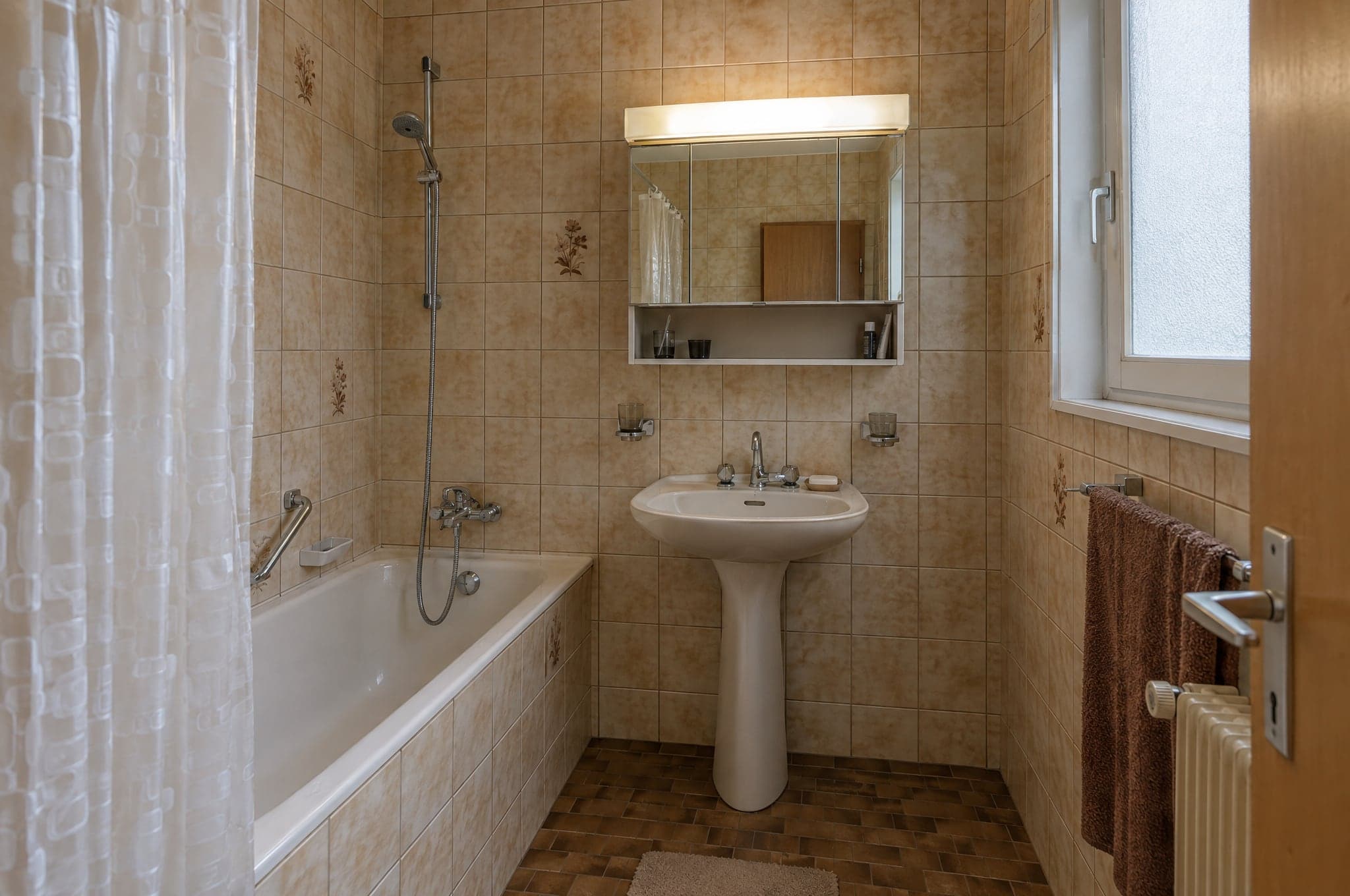
Losses weigh about twice as heavily as equal gains, so a result nobody can see feels like a risk. With your own products rendered in the client's space, the result is visible before the quote, and so is what they are deciding on.
Tversky and Kahneman, 1992. Findings from published research, measured in the settings of each study.
System works best with the other two.

See System on your own projects.
See beform on the rooms, facades and gardens your clients actually send you. No slides, no sample kitchen.
- 01You send your website and a line on what you sell.
- 02Edvin prepares visuals from three of your own projects.
- 03Thirty minutes together on the result, the request flow and the setup.
 Edvin KarlssonPartner, beform
Tell us where to start
Edvin replies within one working day with a time and what to send.
Questions about System.
On the Catalog tier your product catalog becomes the material options. Fronts, worktops, tiles, floors, render systems and blind ranges, with your names and codes.
See beform on your own client photo.
Upload one photo in the demo and watch it form. Or book thirty minutes and we will run it on three of your real projects.