Platform
The visual layer of your sales.
Showroom on your website, Studio in consultation, System behind both. beform shows clients their finished kitchen, bathroom, facade or garden in their own space, and carries that decision into your sales.
 Your kitchenFormed in 41 sKeep my visual
Showroom · On your website
 v3
v3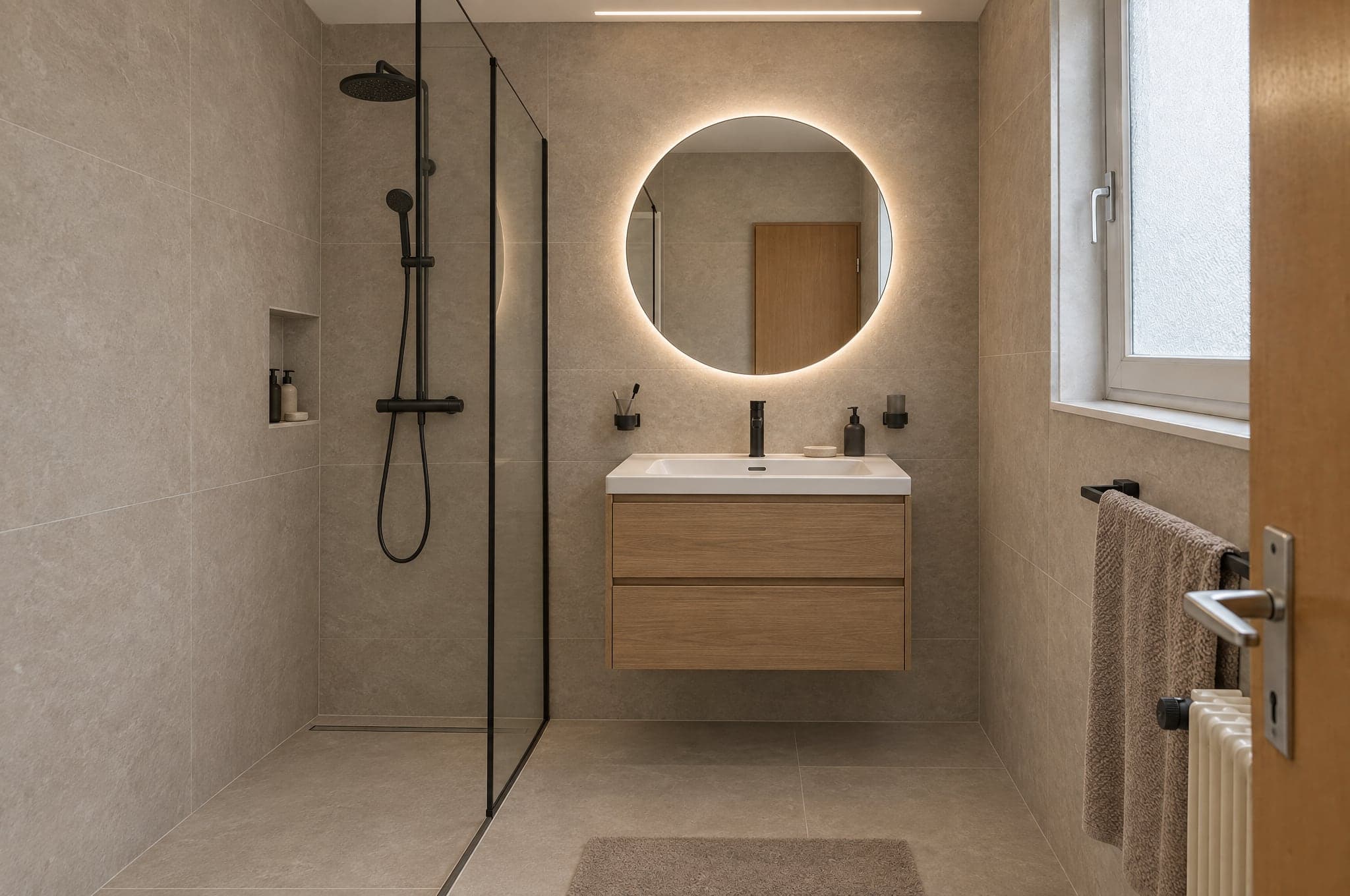
Studio · In consultation
- Catalog142 finishesRequests3 newCRMSynced
- LMPrivate clientKitchen · 2 min ago
- HBBusinessFacade · 9 min ago
- SRPrivate clientBathroom · 26 min ago
System · Behind it all
- LMPrivate clientKitchen · 2 min ago
Sales stall between imagination and quote.
Clients cannot describe what they want.
Modern. Warm. Like the neighbors. Every brief is a guess and every guess costs a meeting.
Consultants explain for free.
The first hour of every appointment is discovery. Unpaid, unrepeatable, and it happens before anyone has decided anything.
Offers get compared on price.
When nothing else is visible, the number is all there is to compare. The cheaper quote wins even when it should not.
One platform, three products.
The Showroom qualifies on your website, the Studio closes in consultation and the System makes both yours. Use one, or run all three on the same visual.
- Your kitchenFormed in 41 sKeep my visual
On your website
Showroom
Turn traffic into qualified requests.
A branded upload flow on your site. Visitors see their own room transformed in under a minute and leave their contact to keep it. Anonymous traffic becomes a visual project request.
- Upload or photograph
- Your areas and styles
- Contact capture and CRM handoff
- v3
In consultation
Studio
Consult with the picture open.
The consultant's studio. Open the client's visual, refine materials live, compare versions and hand over the chosen one. On the tablet in the showroom, on site or on a call.
- Material refinement
- Expert recommendations
- Version history and compare
- Catalog142 finishesRequests3 newCRMSynced
- LMPrivate clientKitchen · 2 min ago
- HBBusinessFacade · 9 min ago
- SRPrivate clientBathroom · 26 min ago
Behind it all
System
Your catalog, your rules.
beform configured around what you actually sell. Your product ranges as material options, your brand on every screen, your CRM at the end of the flow.
- Catalog and style presets
- CRM, webhooks, analytics
- Quality layer per range
- LMPrivate clientKitchen · 2 min ago
From a photo to a project request in five steps.
No app to install. No plans to read. The client does what they already do with their phone, and your team receives a decision.
Living room
Photo added
Capture
A photo the client already has.
- Formed in 41 s
Form
Their own space, formed in under a minute.
- v3
Floor · Natural oak
Refine
Materials changed one at a time.
New request
Qualified- Area
- Living room
- Direction
- Warm natural
- Contact
- A. Roth
Sent to CRM
Qualify
A request with the picture attached.
- v2v3
Expert recommendation. Warm the wall tone half a step.
SBS. Brunner · StudioHand overContinue
The conversation starts from a decision.
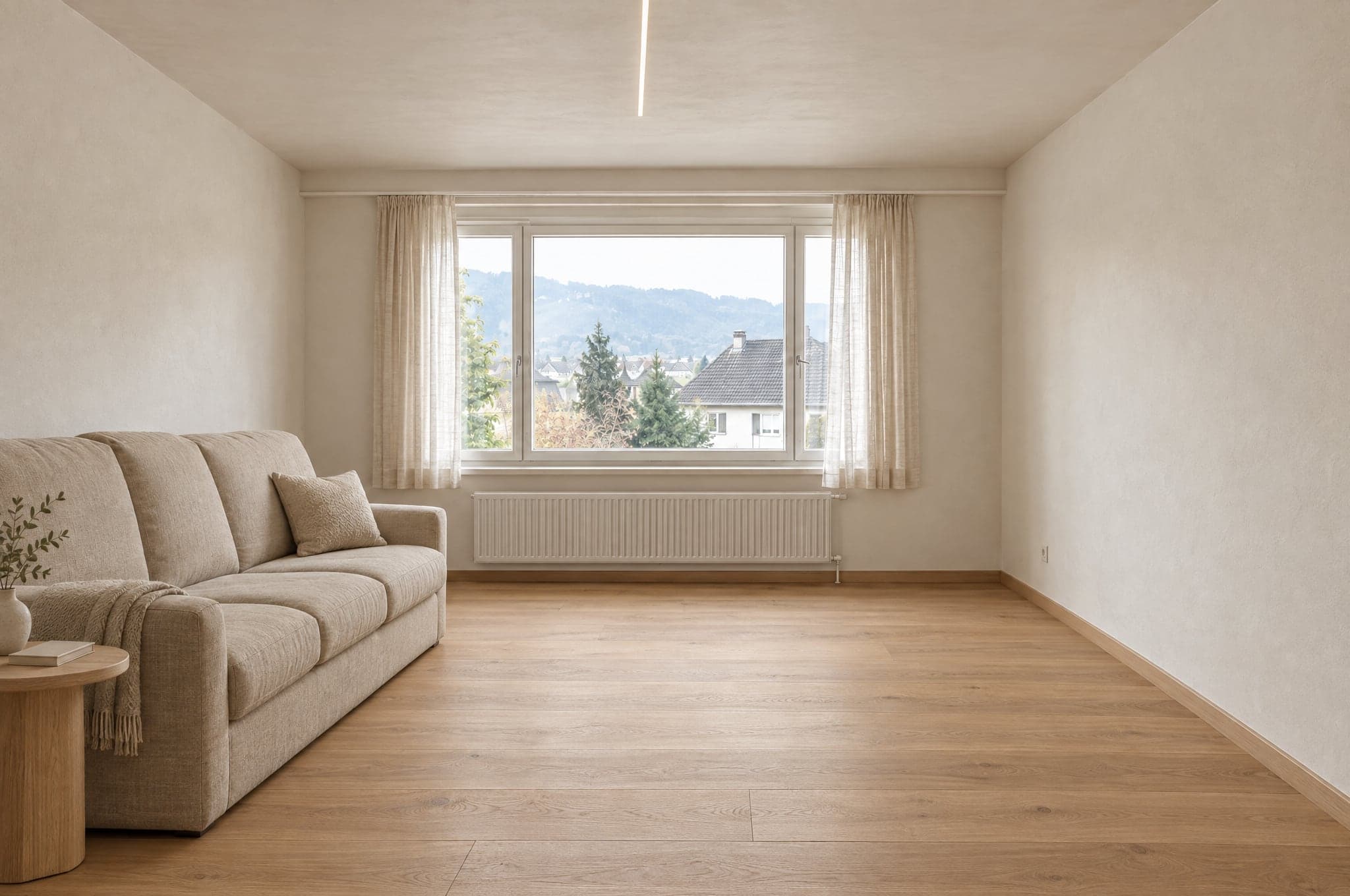
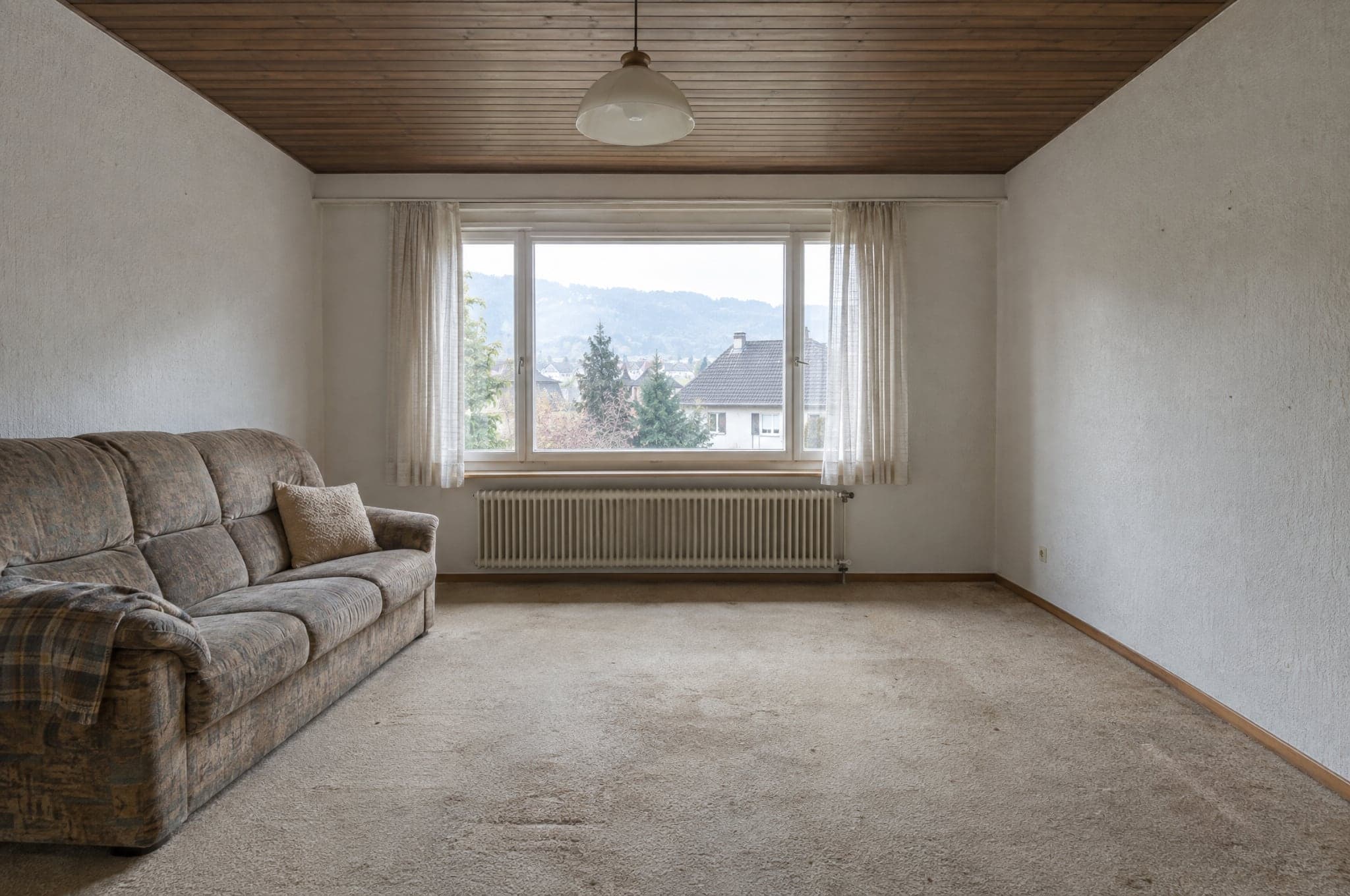
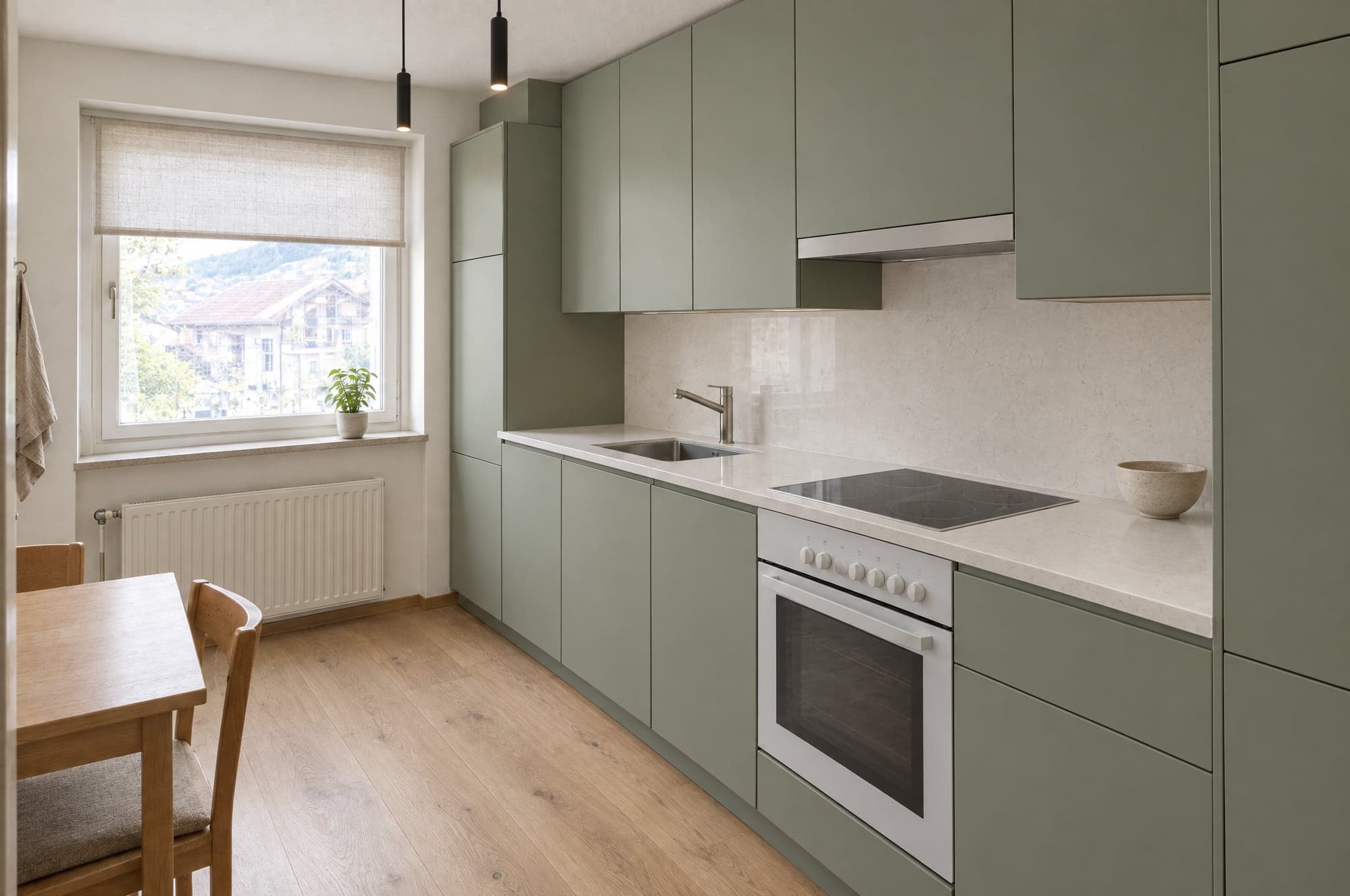
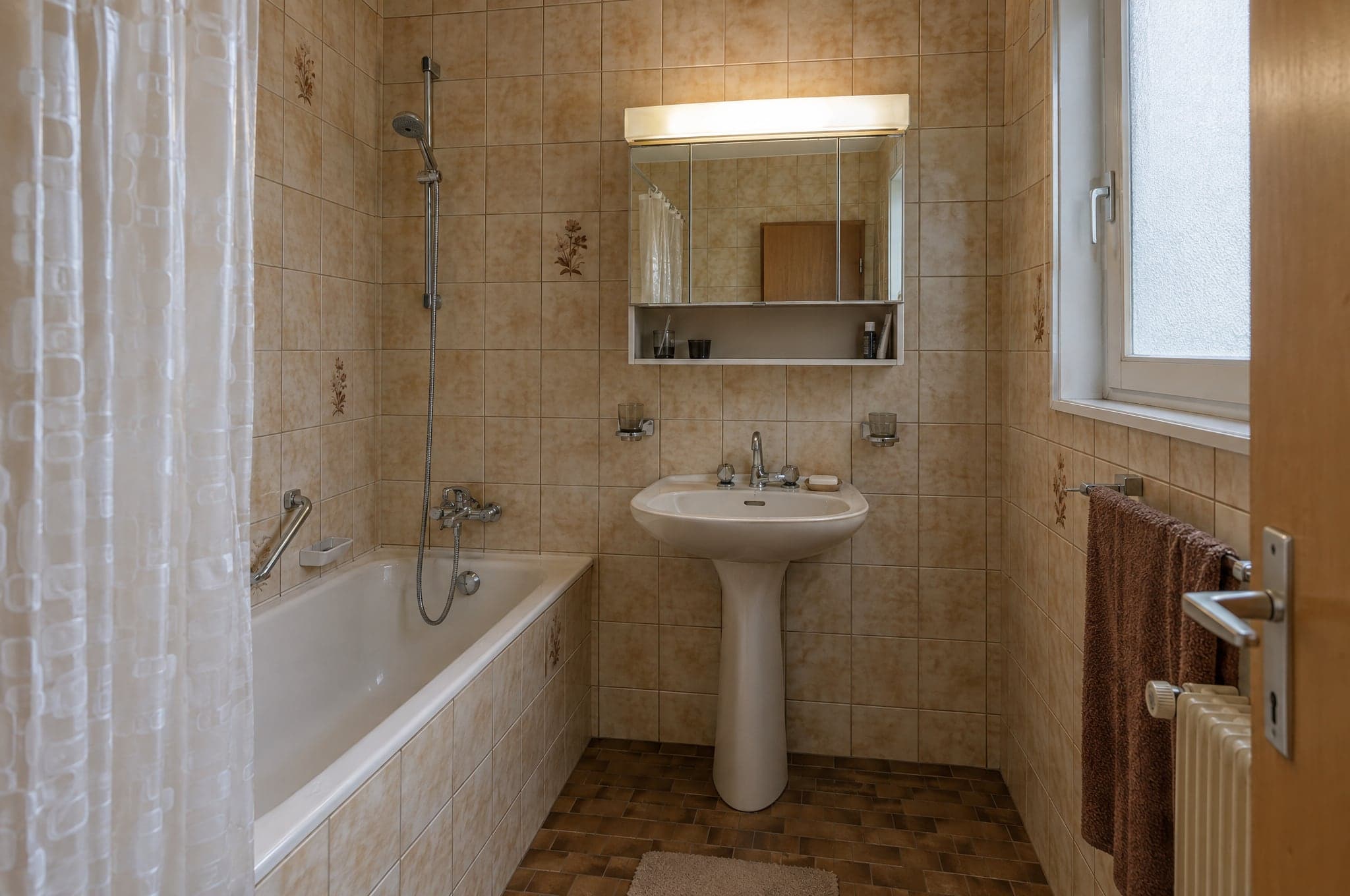
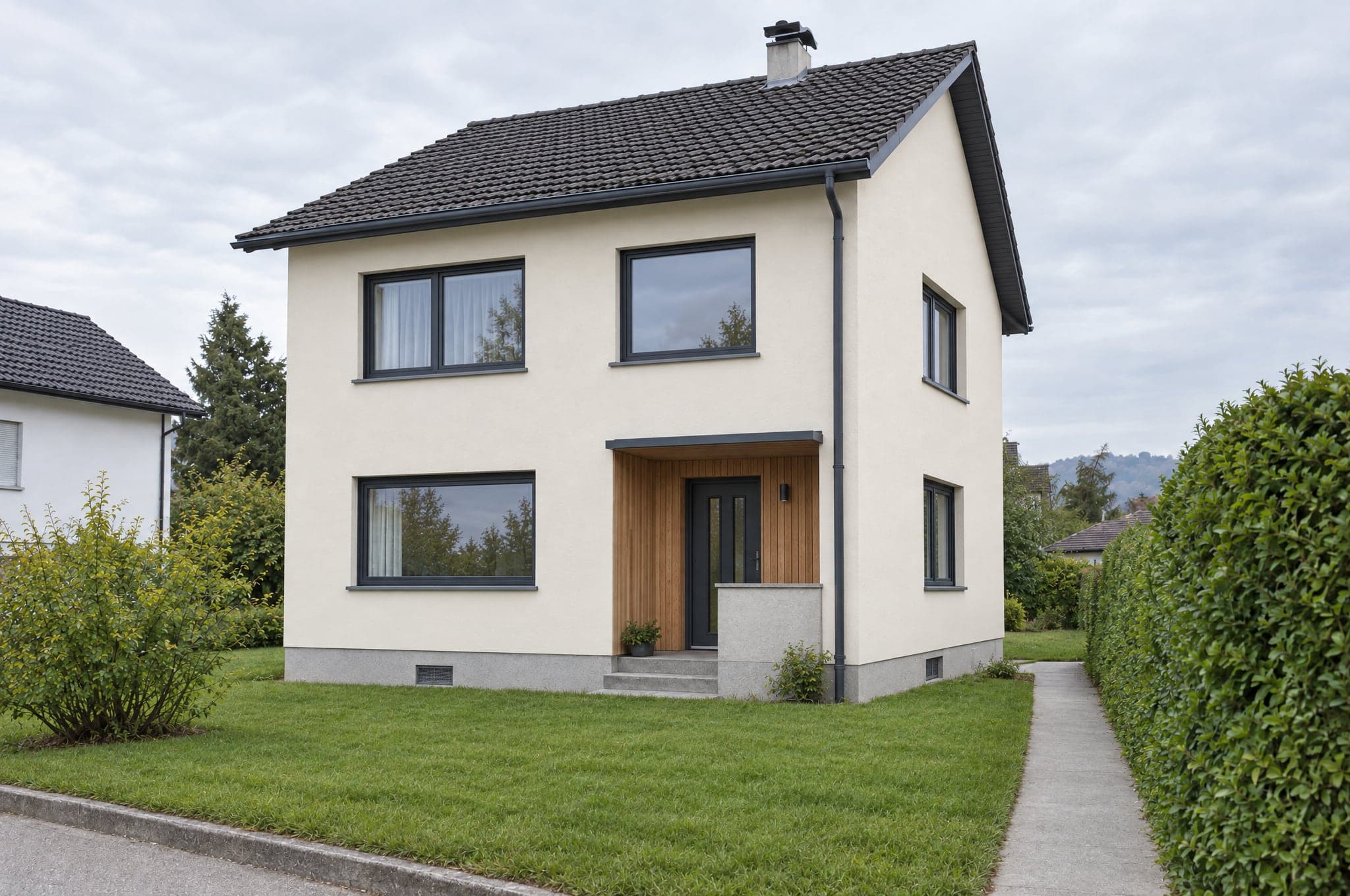
The same photo, formed.
Walls, windows and light stay where they were. Only what the work would change, changes. Pick an area and watch the old photo become the new space.
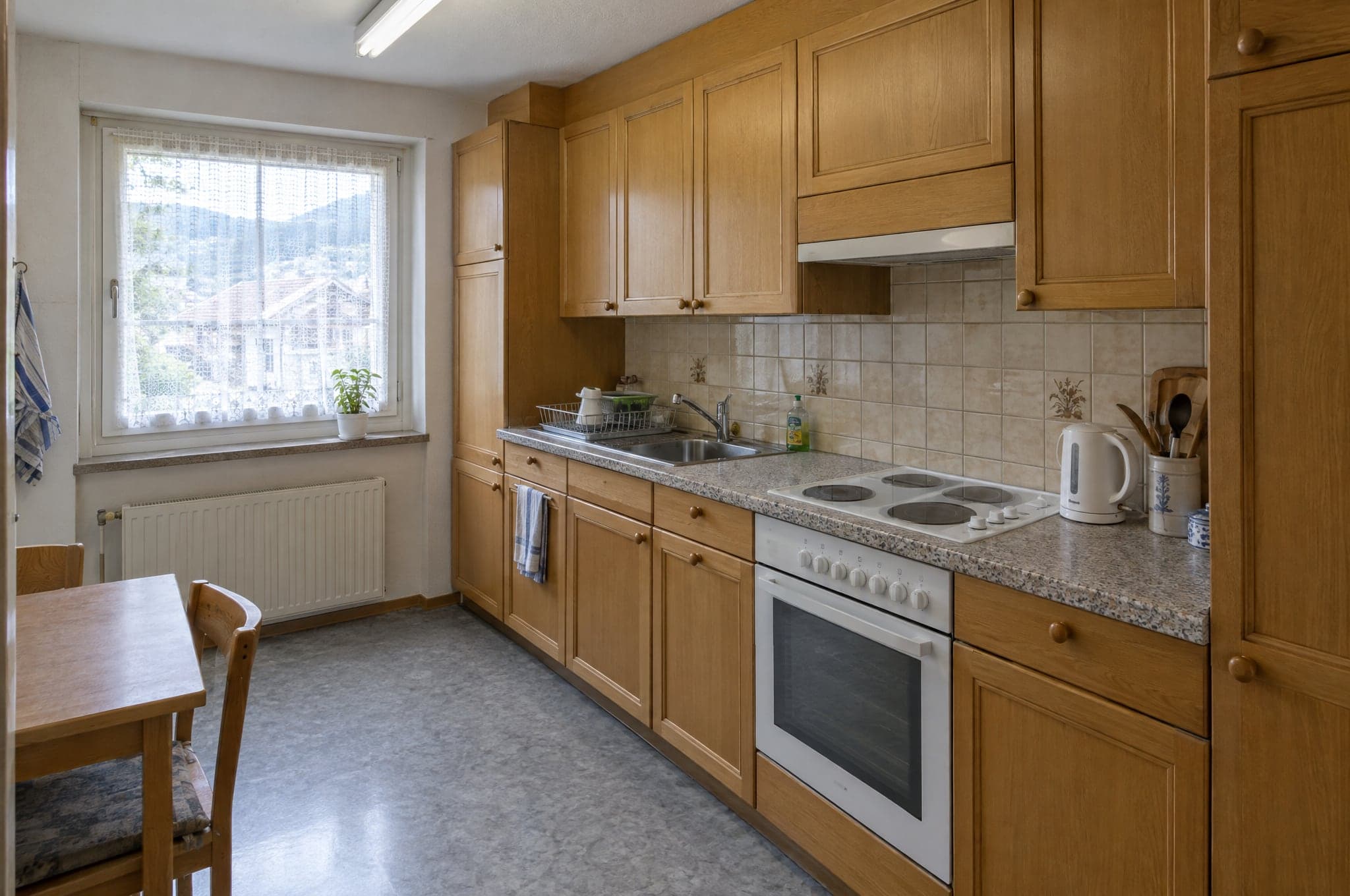
Kitchen · 1990s apartment kitchen
beform Engine
Built to keep the room and change the rest.
Behind every visual sits the beform Engine, a geometry lock that keeps the photographed space and a quality layer that every render passes before a client sees it.
Example- The beform Engine
- One engine in seven parts, from reading the photo to the finished request, routed as Ultra, Pro or Fast.
- Geometry lock
- Walls, windows, doors and camera stay where they were photographed. Only what the work changes, changes.
- Quality layer
- Material boundaries per area, and an automatic check of every render before a client sees it.
- Data, security and AI labeling
- Data stored in Zurich, encryption, retention set out in the contract, no training on your data, and every visual labeled as AI-generated. EU AI Act ready.
Requests flow where your team already works.
27 connections for CRMs, automation, websites, marketing and communication. HubSpot, Pipedrive and Salesforce connect in your portal, and a signed webhook reaches every other system, directly or through Zapier and Make.
CRM and sales
Requests become contacts, leads and deals.
- HubSpot
Creates or updates the contact and adds a deal or a note, with links to the visual.
- Salesforce
A lead per request through Web-to-Lead, details and links in the fields you map.
- Pipedrive
A person and a deal in the stage you choose, or a lead, with a note linking the visual.
- Zoho CRM
Through Zapier, Make or the signed webhook, or set up by beform.
- Microsoft Dynamics 365
Through the signed webhook, Zapier or Make, or set up by beform.
- monday.com
Through Zapier, Make or the signed webhook, or set up by beform.
- Bexio
Through Zapier, Make or the signed webhook, or set up by beform.
- Odoo
Through the signed webhook, Zapier or Make, or set up by beform.
Automation
Route every request wherever your process needs it.
- Zapier
Connected through the signed webhook, with a step-by-step guide in your portal.
- Make
A custom webhook starts your scenario, with a step-by-step guide in your portal.
- n8n
A webhook node starts your workflow from each signed request.
- Airtable
A record per request, through Zapier or Make.
- Google Sheets
A row per request through Zapier or Make, for teams that sell from a sheet.
- Webhooks
A signed HTTPS POST per request, retried, with every field and links to the visual.
Websites
The Showroom runs on the site you already have.
- WordPress
One script tag on any page, or a hosted page on your domain.
- Webflow
Place the Showroom in any section with an embed element.
- Shopify
A Showroom page in your theme, placed with the embed script.
- Squarespace
Add the Showroom with a code block on any page.
- Wix
Embed the Showroom with a custom code element.
- Framer
Drop the Showroom into a page with an embed component.
Marketing and analytics
Measure the flow and feed your campaigns.
- Google AnalyticsPlanned
Uploads, directions and requests as events in GA4.
- Google Tag ManagerPlanned
Every step of the flow pushed to the data layer.
- Google AdsPlanned
Qualified requests sent back as conversions for bidding.
- MetaPlanned
Requests reported as conversions for your Meta campaigns.
- Mailchimp
Contacts reach the audience you choose, through Zapier or Make.
- Brevo
Contacts and their chosen direction reach Brevo through Zapier or Make.
Communication
Tell the team, answer the client.
- Slack
A message in your sales channel for every new request, through Zapier or Make.
- Microsoft Teams
New requests posted to the channel your team watches, through Zapier or Make.
- WhatsApp
A message to your team for every new request, through Zapier or Make.
- Gmail
Every request by email to your team, whatever else you connect.
- Calendly
Clients book the consultation right after they keep their visual.
Request a walkthrough on your own projects.
See beform on the rooms, facades and gardens your clients actually send you. No slides, no sample kitchen.
- 01You send your website and a line on what you sell.
- 02Edvin prepares visuals from three of your own projects.
- 03Thirty minutes together on the result, the request flow and the setup.
 Edvin KarlssonPartner, beform
Tell us where to start
Edvin replies within one working day with a time and what to send.
Questions about the platform.
Yes. beform locks the geometry: walls, windows, doors, ceiling and camera stay exactly as photographed. Only surfaces, cabinetry, fittings, colors and lighting change. The client recognizes their space immediately.
See beform on your own client photo.
Upload one photo in the demo and watch it form. Or book thirty minutes and we will run it on three of your real projects.