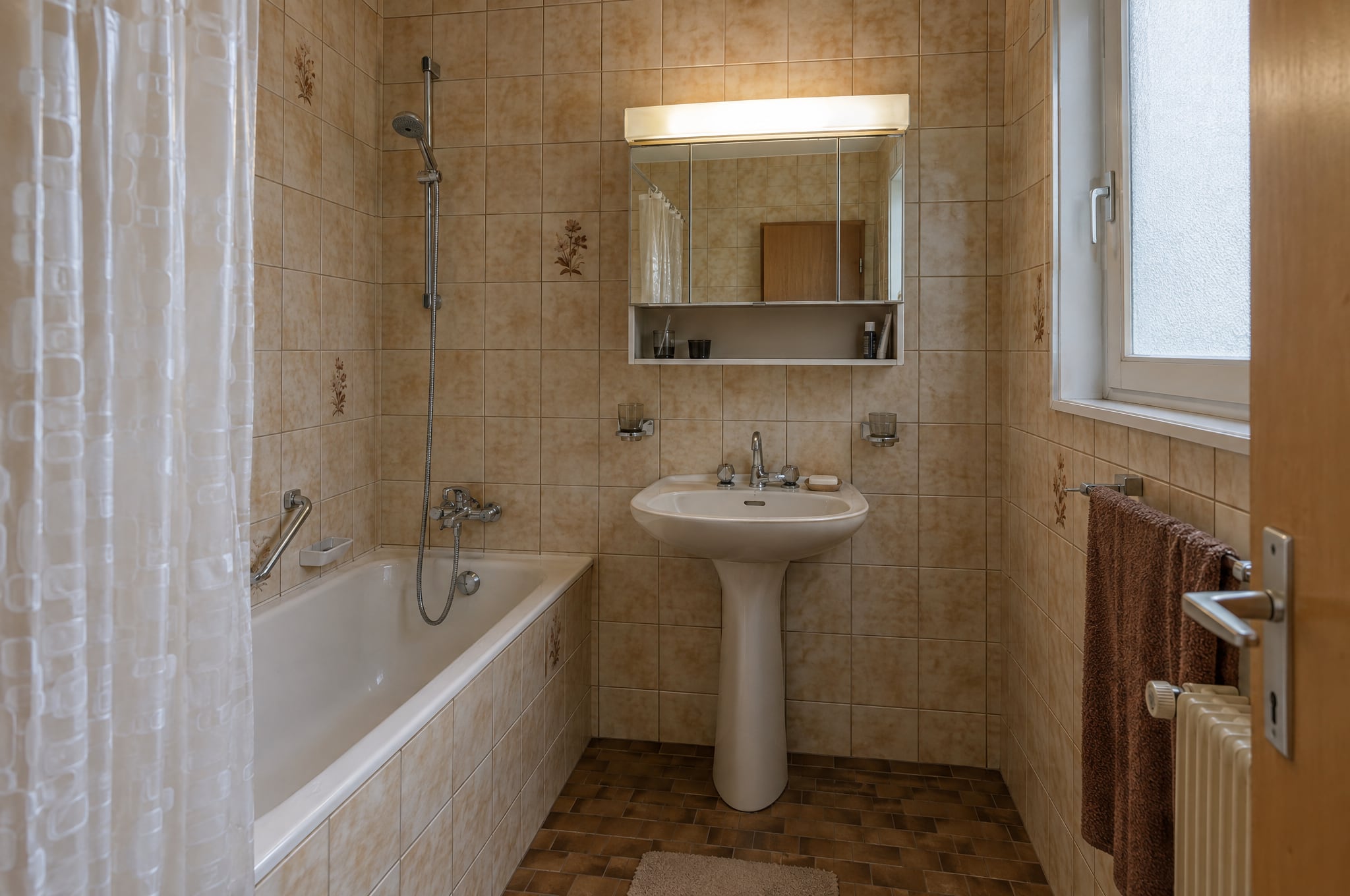
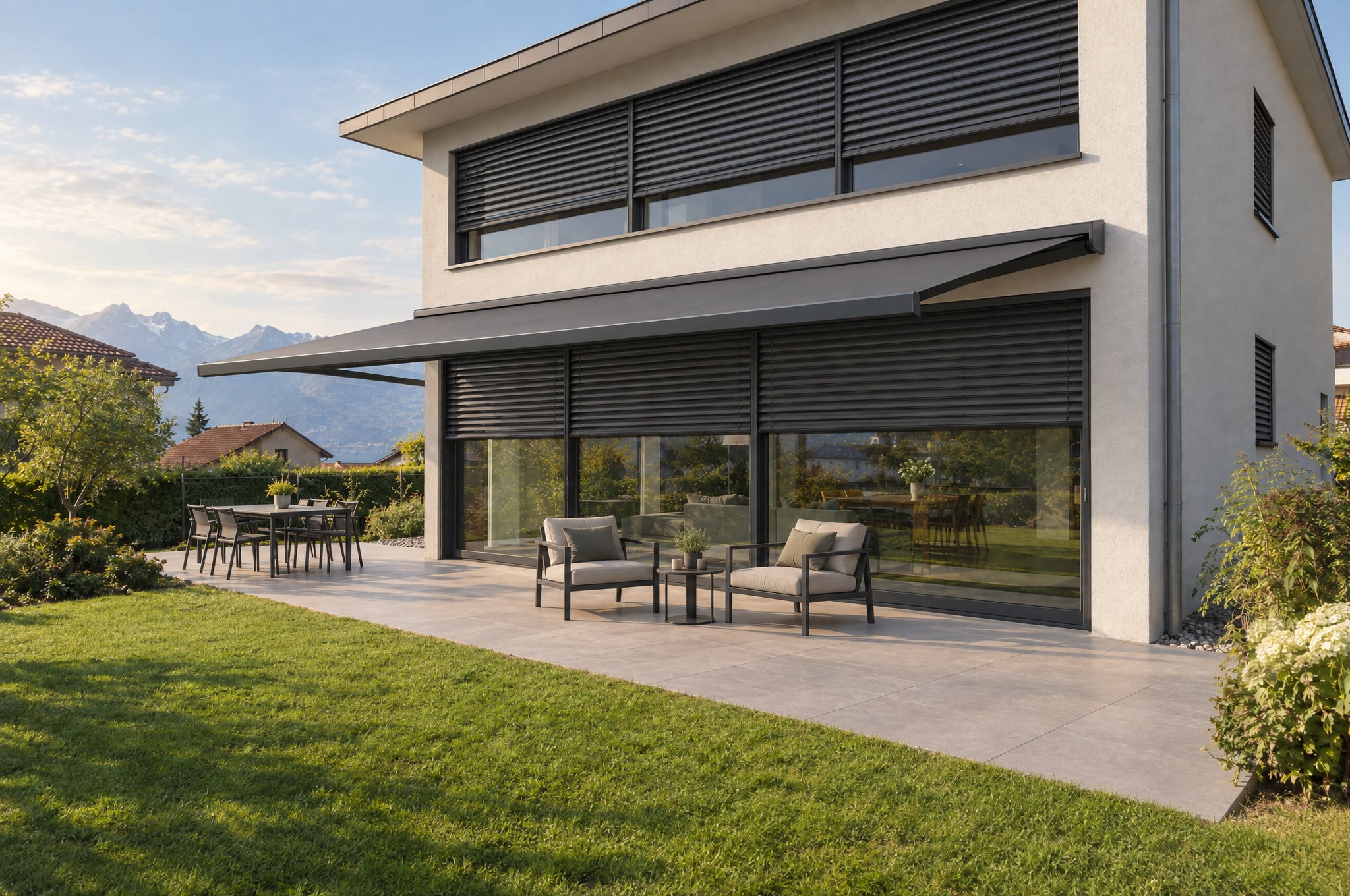
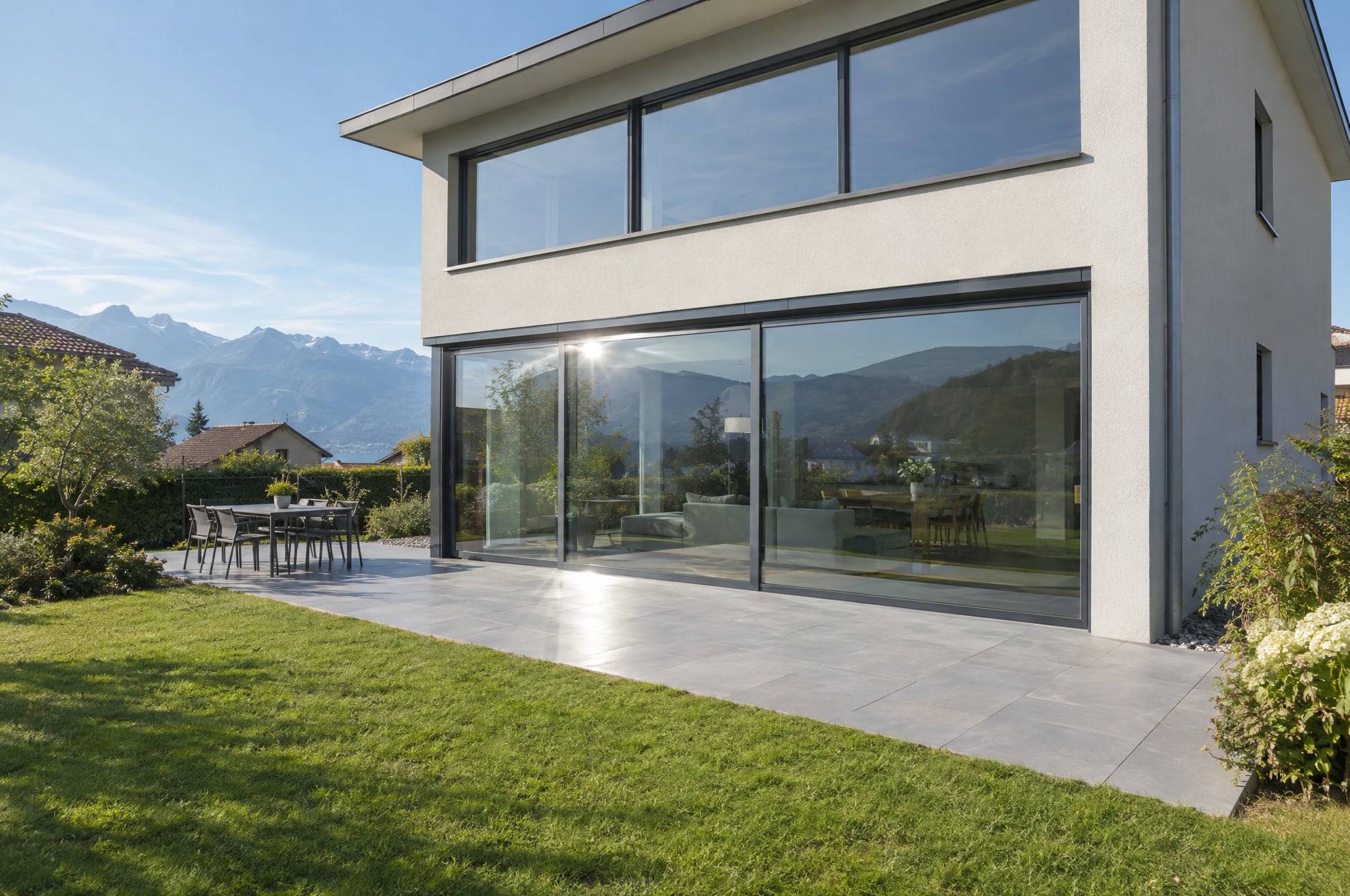
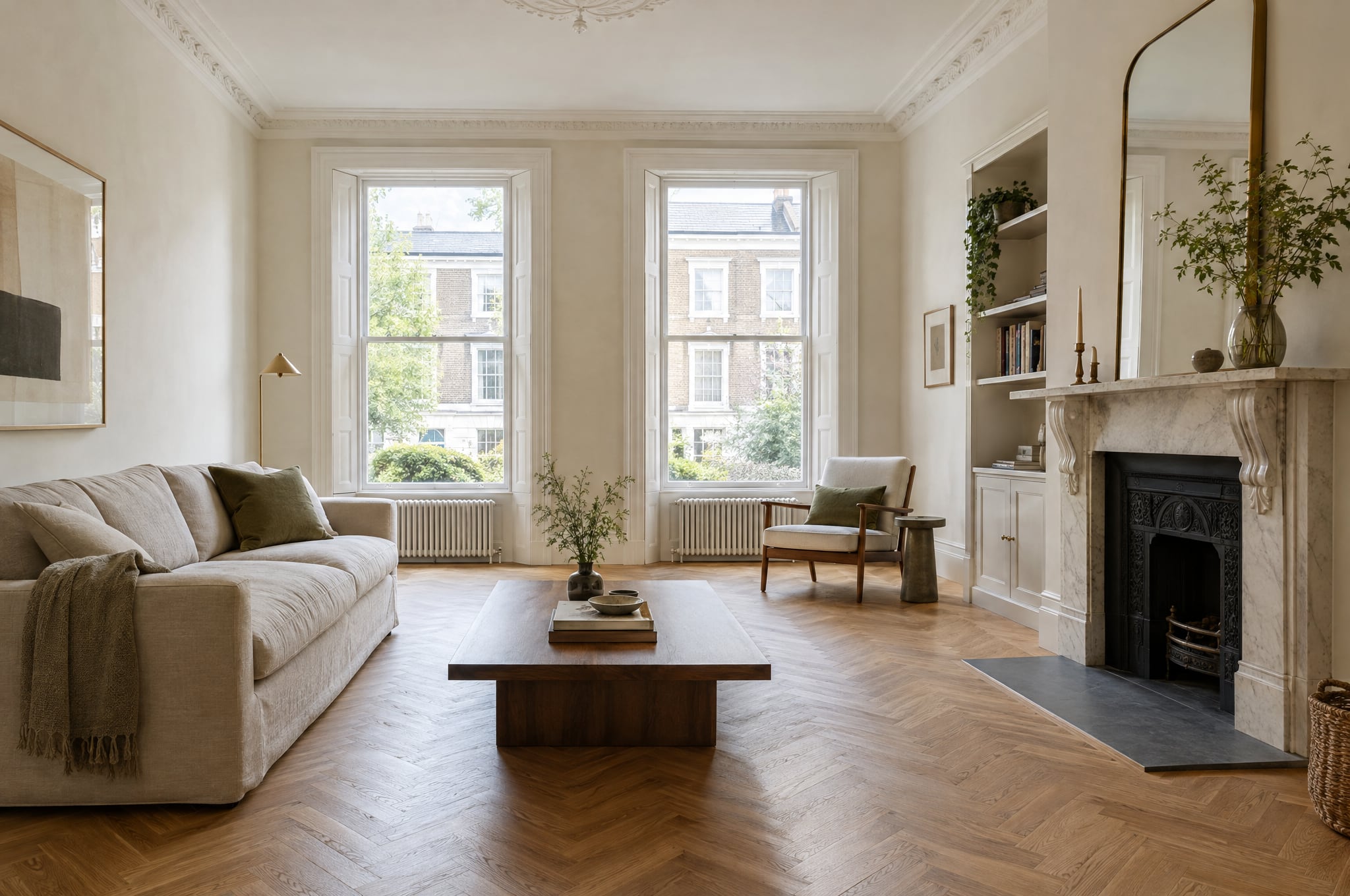
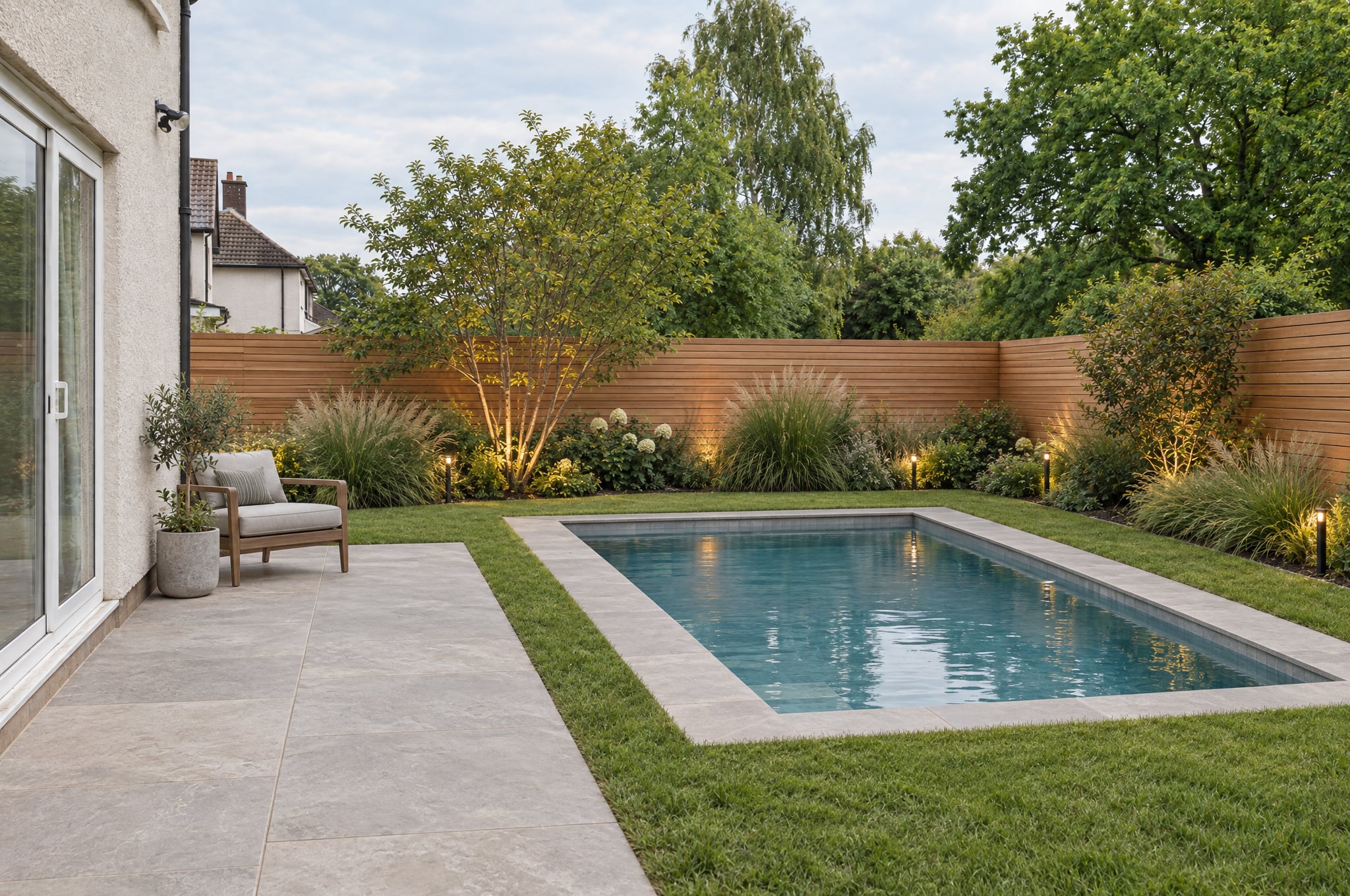
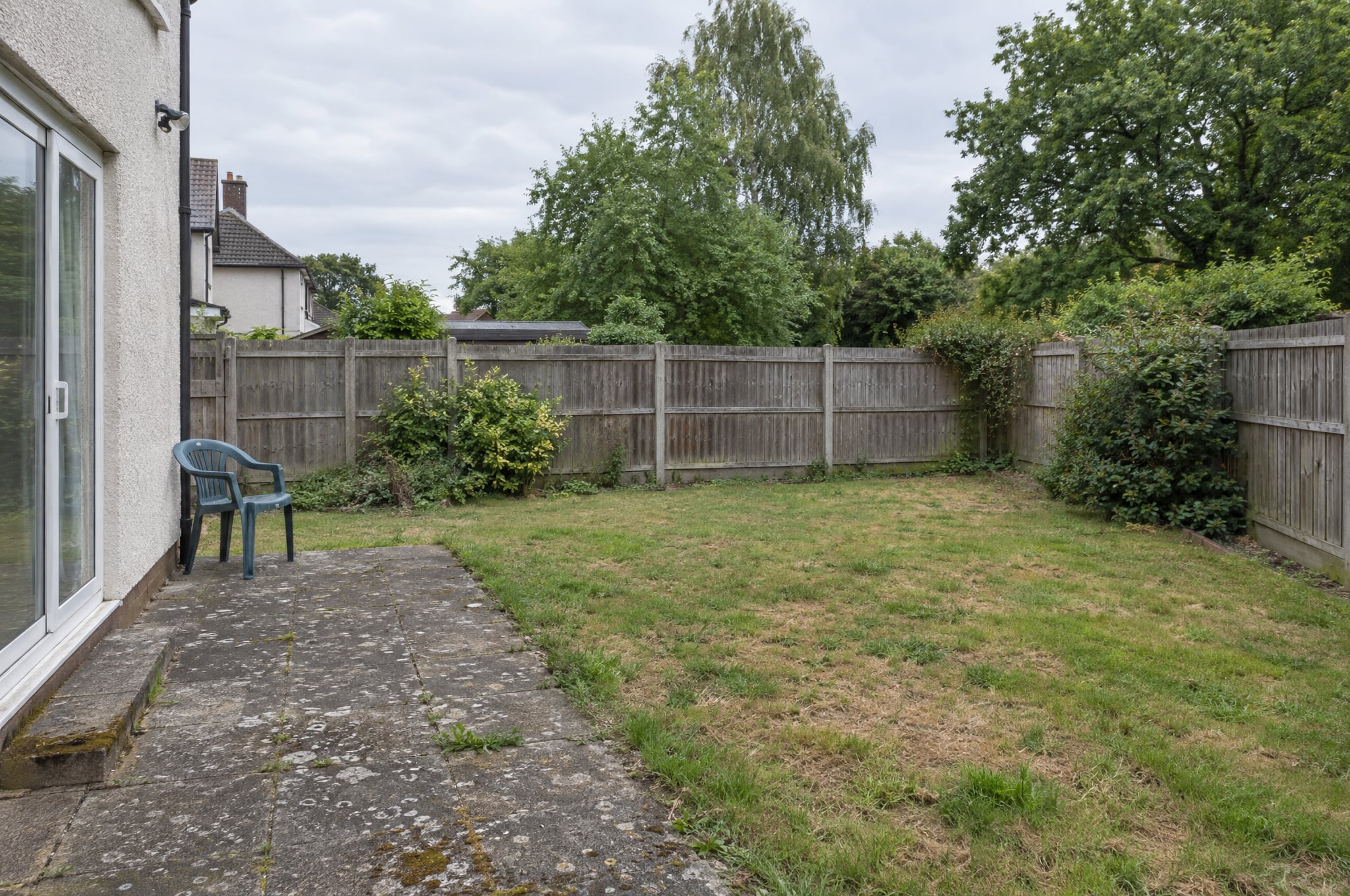
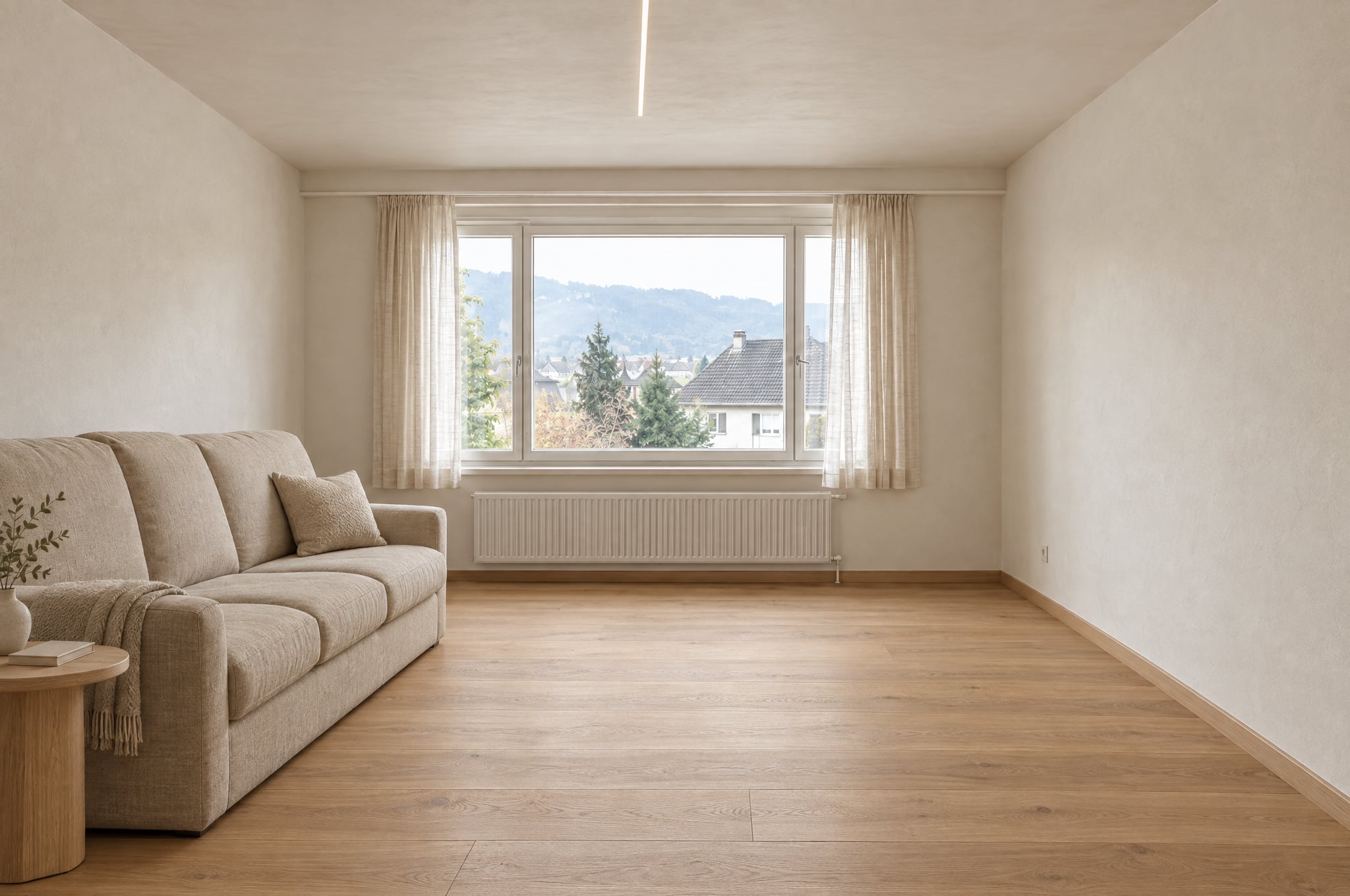
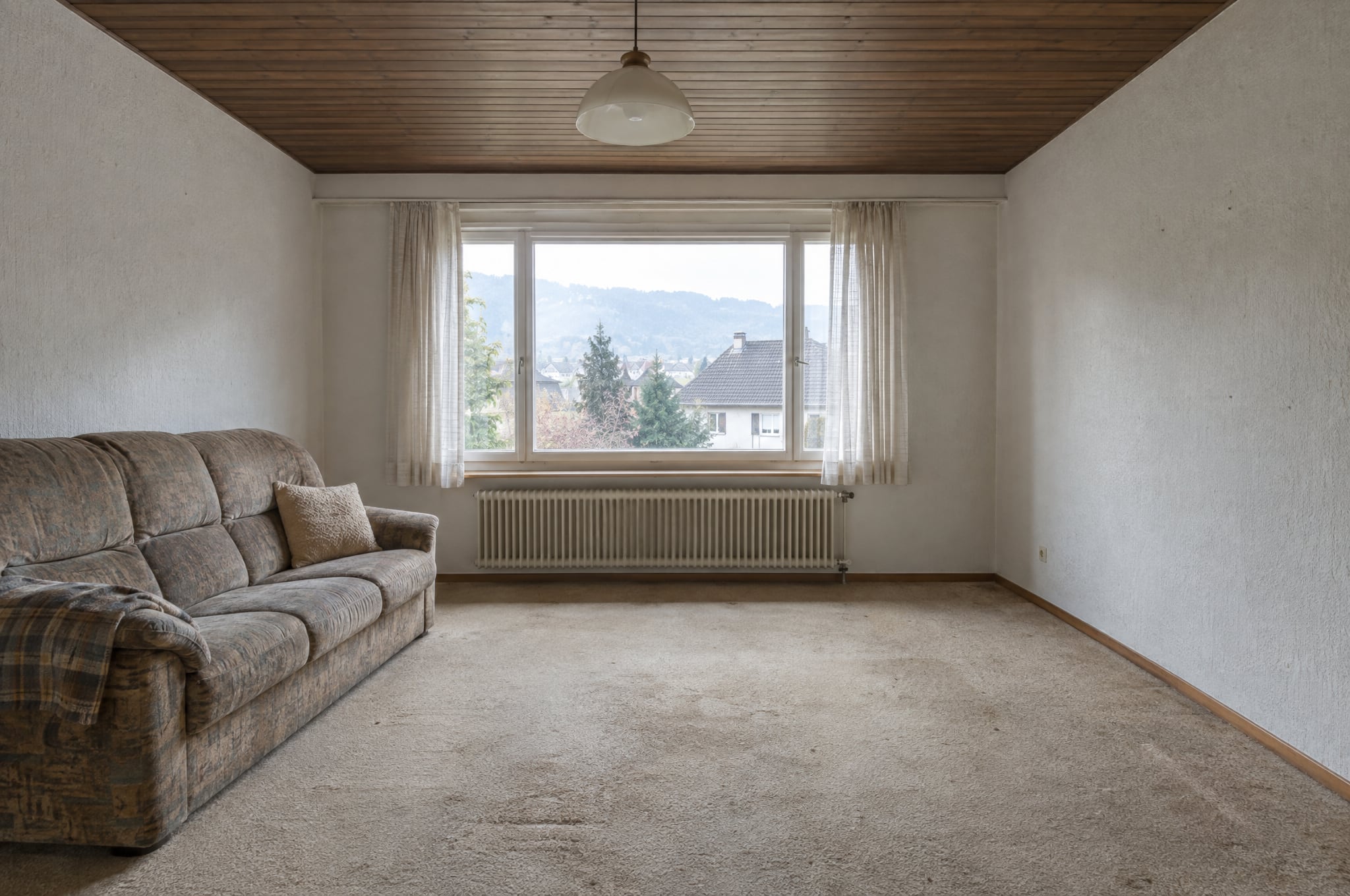
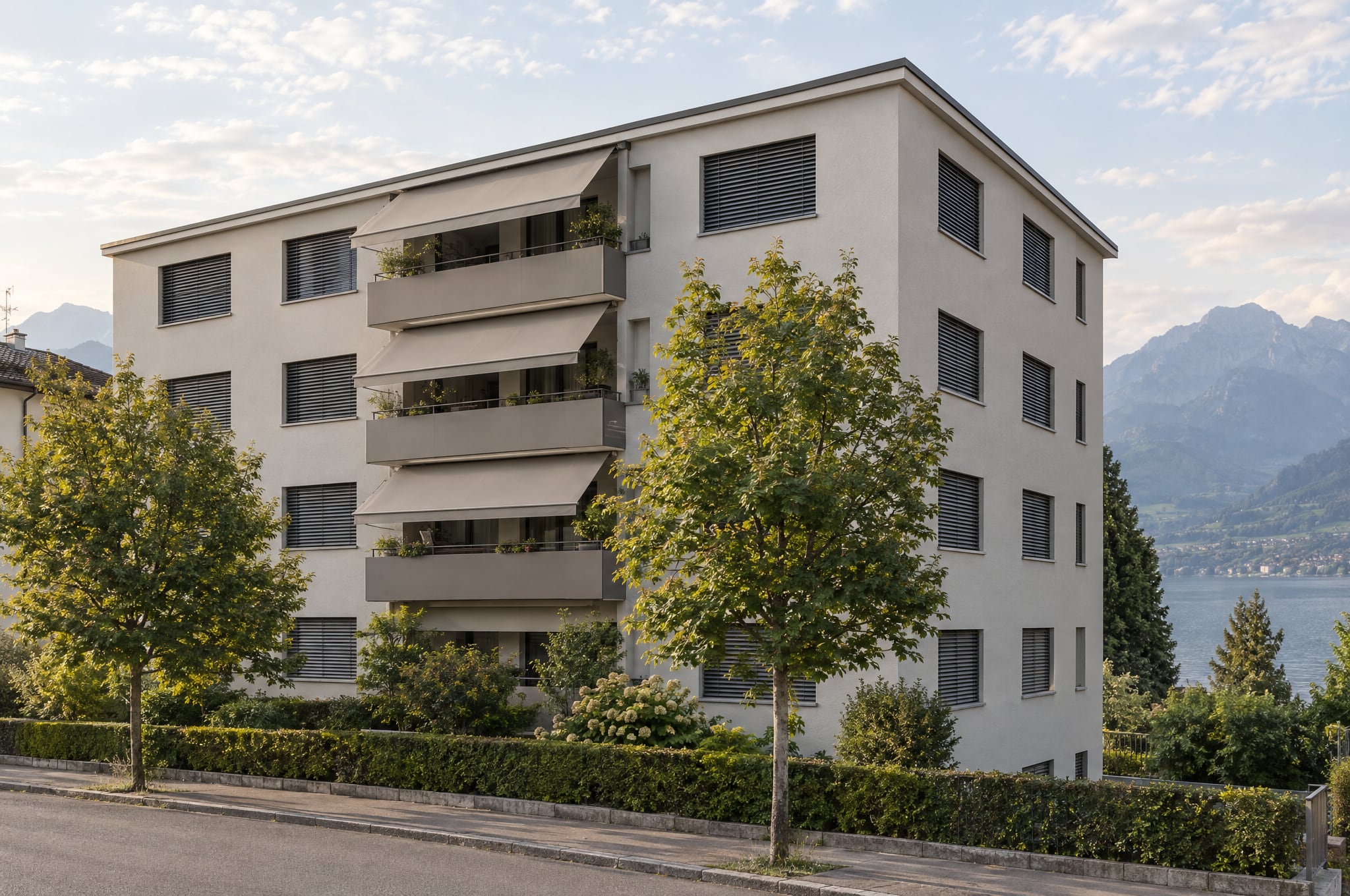
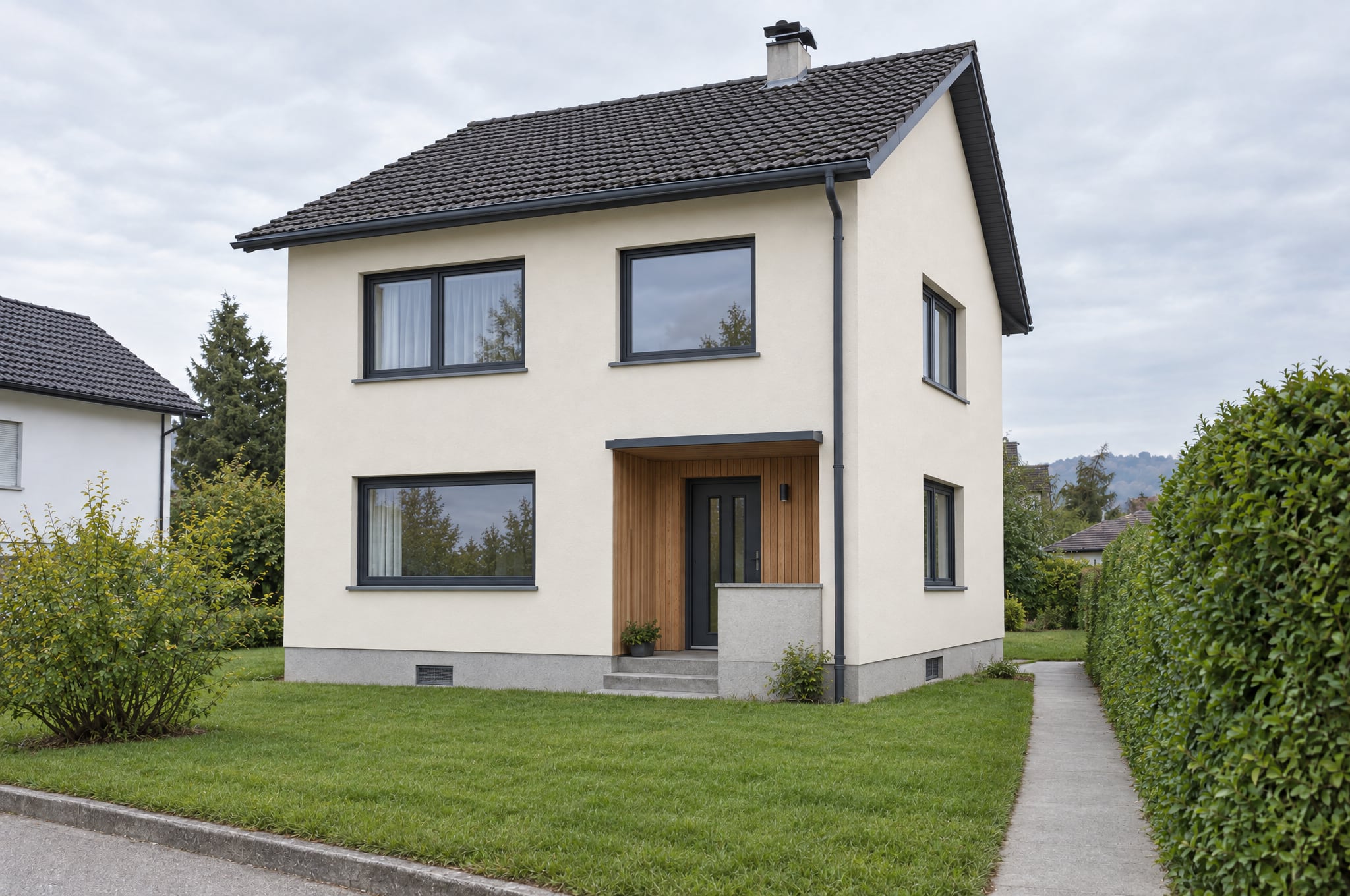
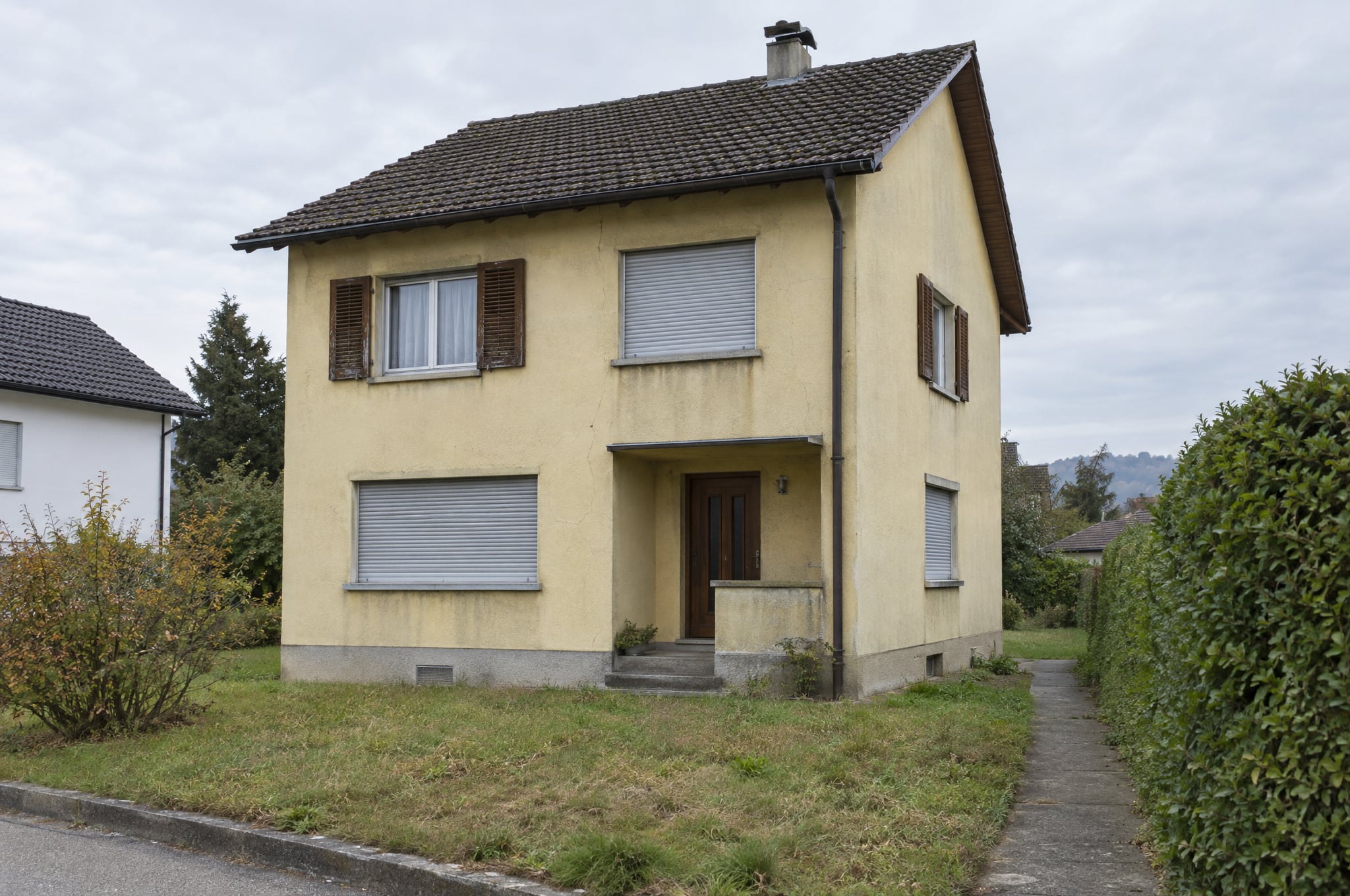
The visual in 3D, from a phone to a headset.
View in 3D turns a formed visual into a view your client can look into. Tilt a phone, slip it into Cardboard or put on a headset, and the new kitchen stands in front of them, life size. True to the photo, and computed on the device.
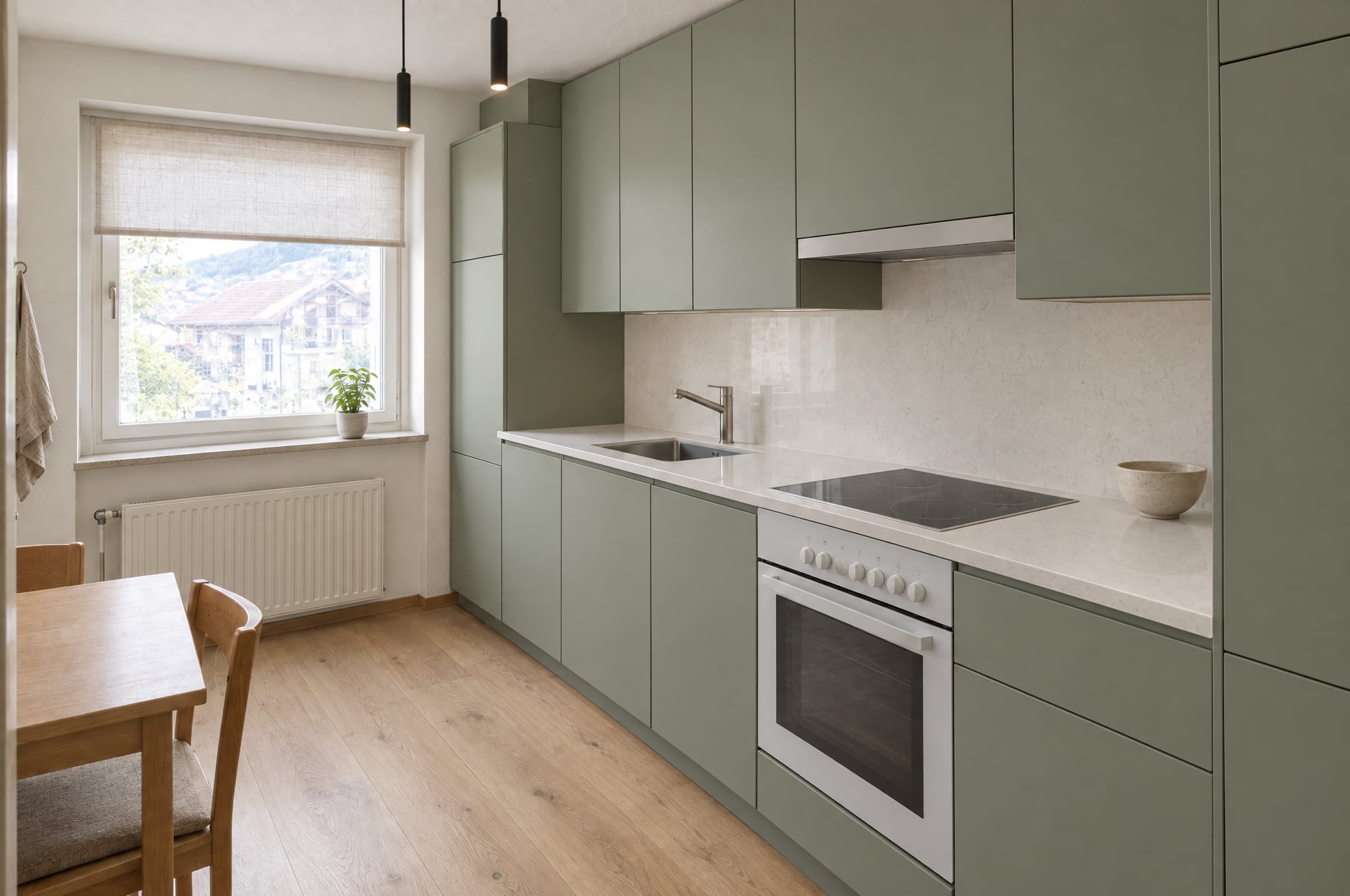
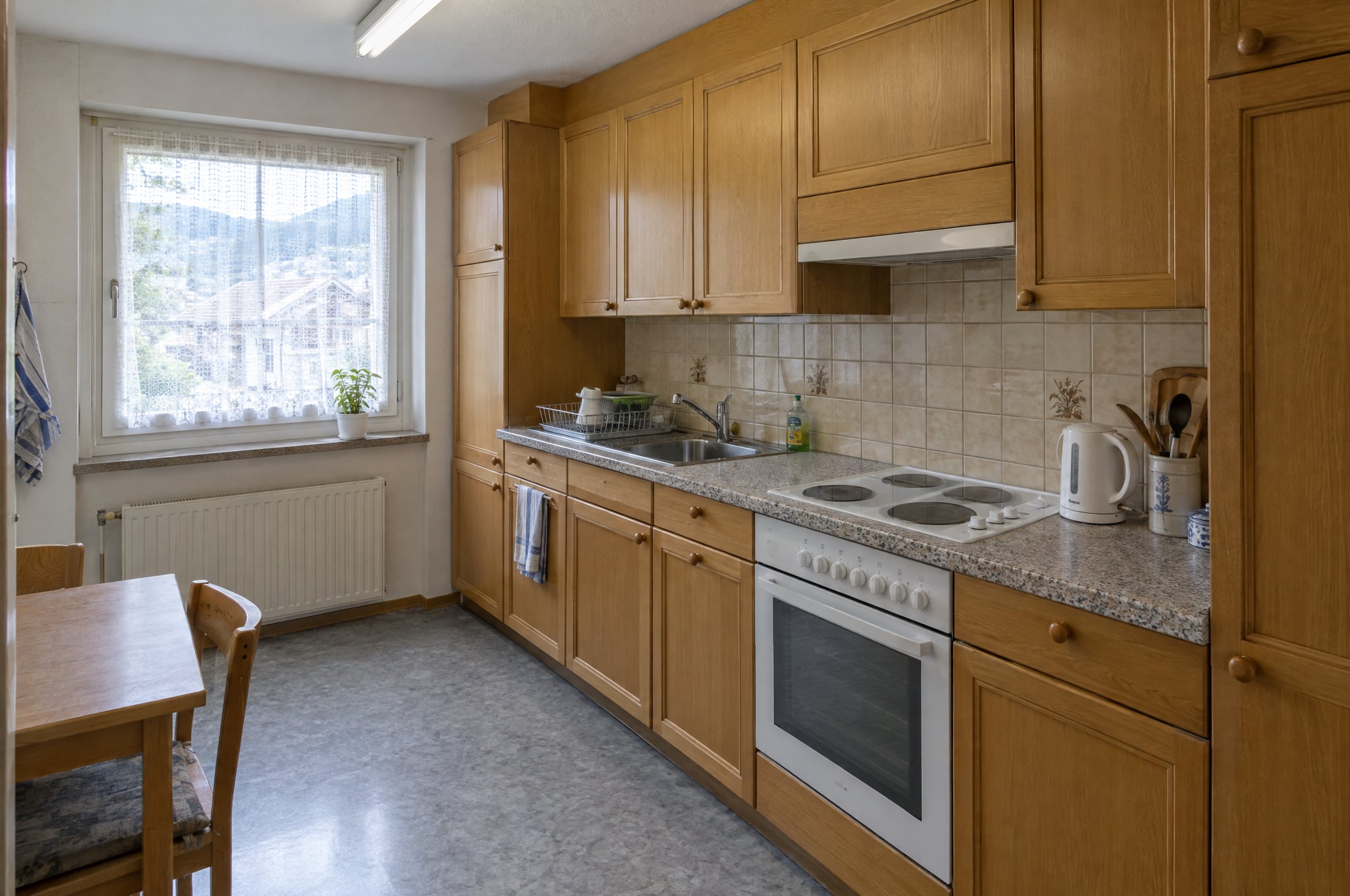
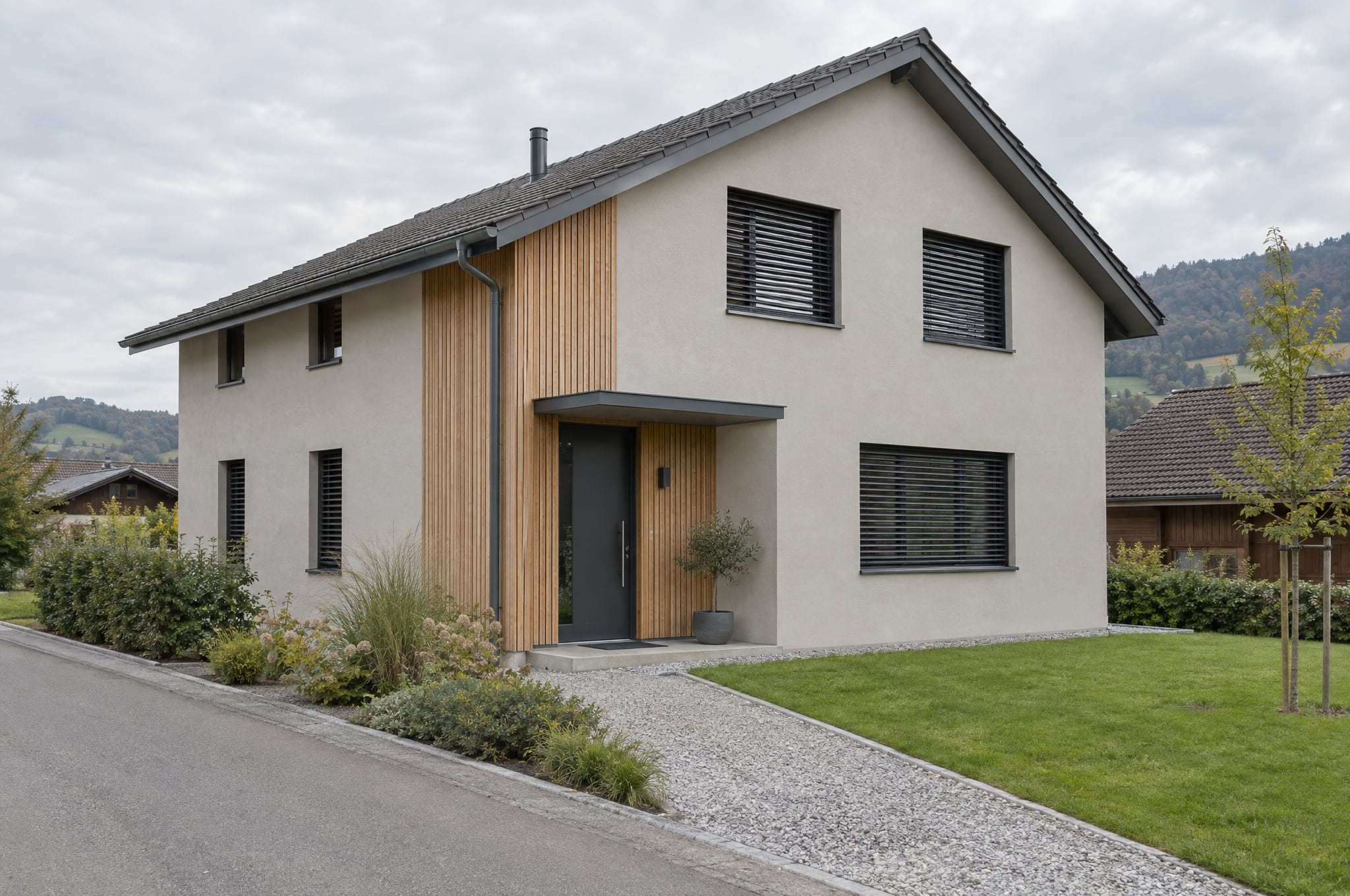
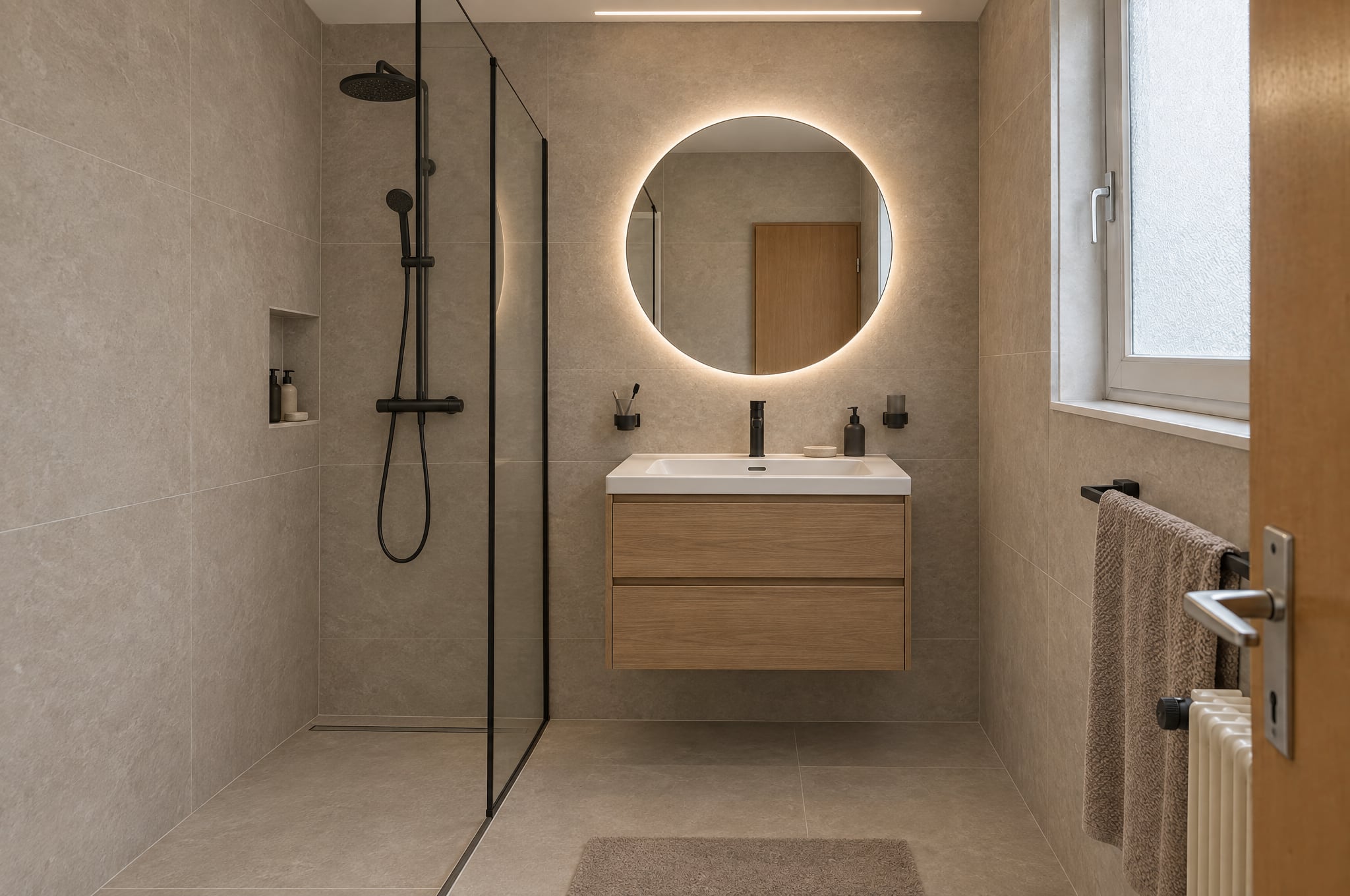
Six examples, in 3D on this device.
Choose an example, start the 3D view, then drag, move the pointer or tilt your phone. The first time the depth model loads in your browser, which takes a moment, and nothing is sent anywhere.
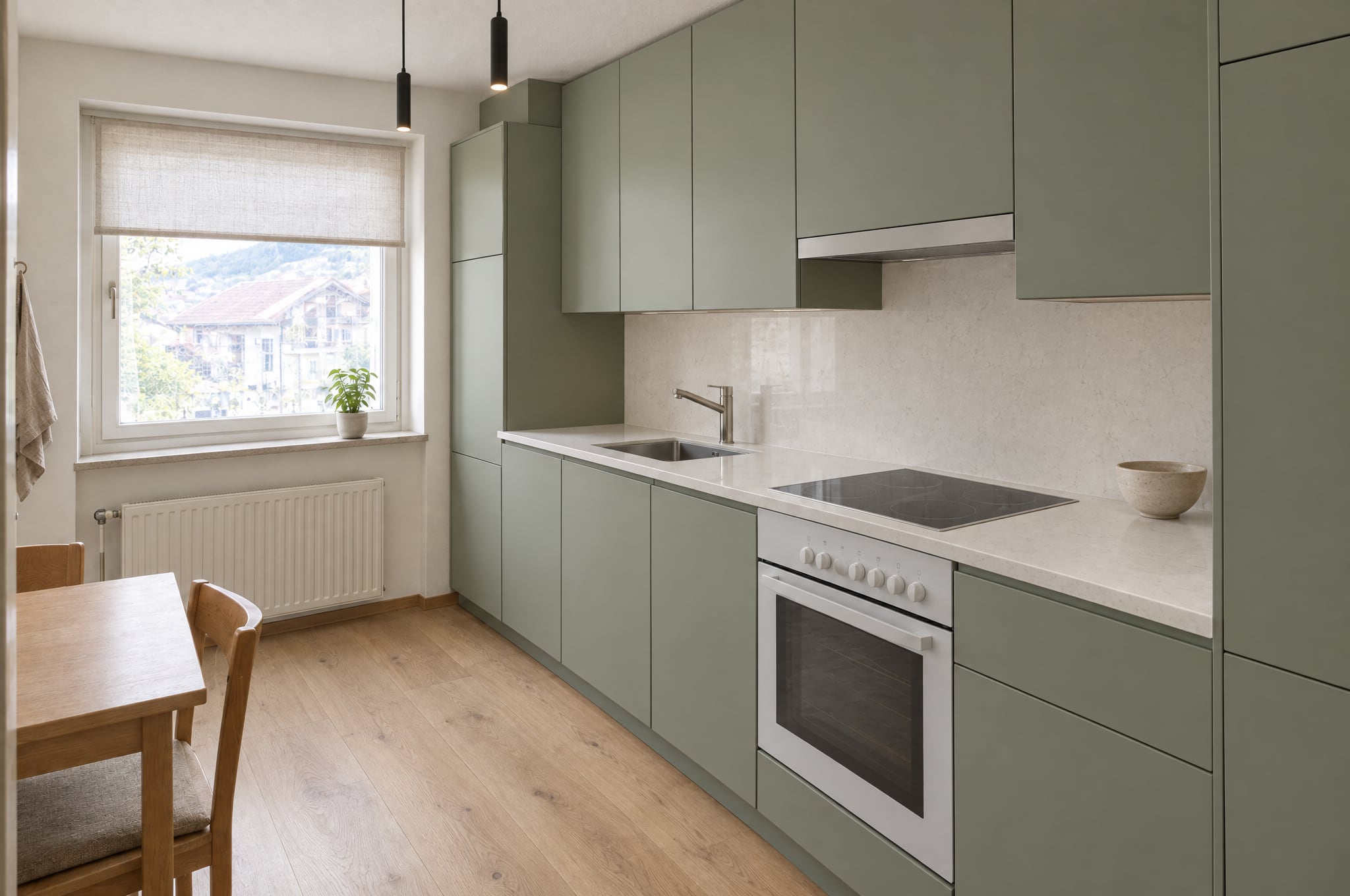
Full screen opens Cardboard and VR on the devices that have them.
A decision is easier in front of the result.
A picture shows the result
The formed visual already shows the finished kitchen, bathroom or facade in the client's own space.
Depth lets them look into it
How the island sits in the room, how far the terrace reaches, how the new facade meets the street.
Looking makes it theirs
They lean closer, look again and show it at home. The less a client has to imagine, the easier the yes.
The same visual, with depth.
One button on a formed visual, View in 3D, and the picture opens as a view with depth. It is an extra, never the main path: every request and every quote works without it.
True to the photo
The 3D view shows exactly the visual. Depth is estimated from the picture, and nothing is added beyond a thin fill where the depth changes. Walls, windows and camera stay as photographed: no invented rooms, no panorama, no walking through space that was never there.
Computed on the device
Depth is calculated in the viewer's own browser with Depth Anything V2 Small, an open model licensed for commercial use. The picture never leaves the device for 3D, and the model loads from beform, never from a third party.
Labeled in every mode
The AI illustration label stays in view in the 3D window, in Cardboard and inside a headset, where it stands in the scene next to the picture. Example pairs also carry the Example label.
Calm to look at
The view moves only when the viewer moves: a hand, a tilt or their own head. Depth is kept moderate so edges hold, the exit is always in view and nothing flashes. With reduced motion, tilt stays off until it is turned on.
From the simplest phone to the best headset.
Every step shows the same visual on the same depth. Start with the phone in your pocket, and add a headset where it helps.
Any phone
Tilt to look in
On iPhone and Android the visual opens as a 3D window. Tilt the phone and the room shifts with it; on iPhone, one tap allows motion first. On a laptop, drag or move the pointer.
Cardboard
A viewer for a few francs
Slip the phone into a Cardboard viewer and the visual appears in stereo, filling the view. Turn your head to look around and tap the screen to recenter.
Entry headsets
Life size, from the browser
On an entry headset such as Meta Quest 3S, Enter VR places the visual life size, its middle about two meters away. Lean in to look closer, and point and select to switch between before and after.
High-end headsets
The most detail
Meta Quest 3, Samsung Galaxy XR and Apple Vision Pro show the visual in the most detail, with controllers, hands or gaze and pinch. On Vision Pro and iPhone, the visual can also be saved to Photos and turned into a spatial scene.
| Device and browser | Opens in | Also offered |
|---|---|---|
| Desktop and laptop | 3D window: drag or move the pointer to look around | Enter VR when a headset is connected |
| Android phone or tablet | 3D window with tilt | Cardboard |
| iPhone and iPad | 3D window with tilt, after one tap to allow motion | Cardboard, Save to Photos for a spatial scene |
| Meta Quest, Pico, Samsung Galaxy XR | Enter VR: life size, about two meters away | 3D window in the browser panel |
| Apple Vision Pro | Enter VR with gaze and pinch | Save to Photos for a spatial scene |
| A Showroom embedded on a company's website | Opens full screen in a new tab | Stays in place once the embed allows motion and VR |
For the company, the consultant and the client.
Companies
Offer 3D in the Showroom on your own website, so a visitor looks into their future room on the phone they took the photo with. You decide per surface whether it shows, and how.
Consultants
Open the client's visual in 3D in the meeting, on the tablet in the showroom or in a headset on the table. Before and after sit on the same depth, so switching never jumps.
Their clients
At home on the phone, or in the Showroom, the client looks into the result as often as they like. Nothing to install and no account.
The sharpest version, checked against the original.
For the headset and the big screen, a consultant can form one visual again at 4K. The 3D view always uses the High-end 4K version when there is one.
- One visual formed again at 4K on the Pro engine, with a strict instruction to change nothing
- Checked against the original, formed once more if it drifts, refused at no cost if it still does
- Created by consultants and by beform, never by a website visitor and not in the public demo
CHF 0.90 per image
Indicative, in AI credits, counted toward the monthly cap like every render.
3D and VR for your whole company.
The 3D and VR add-on switches View in 3D on across your beform and lets your consultants create High-end 4K images. It is priced once per company, and beform or a partner can include it in a package.
- View in 3D in the Studio, the client portal and the Showroom
- Phones, Cardboard and headsets, from the browser
- Off, subtle or prominent, set per surface
- High-end 4K for your consultants, as usage
fromCHF 490once per company, excl. VAT
Free in the demo and on this page, for everyone.
See all add-onsQuestions about 3D and VR.
No. It shows the same picture with depth estimated from it. Nothing is added beyond a thin fill where the depth changes, and walls, windows and camera stay as photographed. It does not extend the picture into a panorama or a room to walk through.
See your own room in 3D.
Form a visual from your own photo in the demo, then open it in 3D on the device in your hand.