Showroom. Turn traffic into qualified requests.
A branded upload flow on your website. Visitors photograph their room, choose a direction from your range and see it formed in under a minute. To keep the visual, they leave their contact. Anonymous traffic becomes a project request with a picture attached.
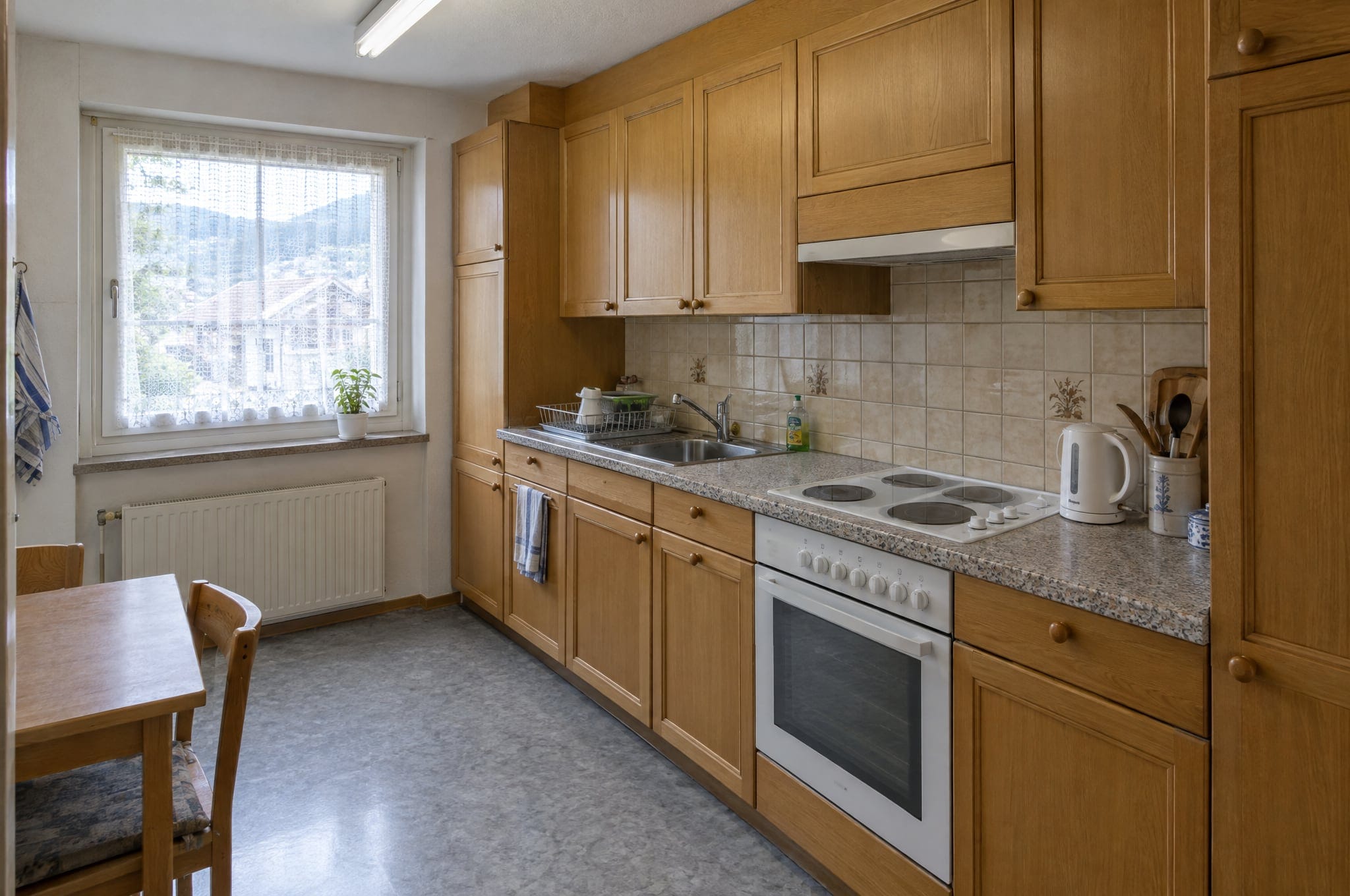
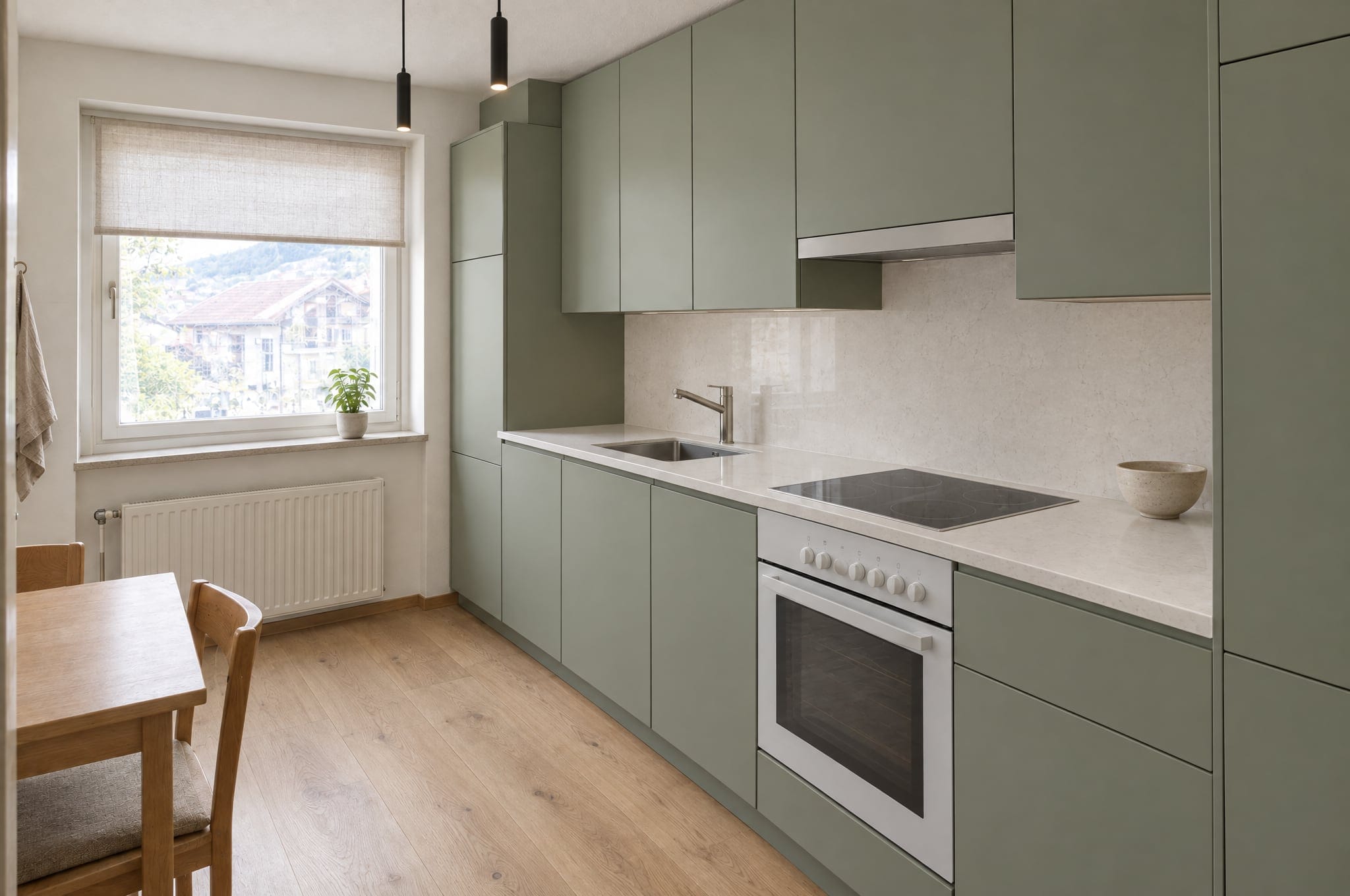
Six things Showroom does for your sales.
Upload from any device
The visitor photographs the room with their phone or drops in a picture they already have. No account, no app, no plans.
Your areas and directions
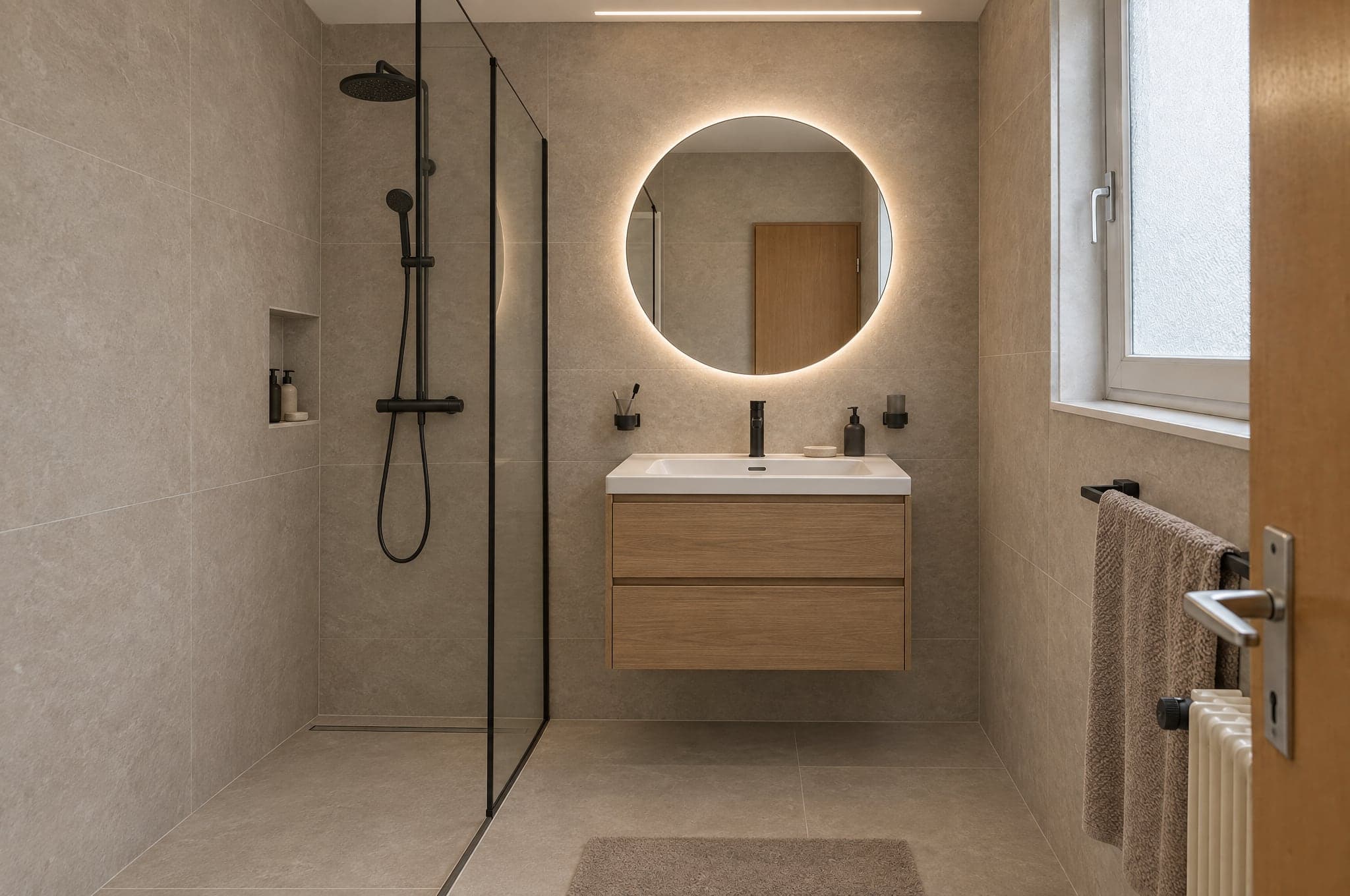
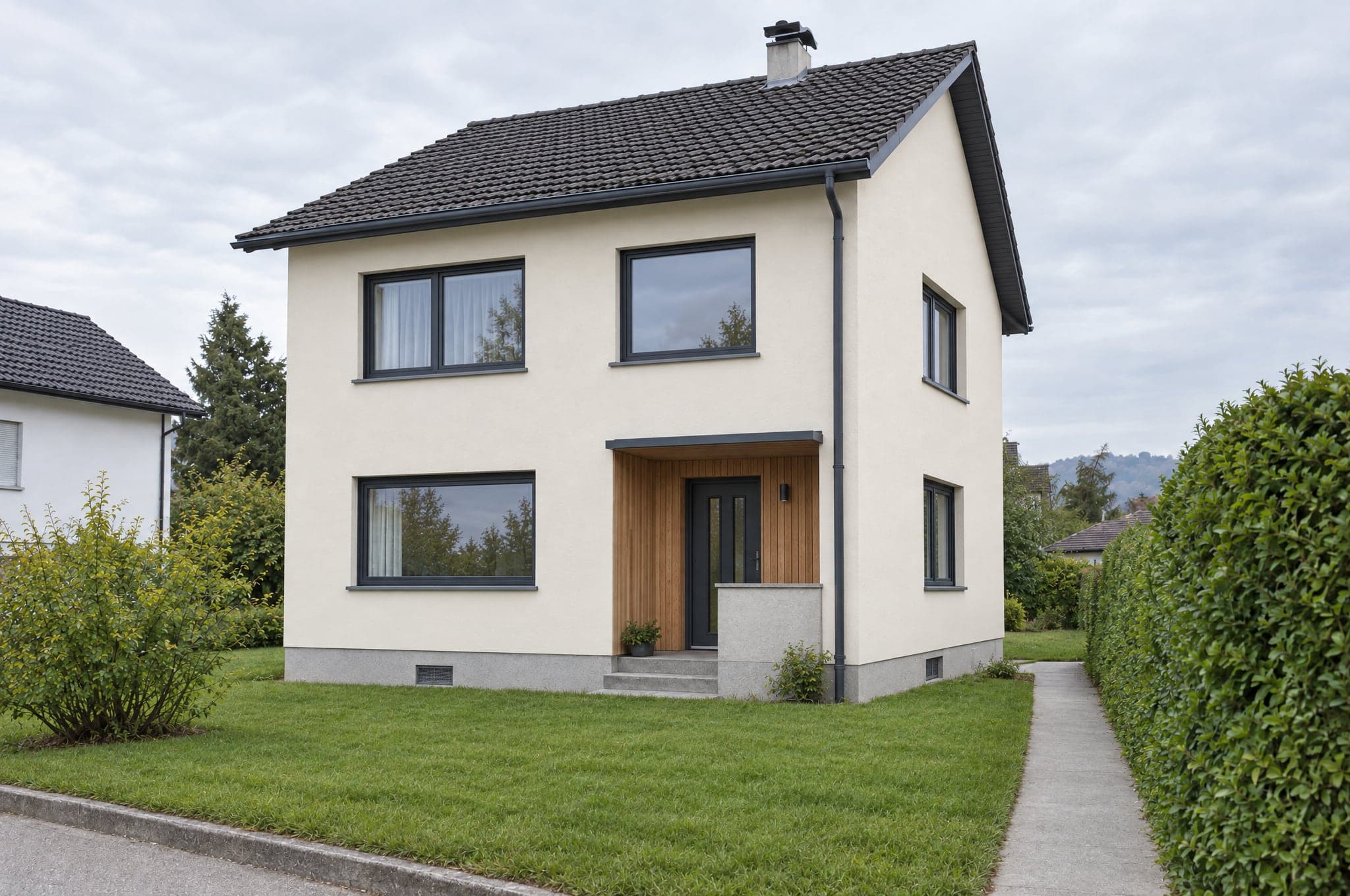
Kitchen, bathroom, facade, garden, or whichever areas you sell. Each with three to six directions, named the way you name them.
Geometry locked renders
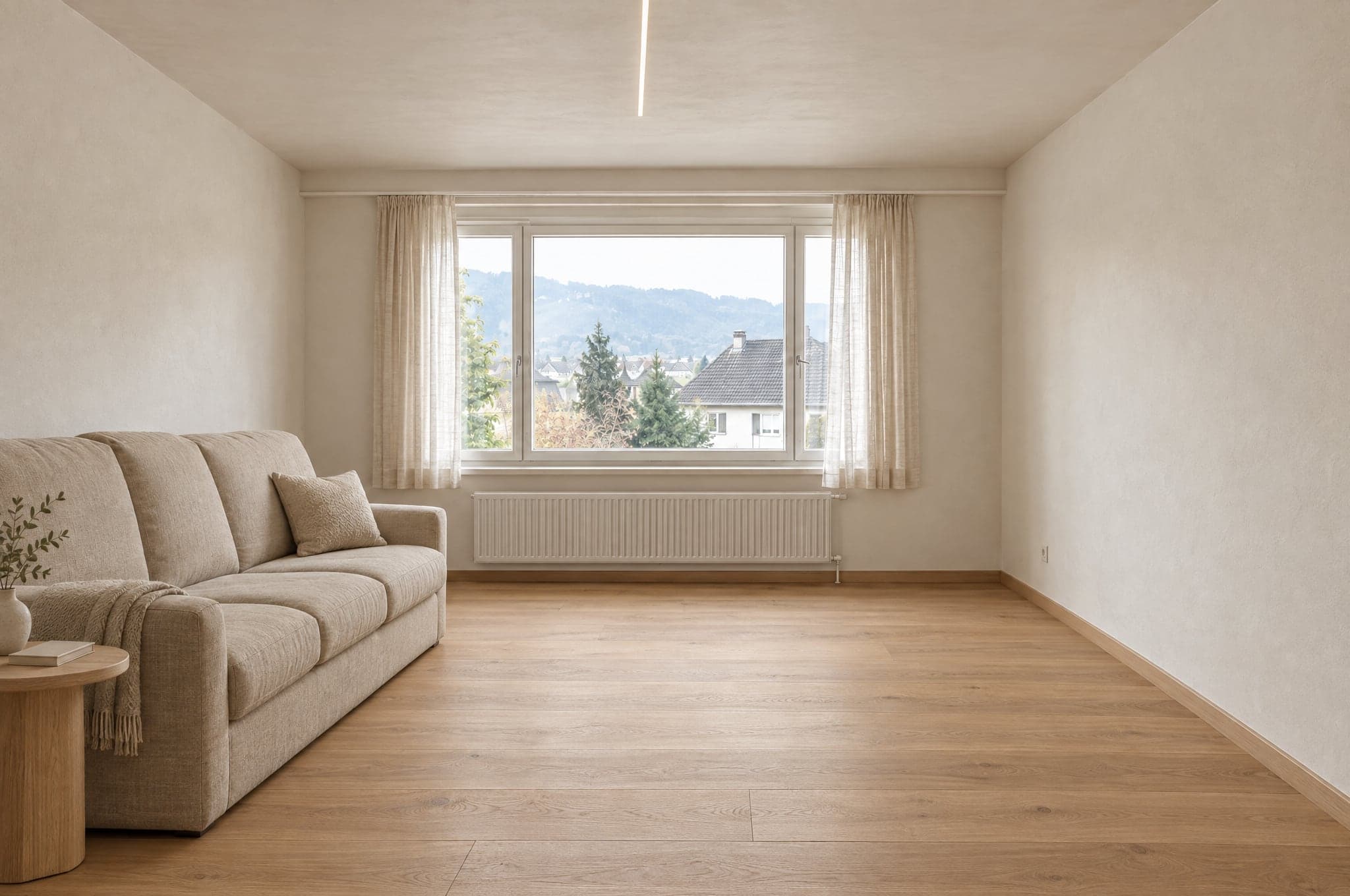
Walls, windows, doors and camera stay as photographed. Only surfaces, cabinetry and fittings change, so the client recognizes their space.
Contact capture at the moment of interest
The visual appears, and the contact is asked for to keep it. Name, email, phone, postcode, whatever your sales process needs.
A request with everything attached
Photo, chosen direction, every render and the visitor's answers arrive together in your portal, with an email to your team and the request in your CRM if you connect one.
Your brand on your domain
One script tag on your website or a hosted page on your domain, in your colors and your typeface.
Their result, in 3D on the same phone.
With the 3D and VR add-on, a visitor can look into their formed visual in 3D: tilt the phone they took the photo with, use Cardboard or put on a headset. Depth is computed on their device, and you decide whether the button shows.
See it in 3D and VR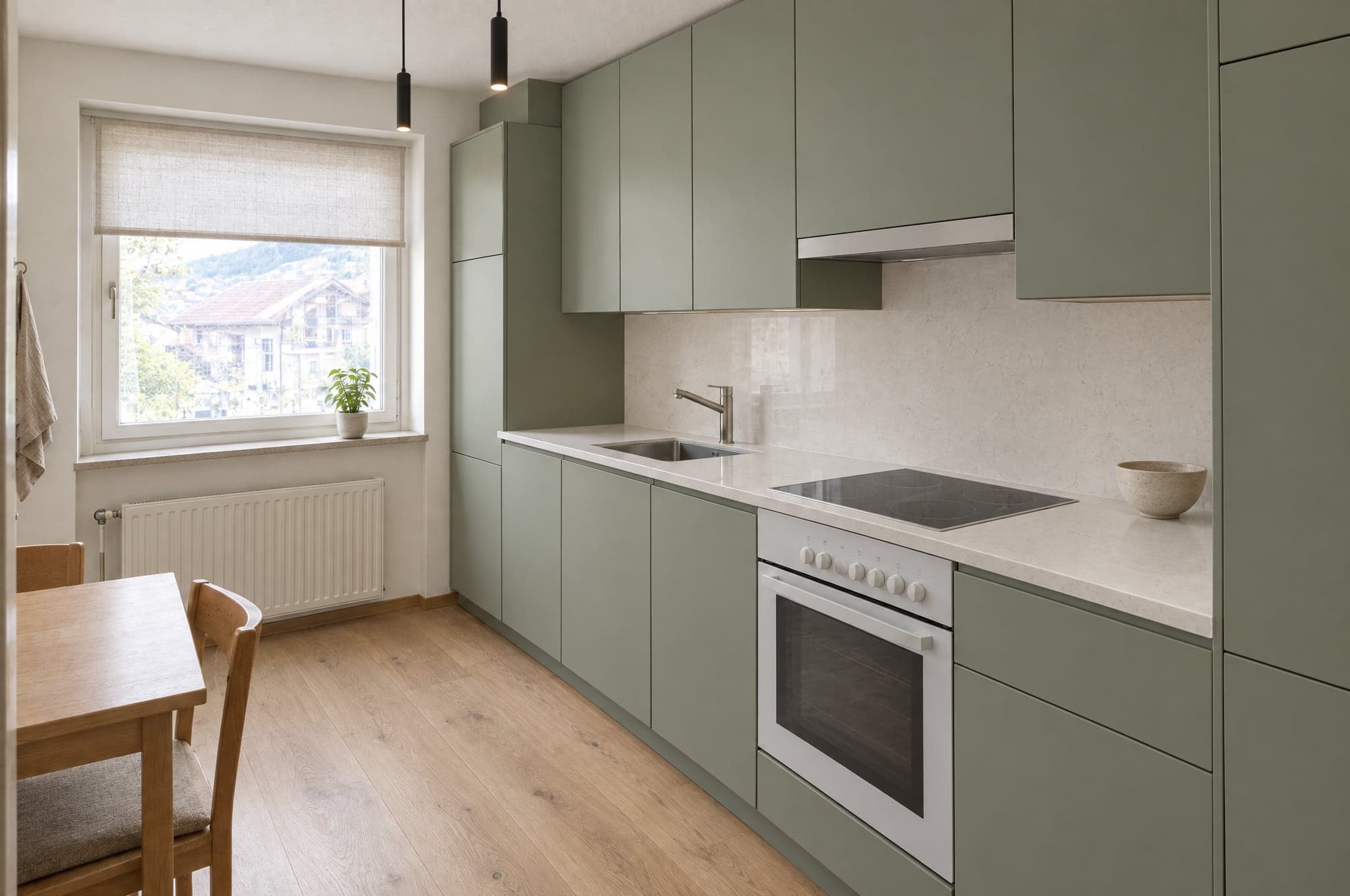 Example
Best for
Companies whose website brings traffic that a contact form does not convert.
Firms that reply to an online inquiry within the hour are nearly seven times as likely to qualify it. The Showroom replies with the client's own space in under a minute, at any hour.
Oldroyd, McElheran and Elkington, 2011. Findings from published research, measured in the settings of each study.
Showroom works best with the other two.
See Showroom on your own projects.
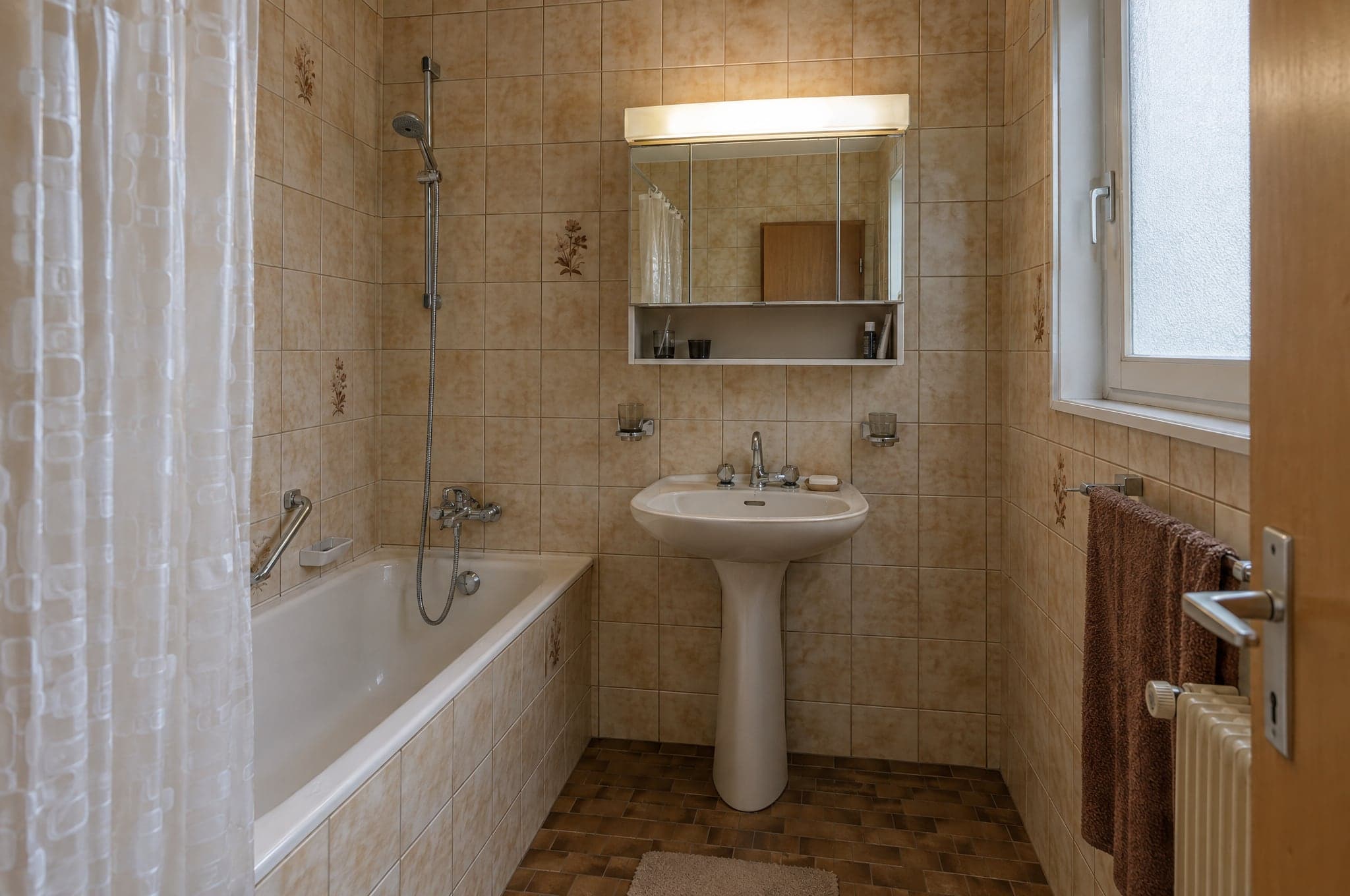
See beform on the rooms, facades and gardens your clients actually send you. No slides, no sample kitchen.
- 01You send your website and a line on what you sell.
- 02Edvin prepares visuals from three of your own projects.
- 03Thirty minutes together on the result, the request flow and the setup.
 Edvin KarlssonPartner, beform
Tell us where to start
Edvin replies within one working day with a time and what to send.
Questions about Showroom.
Yes. beform locks the geometry: walls, windows, doors, ceiling and camera stay exactly as photographed. Only surfaces, cabinetry, fittings, colors and lighting change. The client recognizes their space immediately.
See beform on your own client photo.
Upload one photo in the demo and watch it form. Or book thirty minutes and we will run it on three of your real projects.