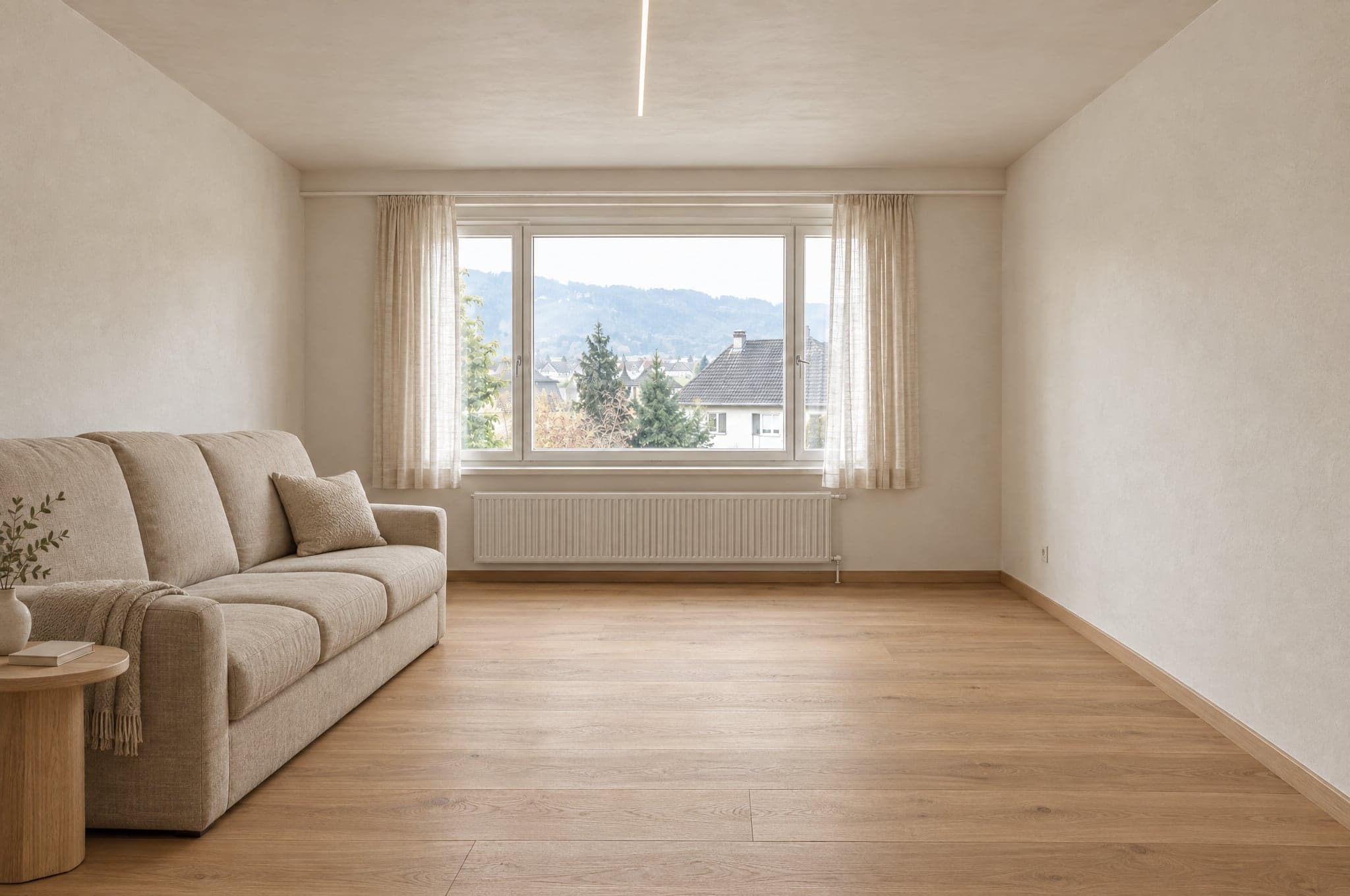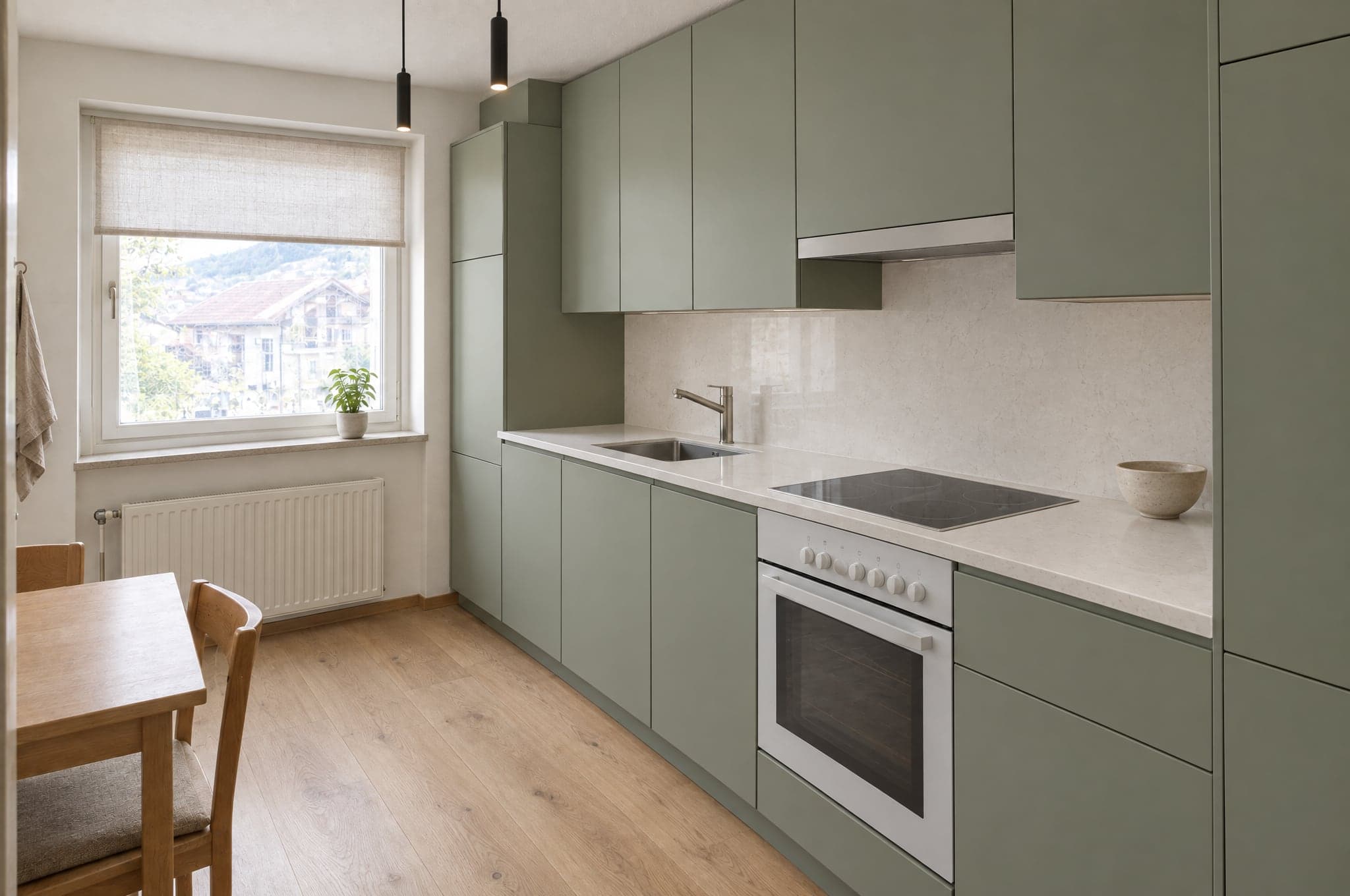
Your kitchenFormed in 41 s
Keep my visual
On your website
Showroom
Turn traffic into qualified requests.
- Upload or photograph
- Your areas and styles
- Contact capture and CRM handoff
Slat blinds, awnings and new windows are bought once every twenty years. beform shows them on the client's real facade so the choice between colors, systems and coverage is made in minutes.
Tell us what you sell. Edvin picks one of your projects and sends the visual back.
 TodayExample
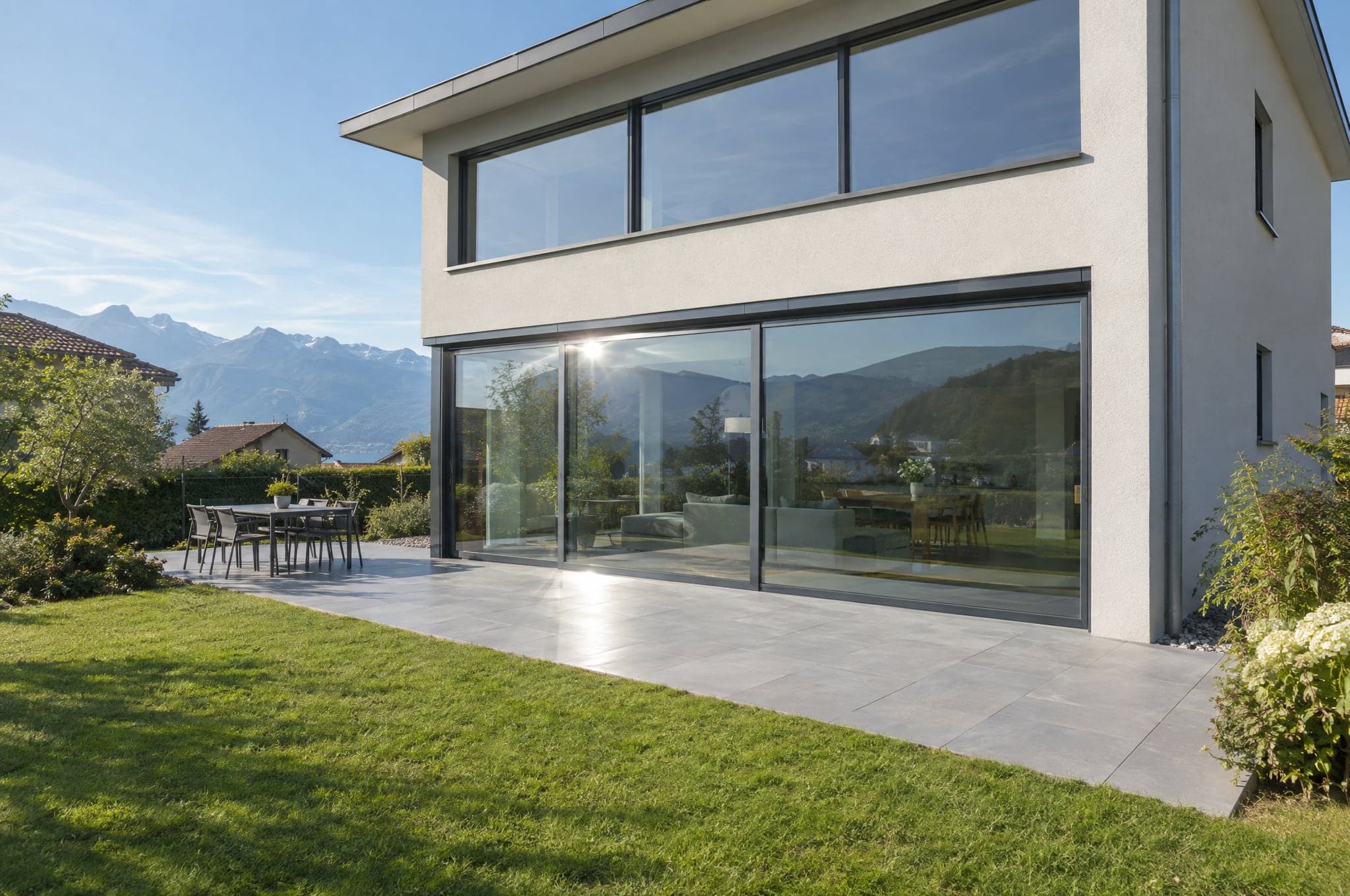
Catalog photos show someone else's house.
Color and system choices feel abstract and risky.
Quotes go out before the client has decided the look.
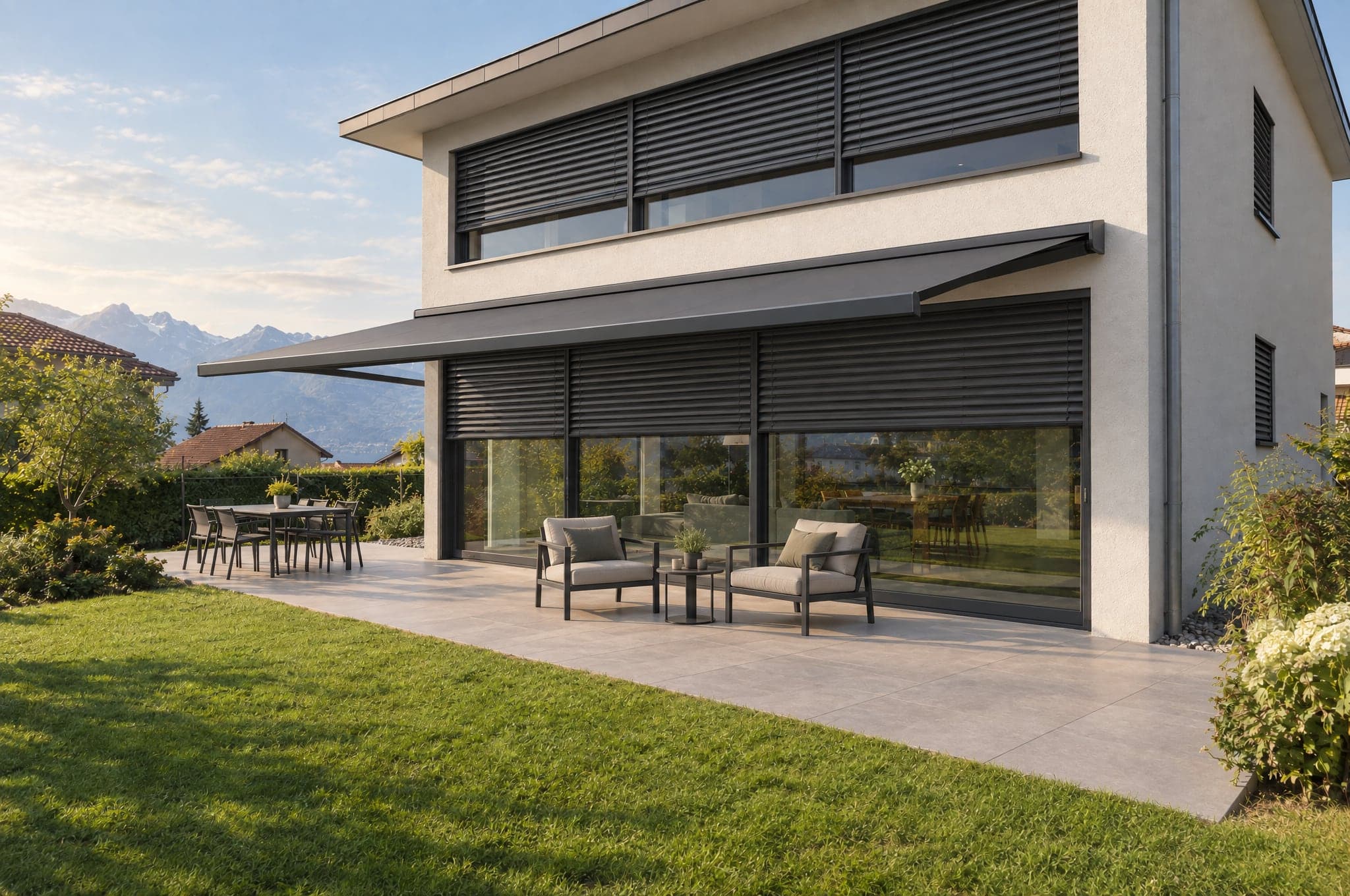
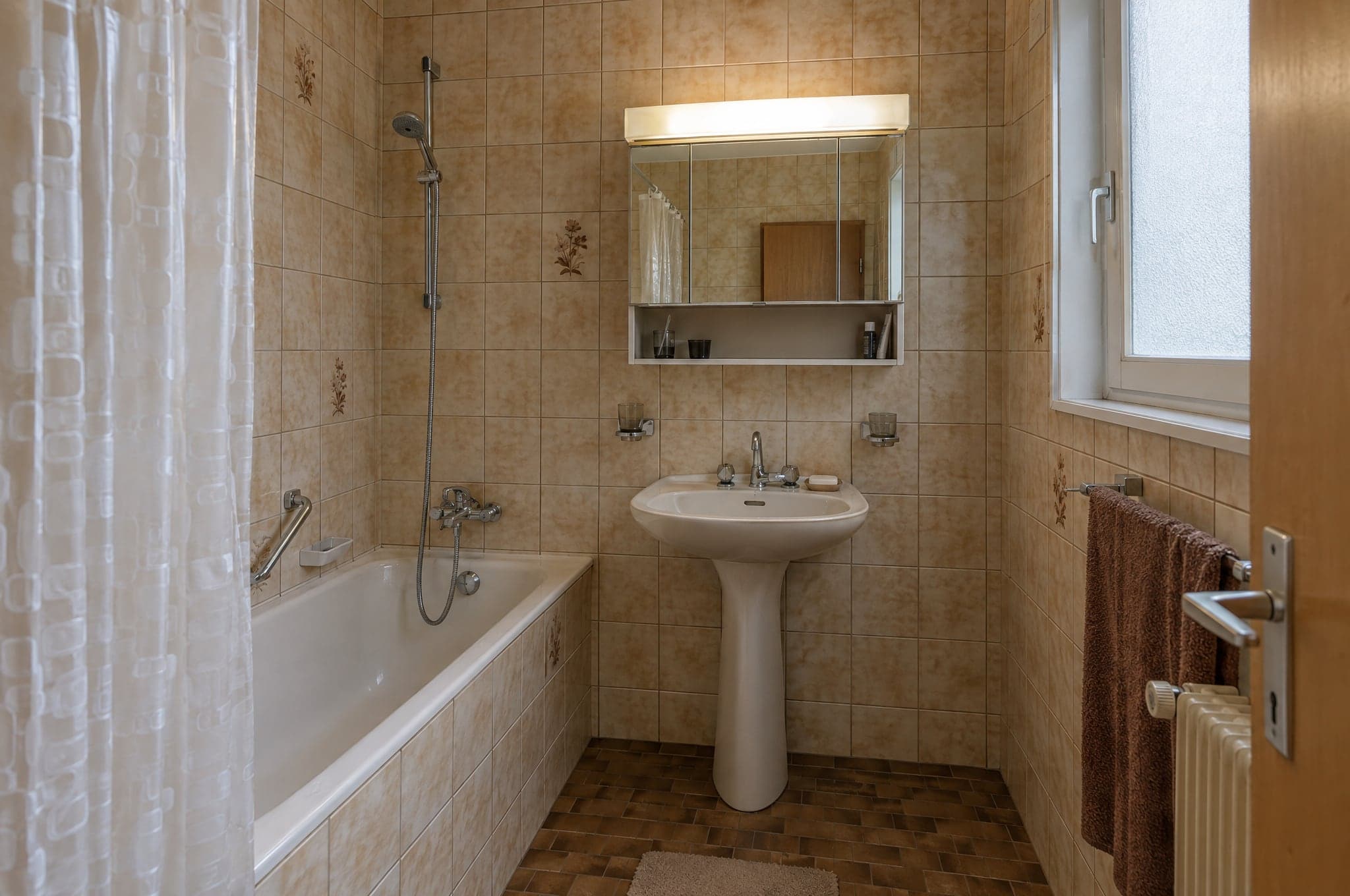
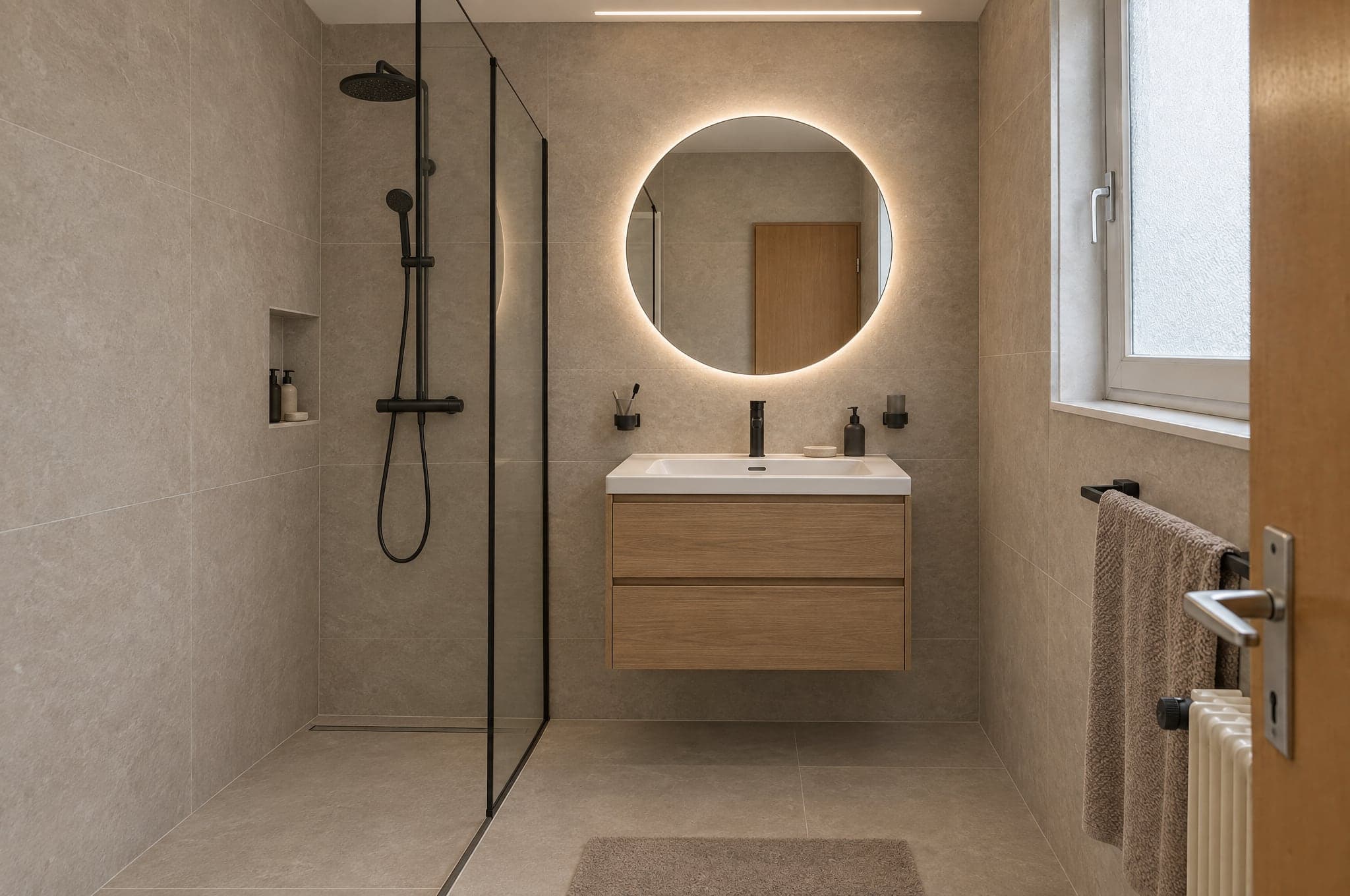
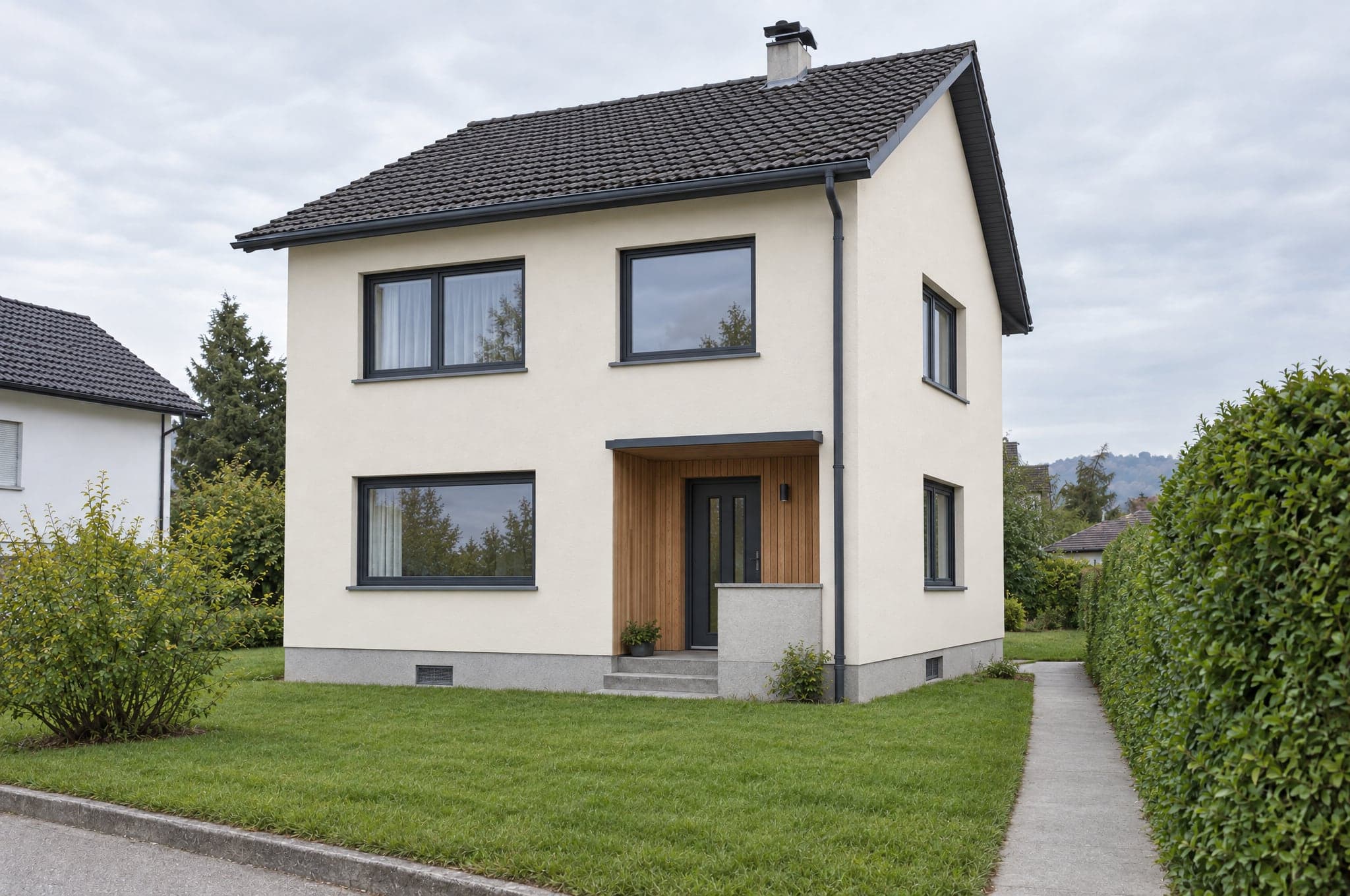
With beformExampleAnthracite slats or white awnings, full coverage or partial. Seen on the actual house.
The most common delay shrinks when the client can compare three versions side by side.
The measured quote follows a visual the client already approved.
Where beform sits in your sales process, and what each part does there.
On your website
Turn traffic into qualified requests.
In consultation
Consult with the picture open.
Behind it all
Your catalog, your rules.
Every area uses your ranges once the System is configured. Until then, beform renders from a curated set of materials for each area.
External venetian blinds in your colors and slat widths.
Terrace and window awnings in your fabric range.
Shutter boxes and slats that sit flush with the facade.
Frame colors and profiles on the existing openings.
Entrance doors and sliding doors onto the terrace.
Sectional doors matched to the frame color.
Pleated blinds and screens that soften the glare.
Frames, slats and fabric compared side by side.
 Example scenario
Sun protection and window company
Lucerne region
Illustrative scenario based on how companies like this use beform. Not a named customer. Modeled with the return calculator's planning assumptions. Not measured results.
Yes. beform locks the geometry: walls, windows, doors, ceiling and camera stay exactly as photographed. Only surfaces, cabinetry, fittings, colors and lighting change. The client recognizes their space immediately.
Kitchen studiosSell the kitchen before the showroom visit.Bathroom specialistsTurn a photo of the old bathroom into the one they will buy.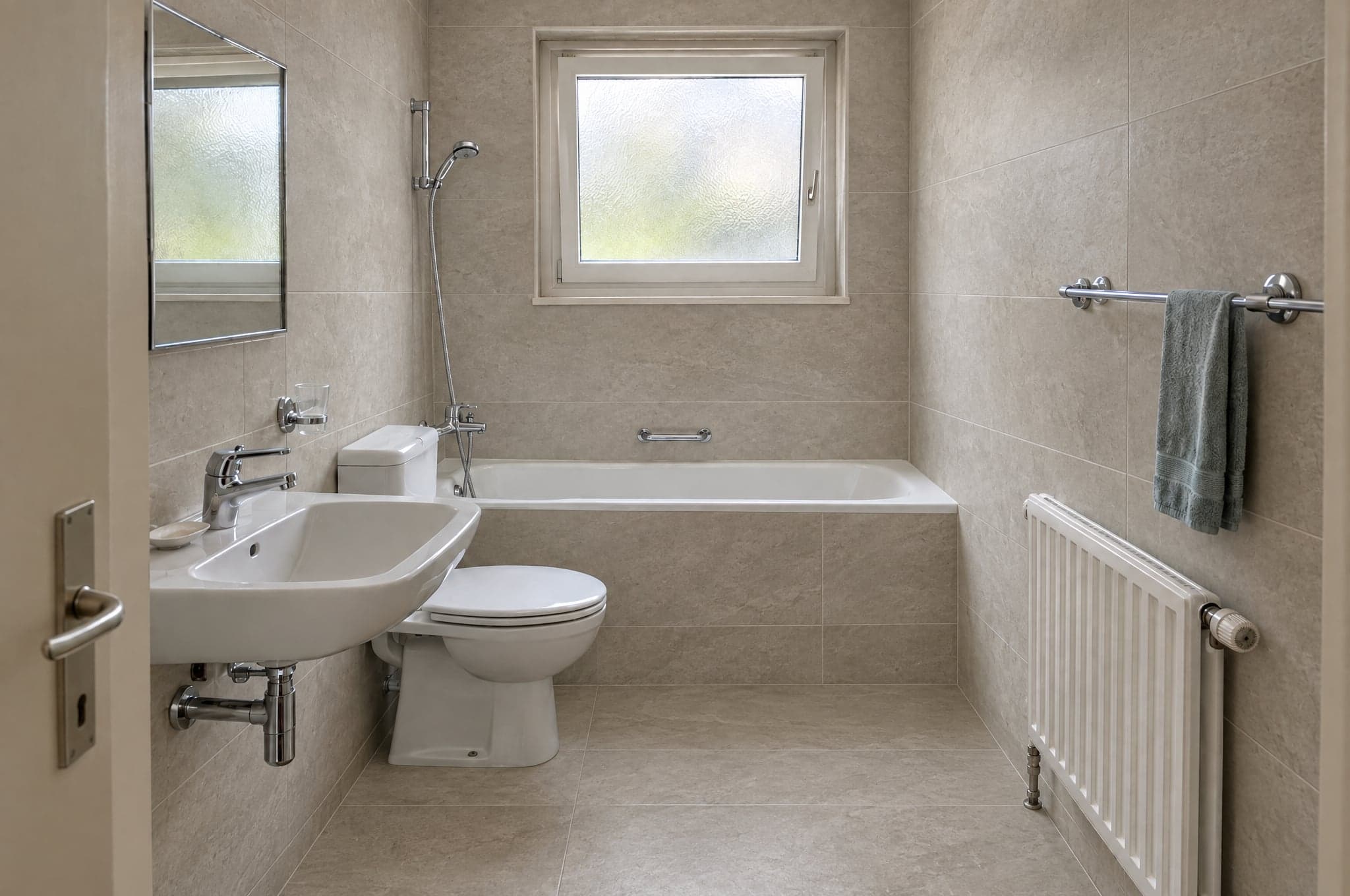 Tile and stoneShow the whole wall, not the sample in their hand.
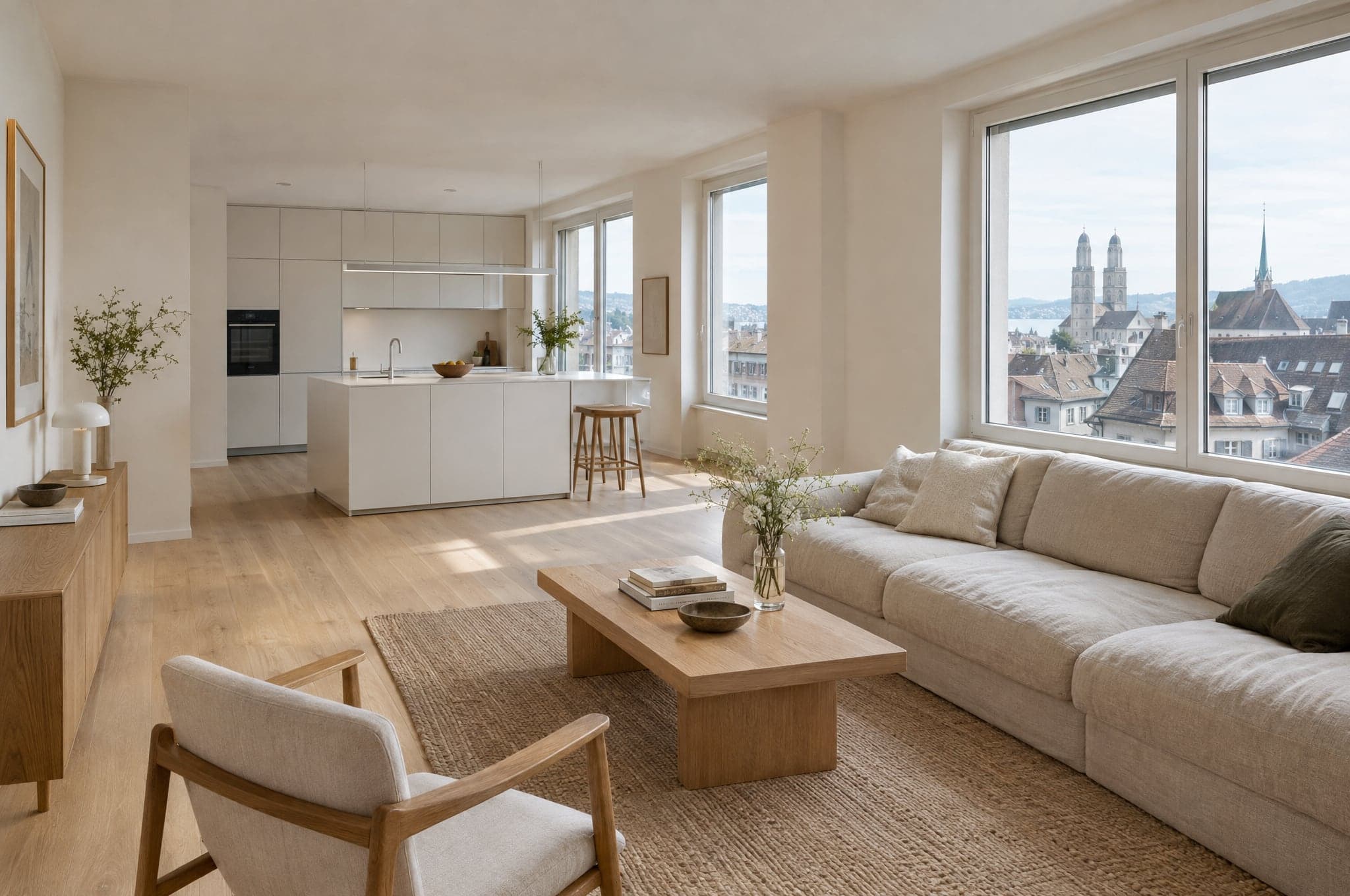 General contractorsQualify the whole-home project before the site visit.Facade and paintingShow the house in its new finish from the street.
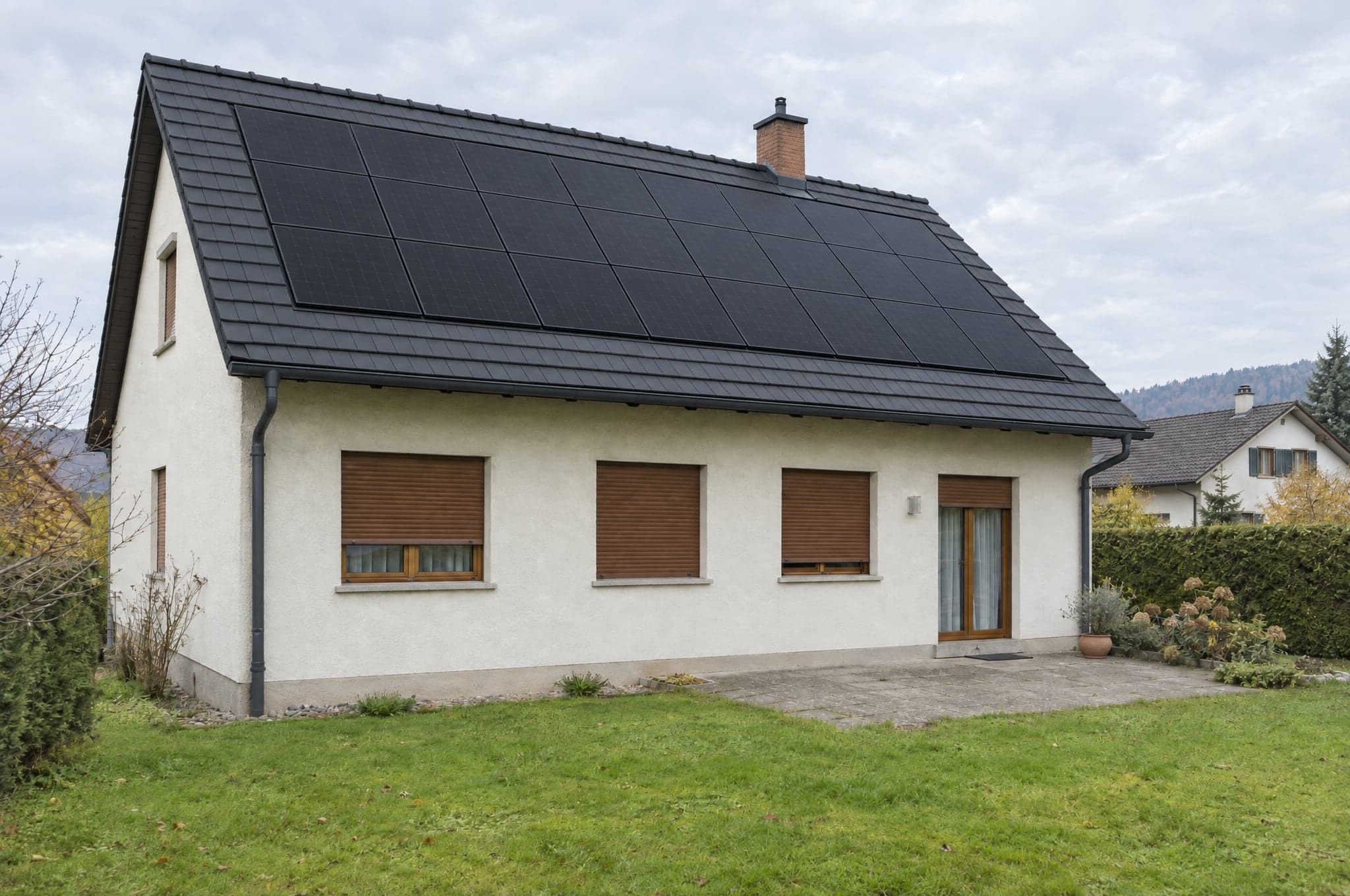 Solar and roofingShow the roof with the panels on it, before the survey.
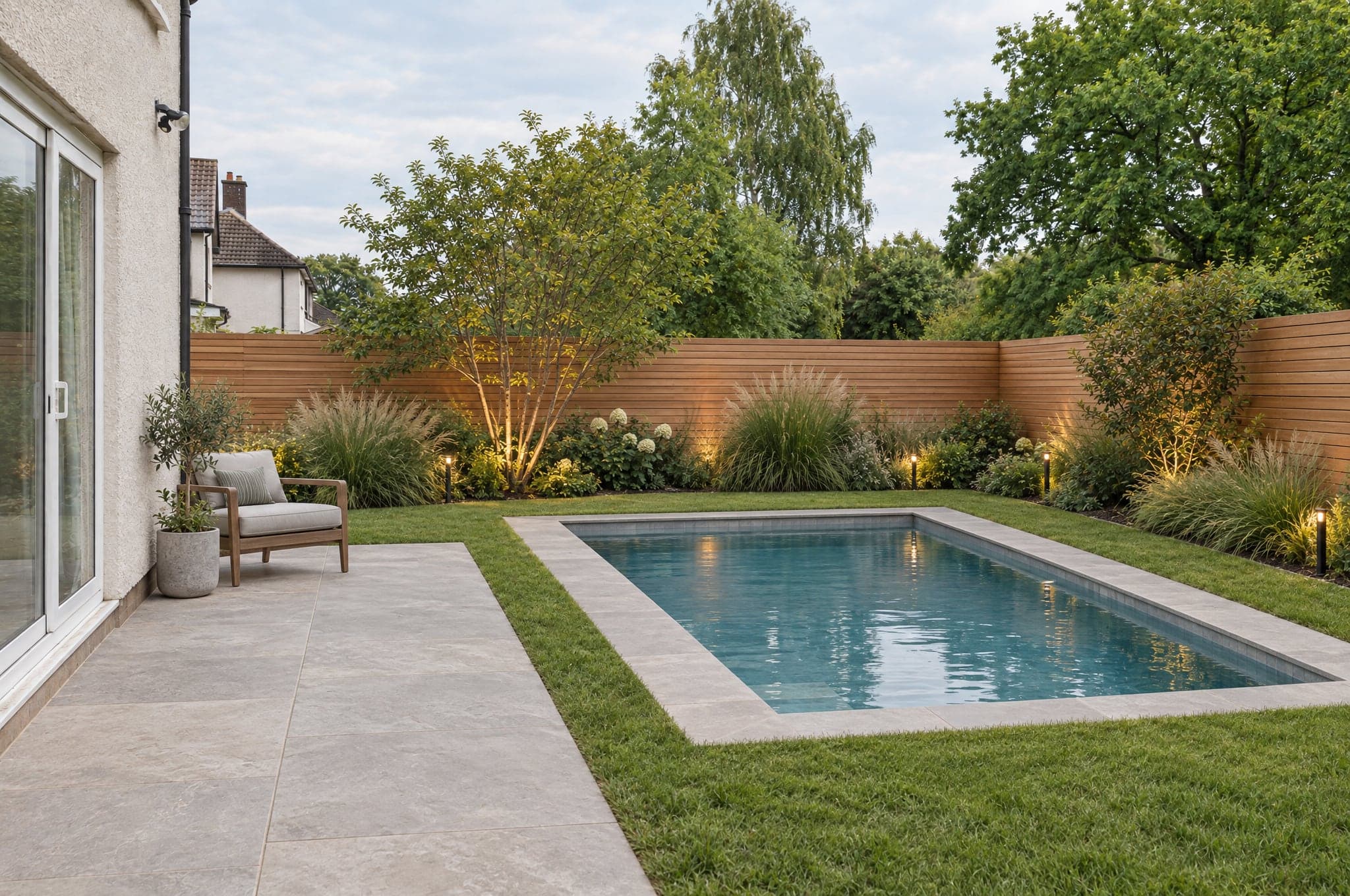 Landscapers and pool buildersMake the outdoor life visible before the excavator arrives.
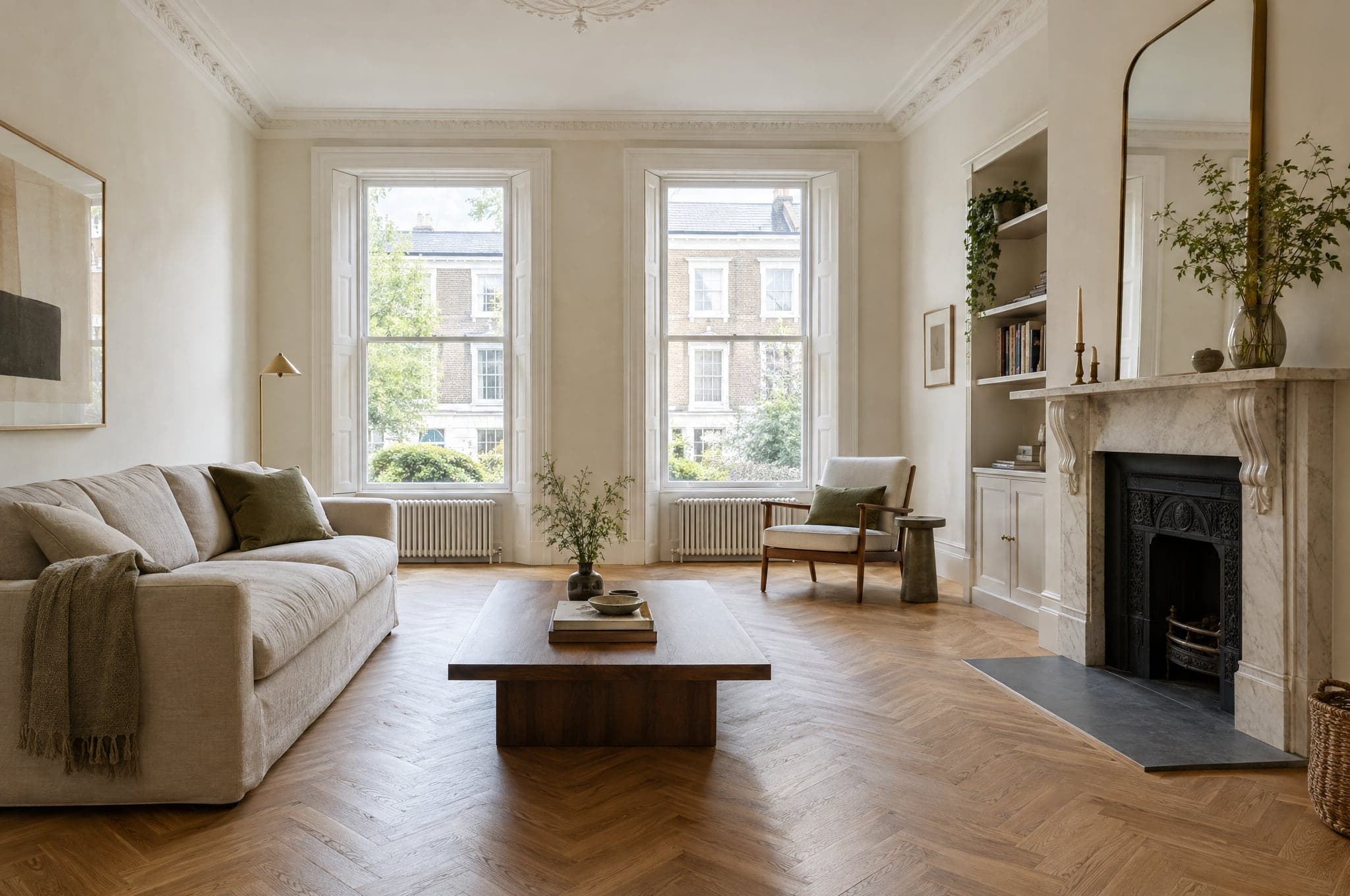 Flooring and interior finishingOak, stone or tile, seen in the client's own room.
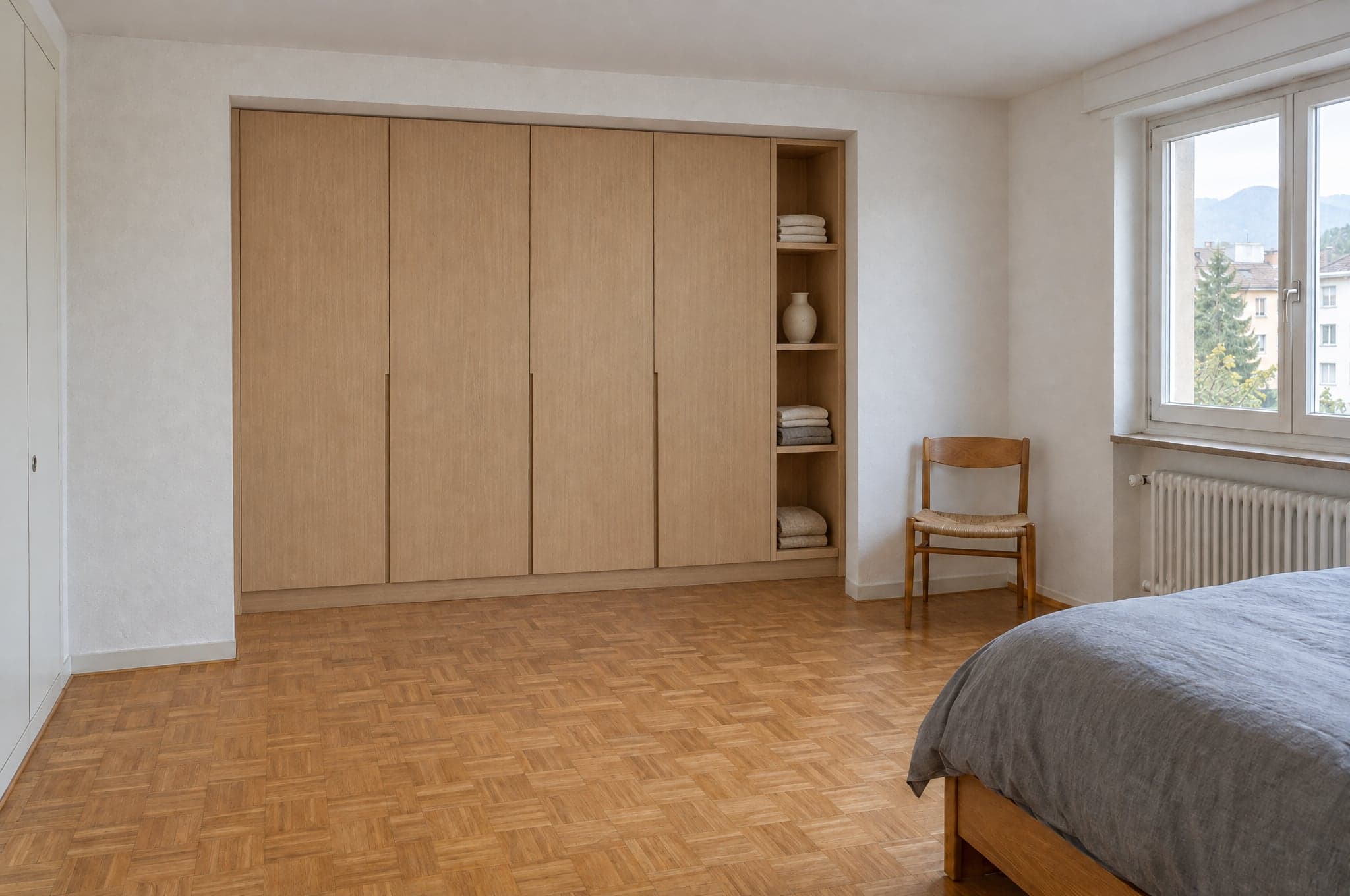 Carpentry and fitted furnitureSell the built-in before it is drawn.
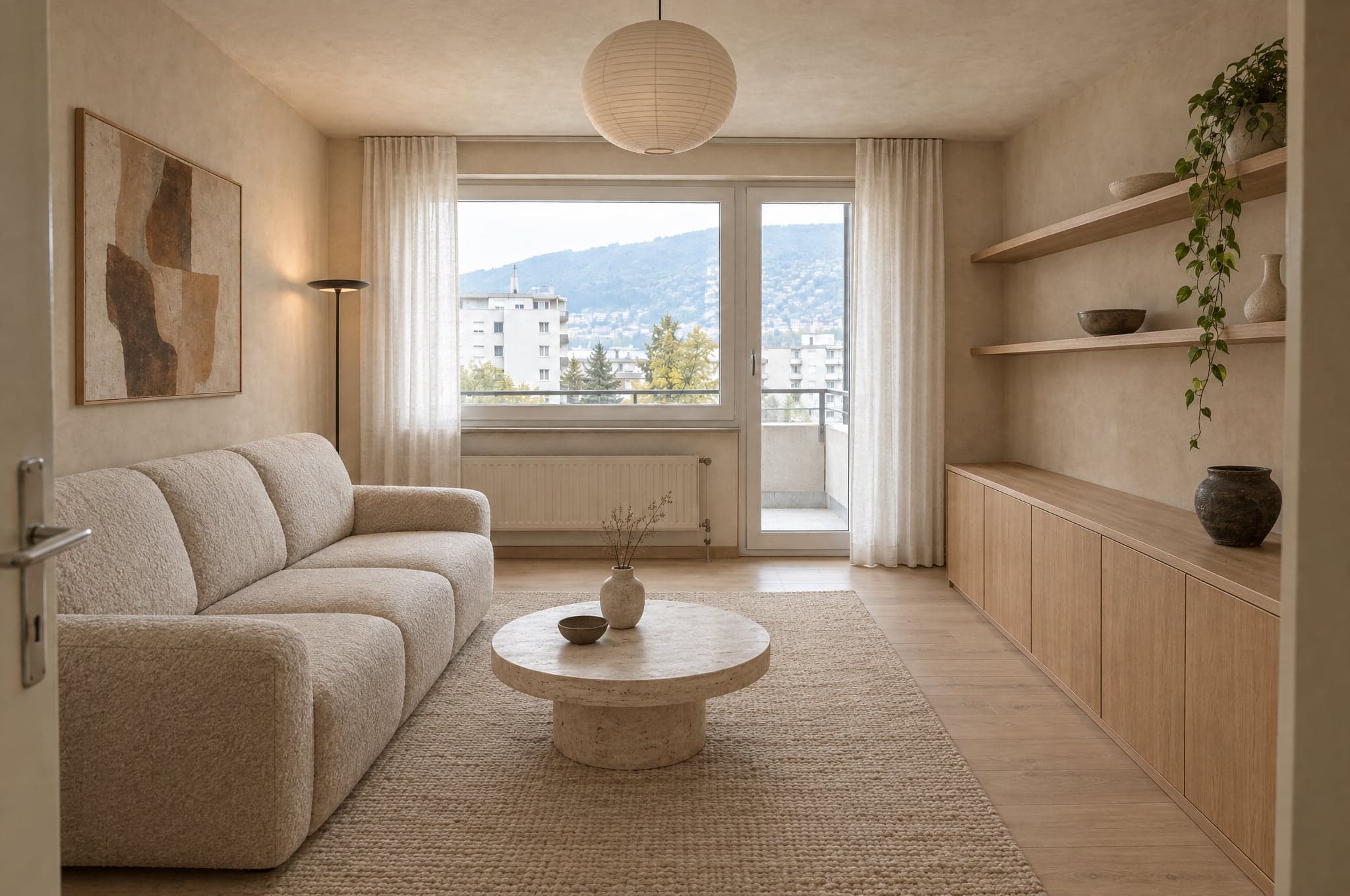 Interior designersShow the scheme in their own rooms, not on a board.
 Architects and developersPut early directions in front of clients without a rendering budget.
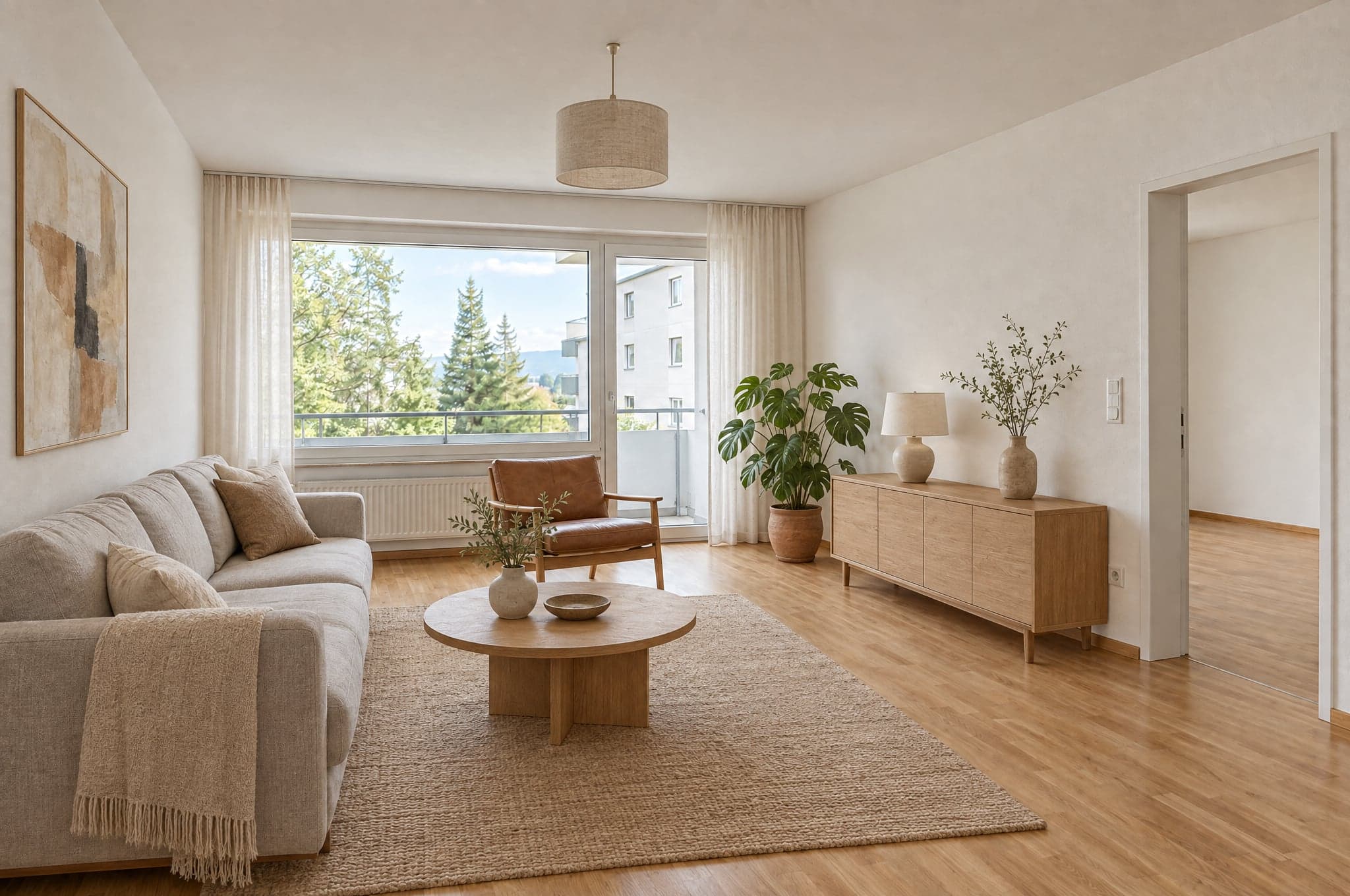 Property staging and marketingList it furnished, or list it finished, from the same photos.
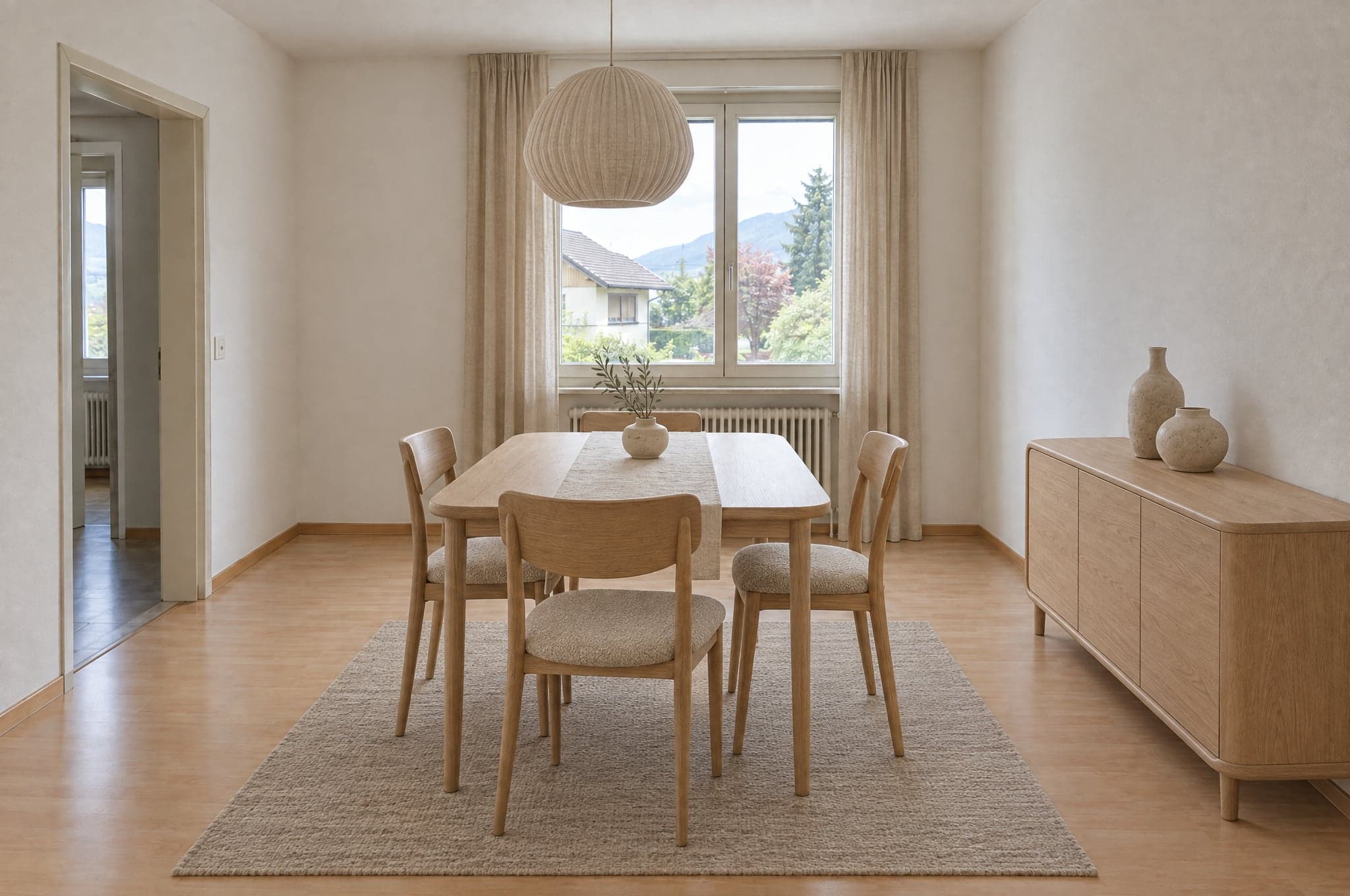 Interior product brandsGive every dealer your range in the end client's own room.
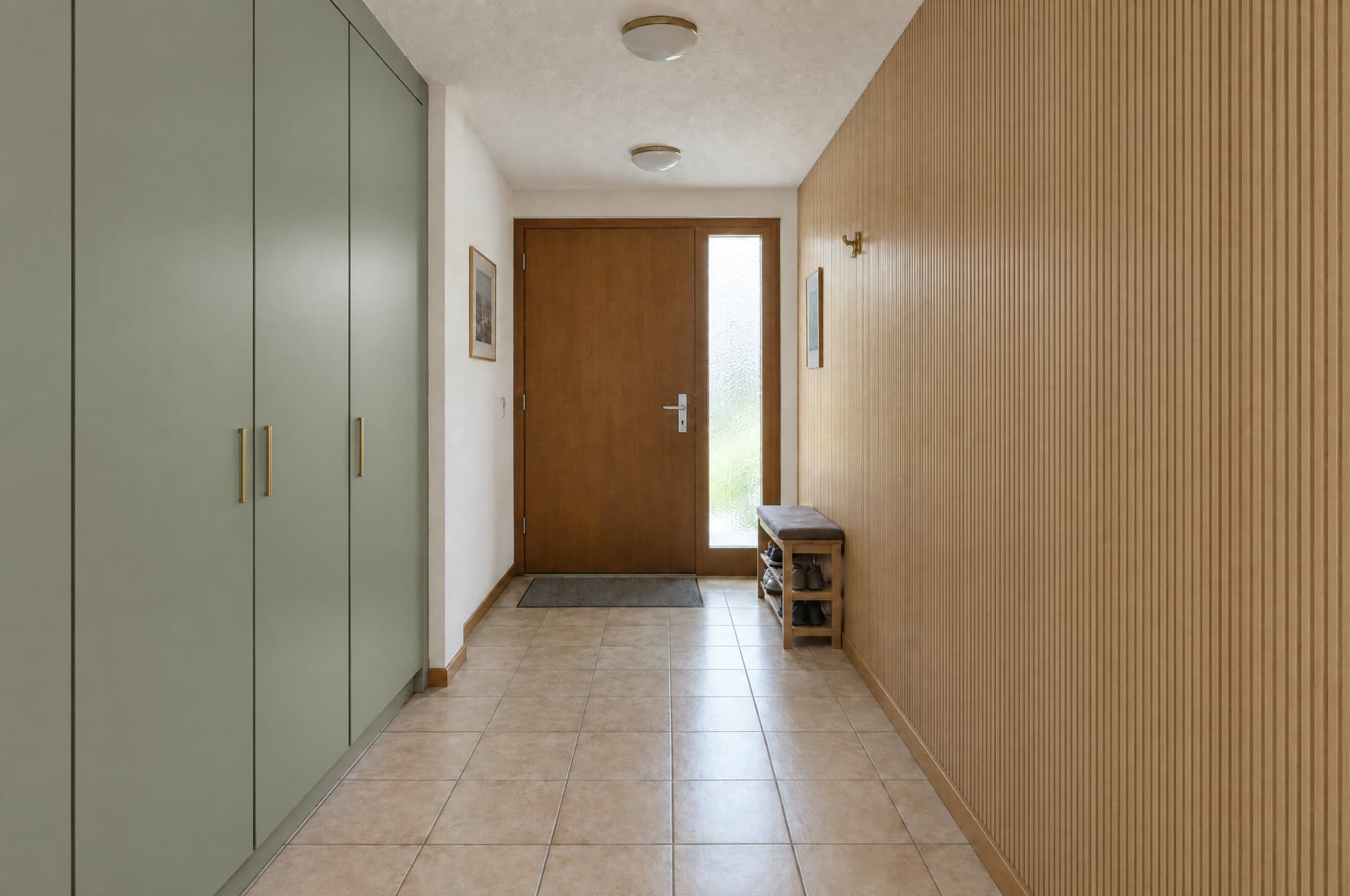 Material and panel manufacturersPut your decor in the room before the order is placed.All industriesEvery trade beform sells for, on one page.
No account, no cost. Edvin replies within one working day.
ExampleBefore Edvin KarlssonPartner